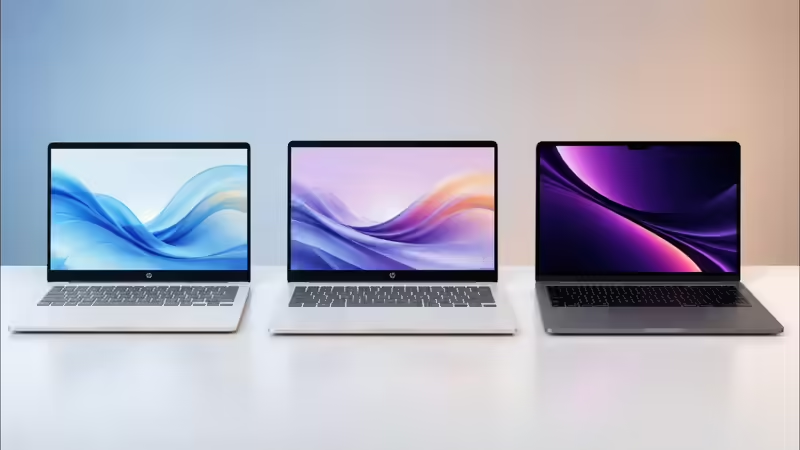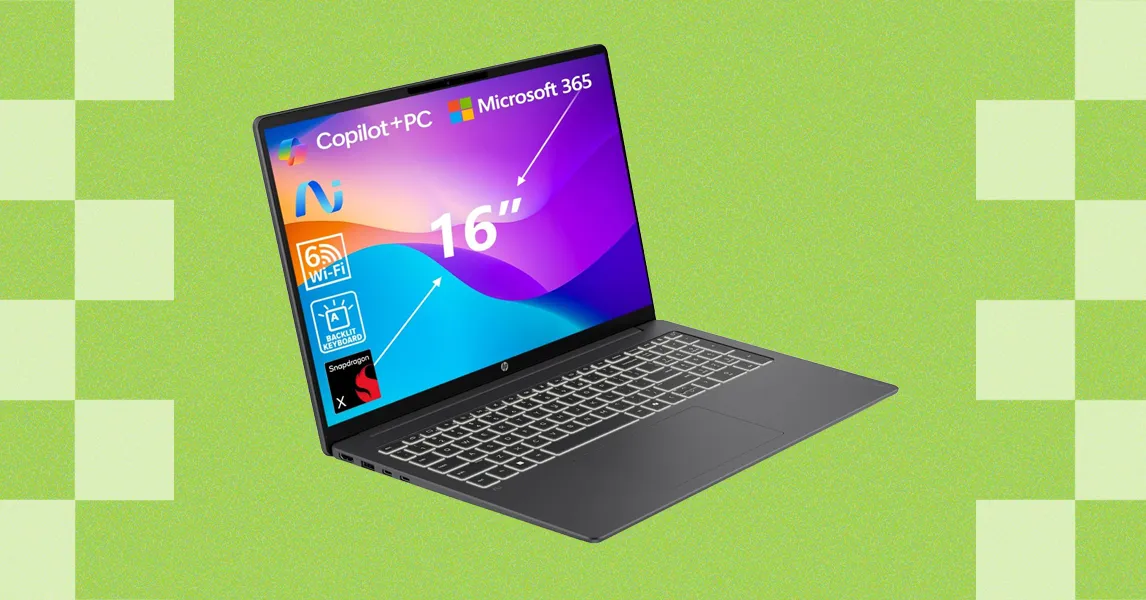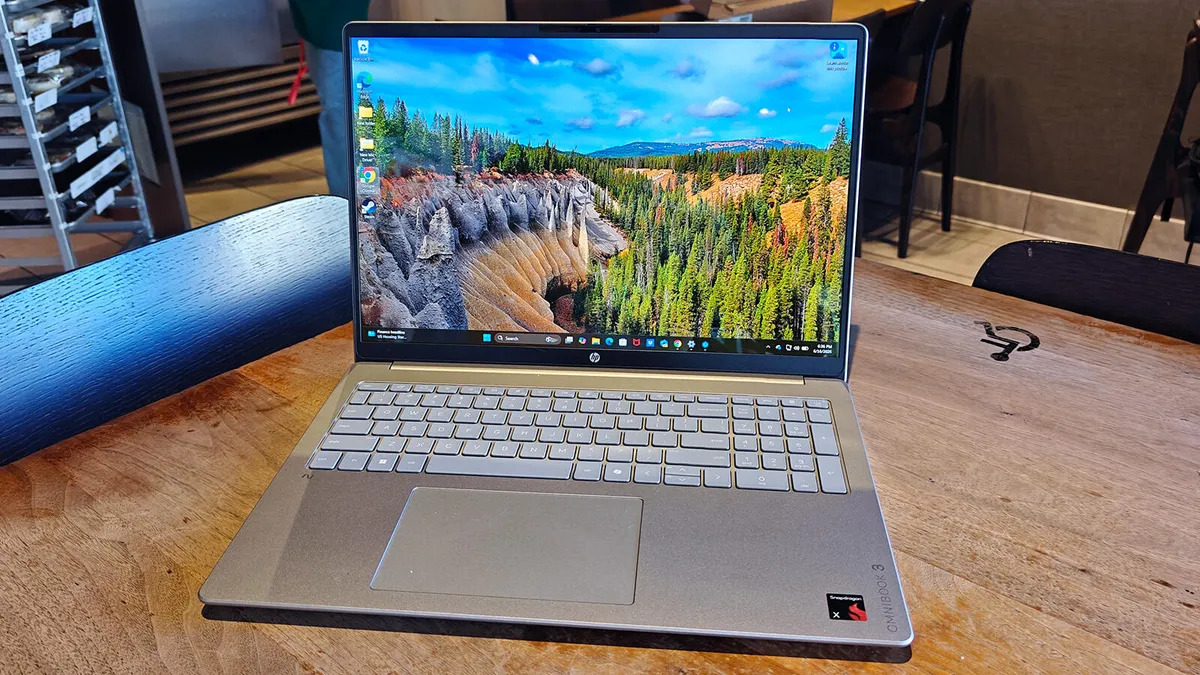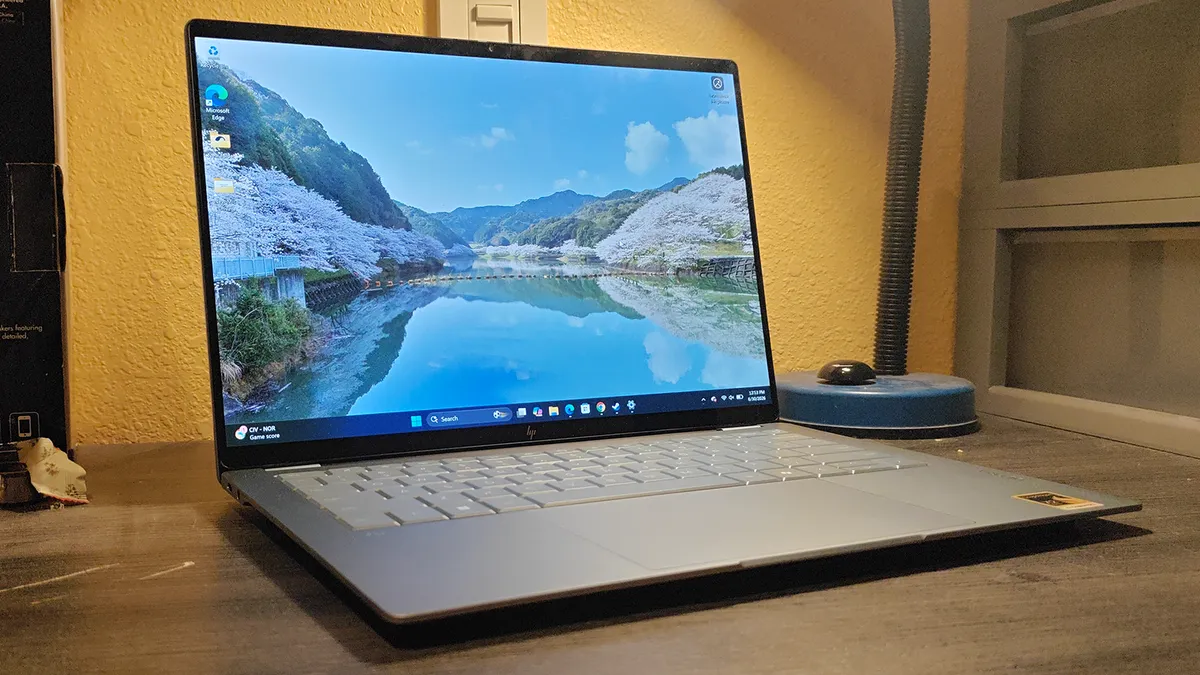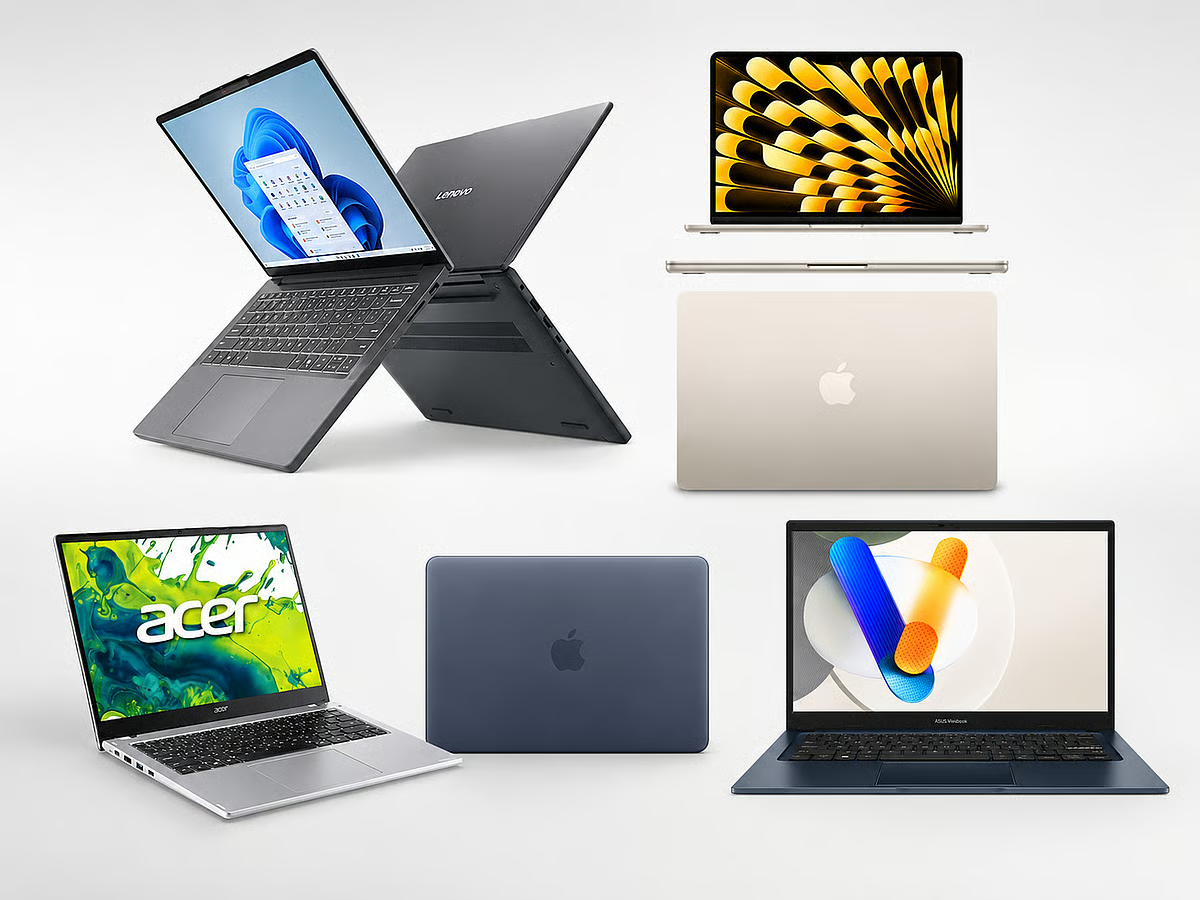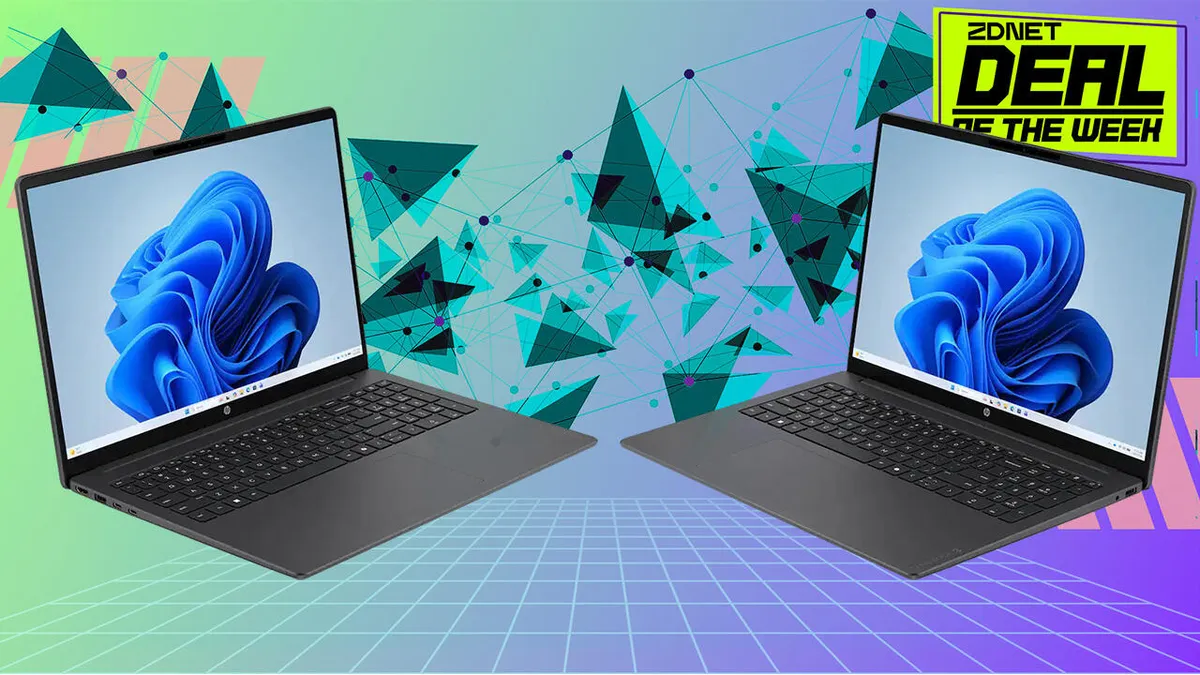
A university laptop is no longer just a digital typewriter; it is a portable lecture hall, a creative studio, a research library, and an entertainment hub all rolled into one. It needs the endurance to handle back-to-back classes, late-night library sessions, and weekend movie marathons without constantly tethering you to a wall outlet. Today, the market offers a diverse array of highly capable machines, each engineered to cater to specific academic workflows and digital ecosystems. To help you navigate the back-to-school tech landscape, we are taking an in-depth look at three popular choices: the HP OmniBook 3, the HP OmniBook 5, and the MacBook Neo. Here is a comprehensive breakdown to help you make an informed decision for the upcoming academic year.Key takeaways:HP OmniBook 5: Powers advanced media creation and heavy multitasking with an OLED display and Copilot+ capabilities, handling demanding academic workloads effortlessly.HP OmniBook 3: Delivers highly dependable daily performance and robust productivity for students, offering an exceptional practical experience for coursework and everyday multitasking.MacBook Neo: Delivers smooth hardware-software optimisation for everyday tasks. Its India starting price rose from Rs 69,900 to Rs 79,900 after Apple's global price adjustment on 25 June 2026, driven by memory-chip shortages.Exploring the options: What does each laptop offer?* HP OmniBook 5 Built for advanced media creation, demanding academic workloads, and heavy multitasking. Supported by an OLED display and Copilot+ features, it provides the performance flexibility needed for visual tasks and complex university software.Trending Stories HP OmniBook 3 Engineered for reliable, all-day campus productivity. It efficiently handles research, document workflows, and everyday multitasking, delivering exceptional practical value for students. MacBook Neo Delivers smooth hardware-software optimisation for everyday tasks and integrates directly with an existing iPhone or iPad. For a student stepping into the macOS ecosystem, this continuity provides a unified digital environment. Display deep-dive Regarding screen technology, the OLED display of the HP OmniBook 5 serves graphic and high-precision needs in many cases, offering excellent contrast and visual fidelity for creative projects. Alternatively, the MacBook Neo features a display that holds up well outdoors, thanks to its brightness capabilities. Quick reference table: Feature HP OmniBook 5 HP OmniBook 3 MacBook Neo Primary focus Advanced media creation and multitasking Dependable campus productivity and research Hardware-software optimisation and continuity Display type High-precision 2K OLED display Sharp high-definition display High-brightness display Key features OLED visual precision and Copilot+ tools Robust daily performance and all-day battery Direct iPhone/iPad ecosystem integration Positioning & value Feature-complete creative performance High-value campus workhorse Entry point into the macOS ecosystem Buyer's guide: Matching laptops to student needsConsider the HP OmniBook 5 if:Visual quality is a priority and you require an OLED display for media consumption or high-precision graphic tasks.You need stronger multitasking headroom and Copilot+ capabilities to manage heavy academic software.Consider the HP OmniBook 3 if:You need a highly capable, reliable machine tailored for campus productivity and everyday multitasking.Dependable day-to-day performance for standard university applications is your primary requirement.Consider the MacBook Neo if:An iPhone or iPad is already a central part of your daily workflow.You prefer the hardware-software optimisation of the macOS platform for your daily academic tasks.Frequently asked questionsQ1: What are the primary differences between the HP OmniBook 3 and MacBook Neo for college use?The HP OmniBook 3 is engineered for robust campus productivity, seamlessly handling research and document workflows for students looking for exceptional practical value. The MacBook Neo, starting at Rs 79,900, focuses on smooth hardware-software optimisation tailored for students who require direct integration with other Apple devices in their ecosystem.Q2: How does the HP OmniBook 5 differ from the MacBook Neo for student workflows?The HP OmniBook 5 is built for advanced media creation and heavy multitasking, featuring an OLED display for high-precision visual needs and Copilot+ capabilities. The MacBook Neo provides a display that holds up well outdoors due to its high brightness, alongside seamless macOS continuity for everyday academic tasks.Q3: How do the AI capabilities and multitasking features differ across these laptops?The HP OmniBook 5 is equipped with Copilot+ features and stronger multitasking headroom, providing the performance flexibility needed for demanding academic software and AI-assisted workflows. The HP OmniBook 3 focuses on reliable, day-to-day productivity for standard applications without requiring premium AI integration, while the MacBook Neo relies on its native macOS environment for everyday optimisation.Q4: How do the display technologies on the HP OmniBook 5 and MacBook Neo compare for daily coursework?The HP OmniBook 5 is equipped with an OLED display that serves high-precision visual needs, offering excellent contrast and visual fidelity for creative projects and media consumption. The MacBook Neo features a standard display designed to hold up well outdoors, utilising its brightness capabilities for clear visibility when studying outside or commuting.*Editorial Note: The laptops featured below are categorised based on their features and student use cases. This list is not a ranking or direct comparison.Disclaimer: This article has been produced on behalf of HP by Times Internet’s Content Collective team.end of article
Choosing your ideal student laptop: A guide to the HP OmniBook 5, HP OmniBook 3, and MacBook Neo
The HP OmniBook 5 powers advanced media creation and heavy multitasking with its OLED display. The HP OmniBook 3 offers dependable daily performance and robust productivity for students. MacBook Neo provides smooth hardware-software optimisation for everyday tasks and ecosystem integration. Its India starting price rose after Apple's global price adjustment on 25 June 2026. These laptops cater to specific academic workflows and digital ecosystems for the upcoming academic year.
817 words~4 min read