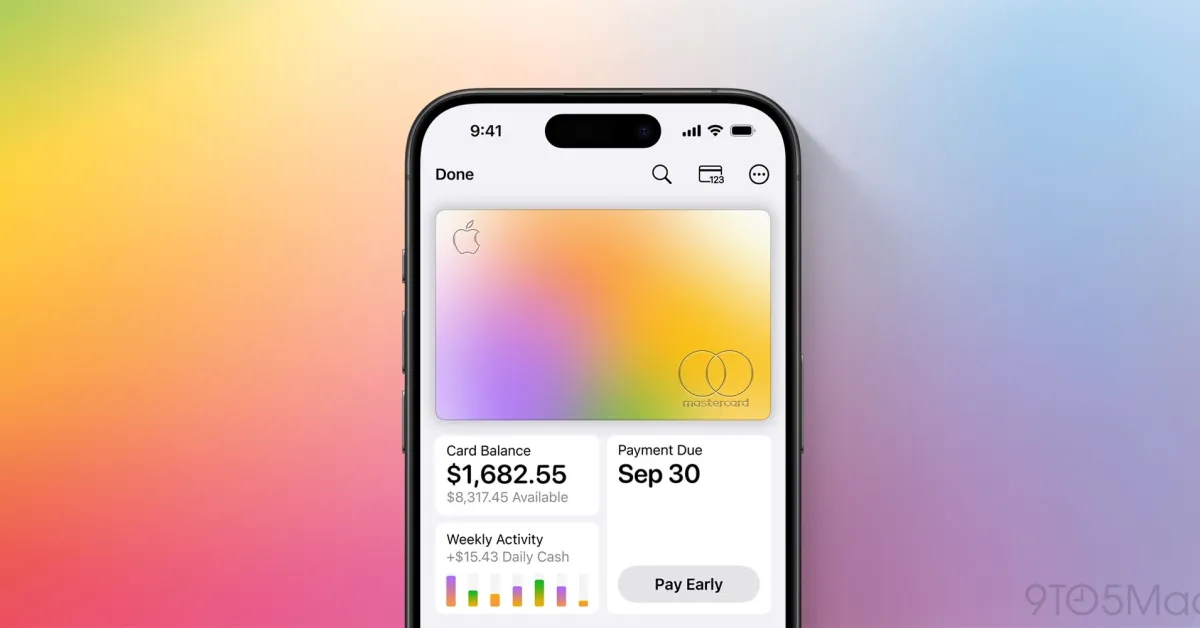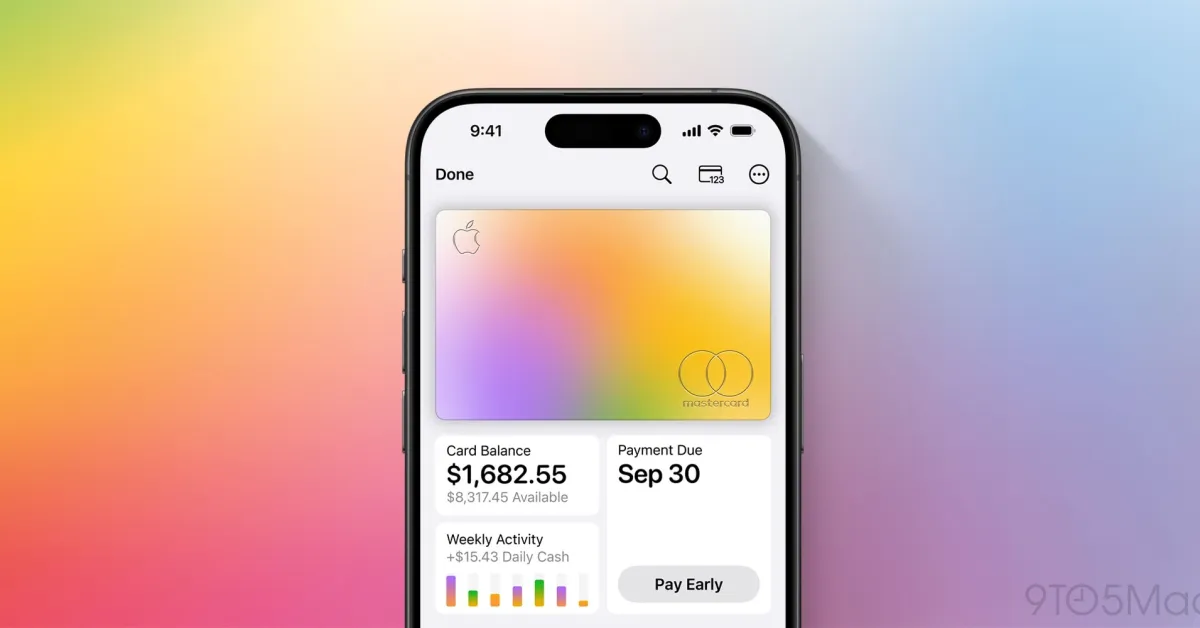
Apple Card launched seven years ago this month, and it keeps getting better. There are new features, perks, rewards, and more. Plus, there’s one major change looming.
Here’s everything new with Apple Card lately.
iOS 27: Recurring transactions
As my colleague Ryan highlighted last month, iOS 27 adds a really useful new “Recurring” feature to the Wallet app for Apple Card. You can find the “Recurring” hub by tapping the three-dot menu in the top-right corner.
In this menu, you’ll see a list of upcoming recurring transactions that are set to be charged to your Apple Card. This includes the date and the amount of the expected transaction. In addition to viewing the transactions as a list, you can also see them on a monthly calendar view.