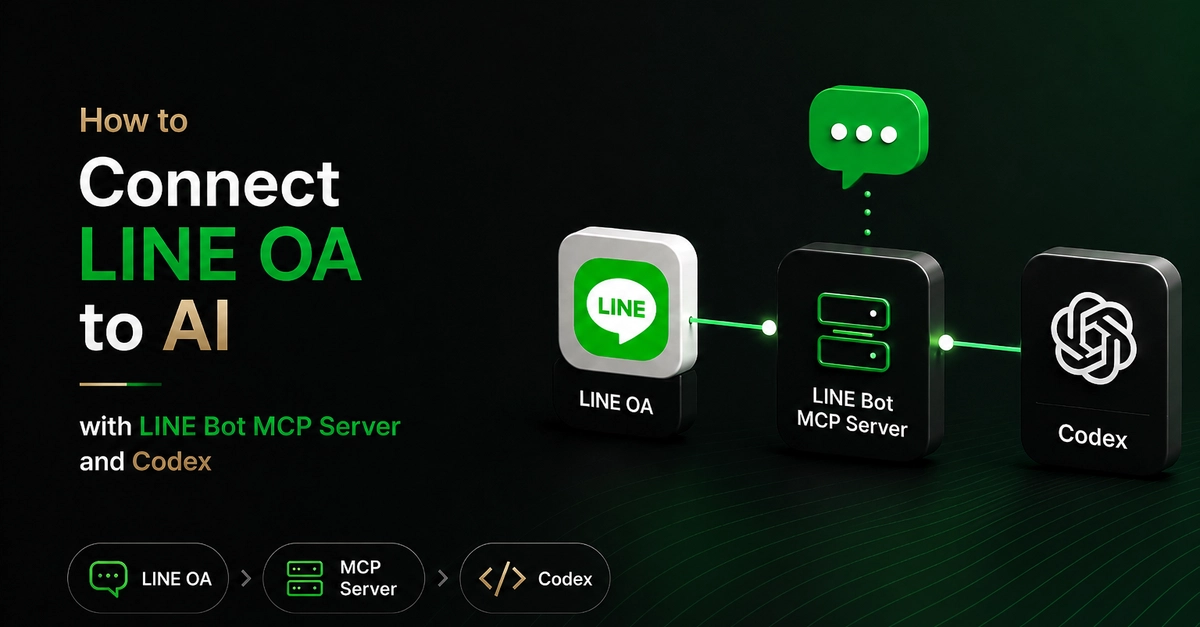
LINE published an official MCP server for its Messaging API, which means an AI agent can now drive a LINE Official Account directly — sending messages, broadcasting promotions, and pushing Flex Message cards without writing any API code.
I set it up with Codex and worked through every capability the server exposes, from creating a fresh account to delivering a message to a real phone. This guide is the result: a complete walkthrough, and an honest account of the three places where the documentation and reality diverge.
Key takeaways
MCP is agent-agnostic. The same LINE server works with Codex, Claude Desktop, and Cline — only the config file format changes, from TOML to JSON.
Codex stores MCP config in TOML, at ~/.codex/config.toml. Most guides assume the JSON format used by Claude Desktop, which is the single most common setup mistake.