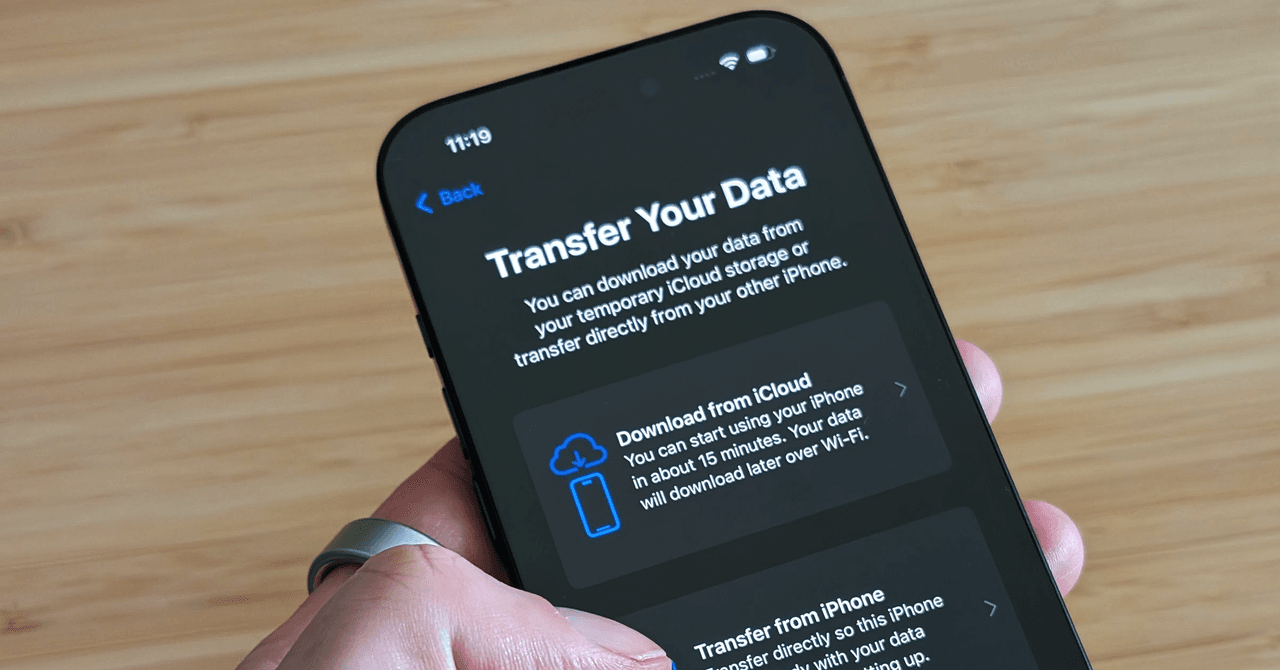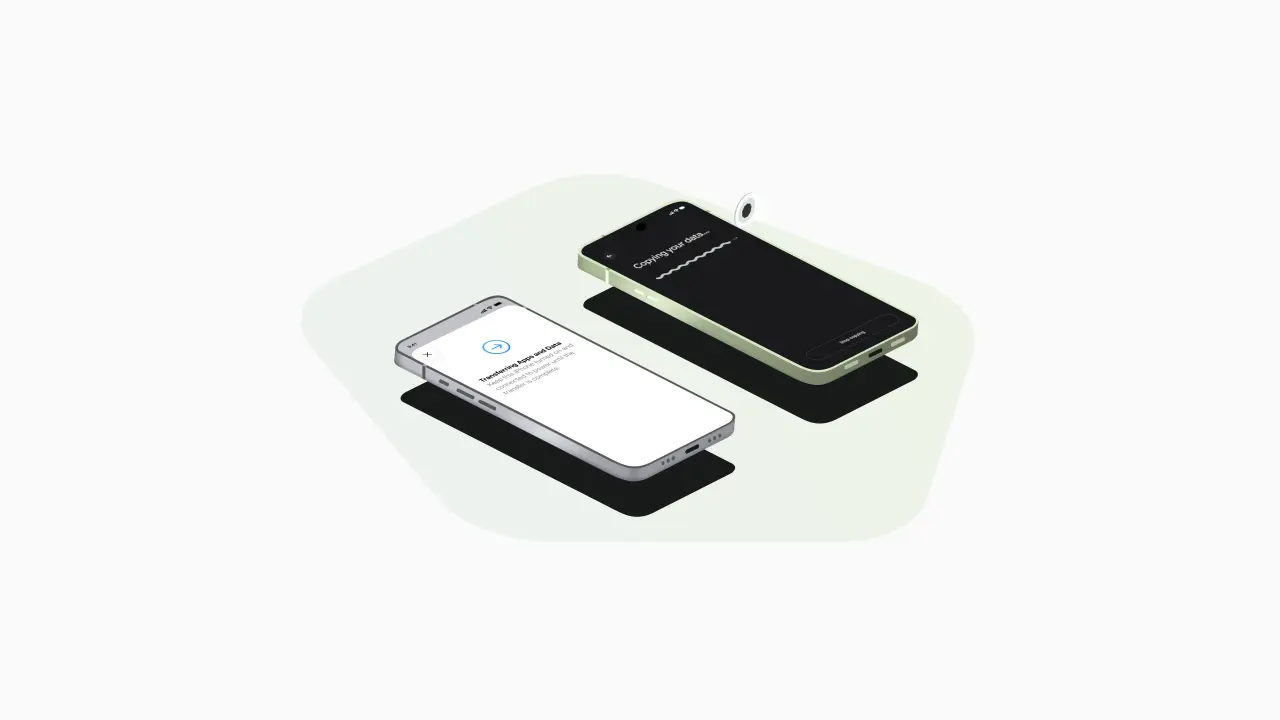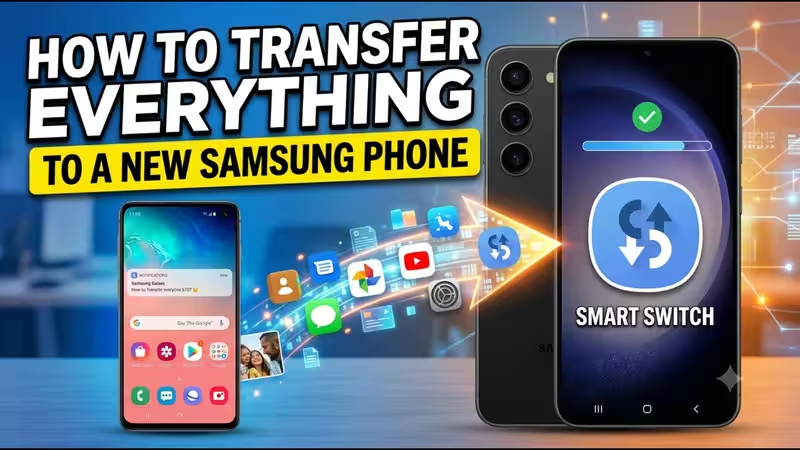
How to Transfer Everything to a New Samsung Phone Using Smart SwitchSamsung Smart Switch is your go-to tool for seamless data transfer, facilitating the effortless movement of photos, contacts, messages, and settings to your new device. It accommodates transfers from Samsung, Android, and iPhone platforms alike. Whether you choose a wireless connection or a USB cable, Smart Switch guarantees an easy transition, ensuring all your digital content remains intact.A new Samsung phone is an amazing experience, but what to do about photos, contacts, WhatsApp chats, and all the other accumulated data on the old one? Luckily, Samsung have thought about that, as they offer a built-in solution for this exact scenario. It is called Switch, and it comes preinstalled on every Galaxy device, ready to quickly and easily transfer all the data to your new phone, be it Samsung, another Android phone, or even an iPhone. Let’s go over all the details and explain how to use it.About The AuthorAshna is a content writer who focuses on making everyday choices easier and smarter. With a strong eye for detail and a natural sense of what works in real life, she creates content that feels honest, relatable, and genuinely helpful. She is a geek for writing stories around fashion, beauty, and influential products, while bringing the same depth and detail in reviewing tech products and gadgets of day-to-day use.
How to Transfer Everything to a New Samsung Phone Using Smart Switch
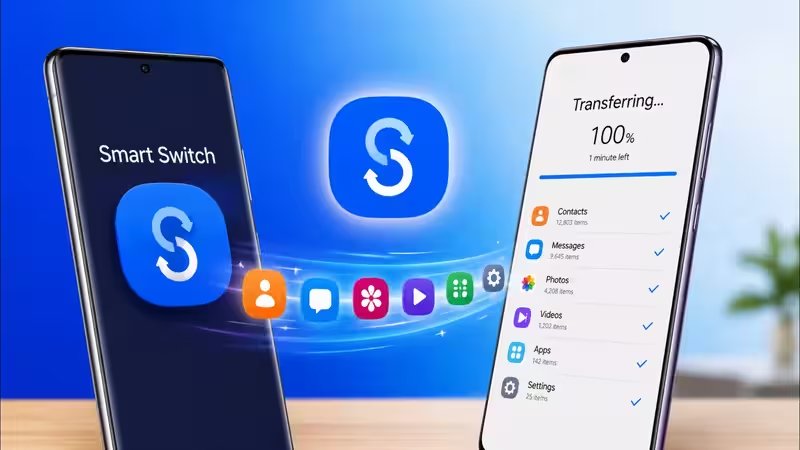
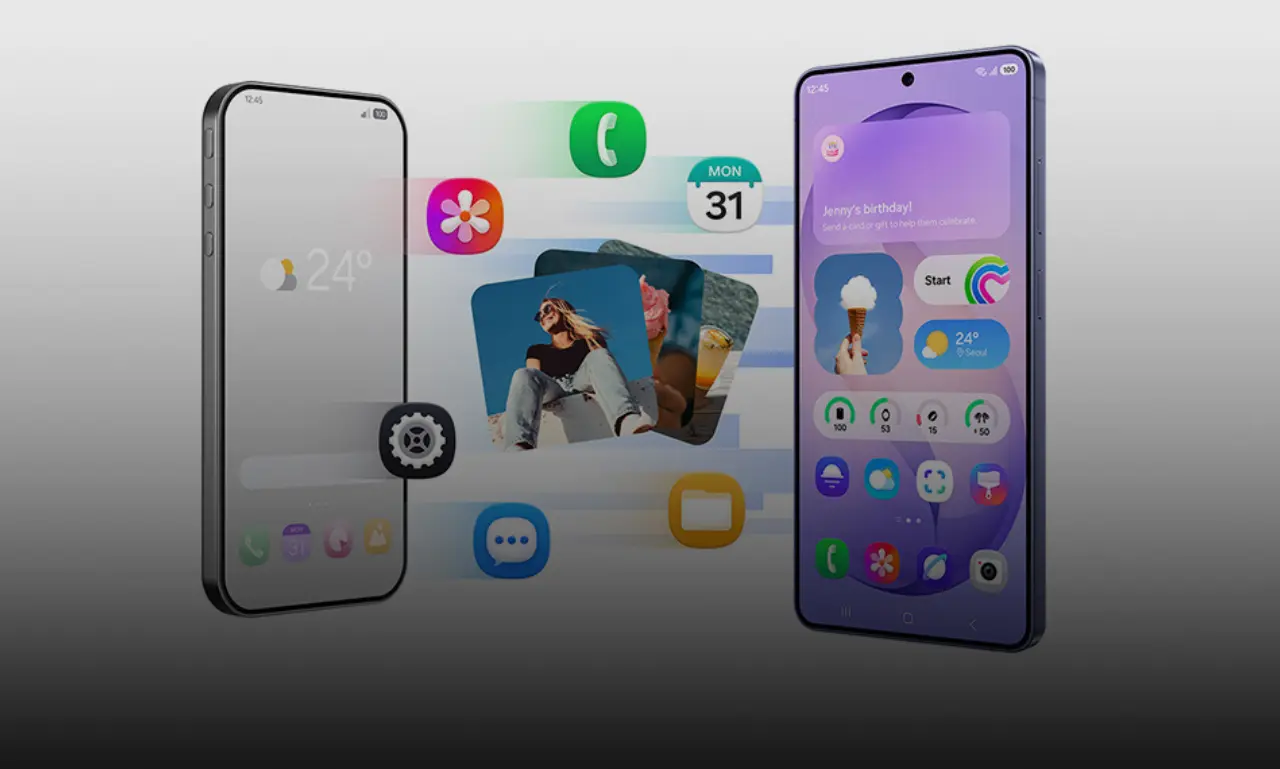
Samsung Smart Switch is your go-to tool for seamless data transfer, facilitating the effortless movement of photos, contacts, messages, and settings to your new device. It accommodates transfers from Samsung, Android, and iPhone platforms alike. Whether you choose a wireless connection or a USB cable, Smart Switch guarantees an easy transition, ensuring all your digital content remains intact.
1,276 words~6 min read