(Image credit: Getty Images/Mariia SHalabaieva)
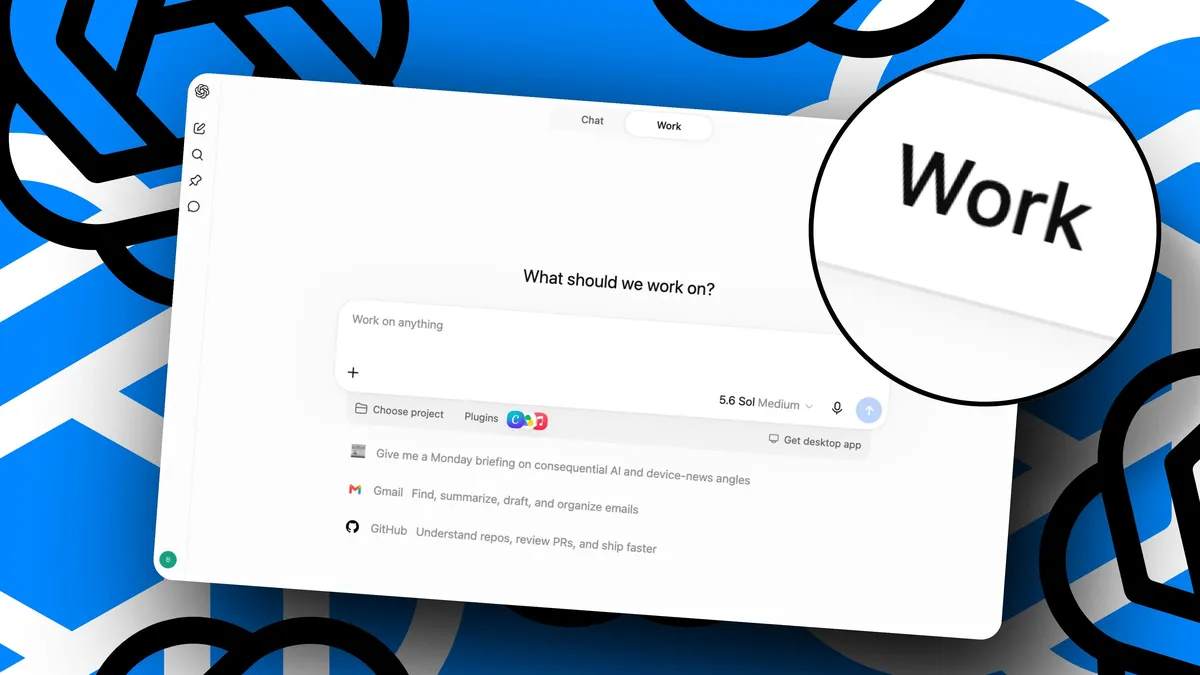
Explaining a task to ChatGPT sounds simple enough until you actually try to describe all the small decisions you make as you go.You could be preparing a monthly expense report, creating a presentation template or putting together the same spreadsheet every Friday. Even though you know precisely how to carry out these tasks, converting the process by articulating each step requires you to recall the details which you would normally deal with without having to think about them.ChatGPT now has a way to make this easier simply by showing the AI what to do.With Record & Replay in ChatGPT Work, the AI can watch you carry out a workflow on your Mac and then turn what it has seen into a reusable skill. The feature was initially created for Codex but is also compatible with ChatGPT Work.I tried it and was blown away by how easy it is — you really do just show the task once, including the minor preferences that would be hard to include in a prompt, after which ChatGPT prepares a skill that explains when to use the workflow, what information it needs, which steps to follow and how to check that everything has worked. This process makes AI automation much more accessible to people who know what they want ChatGPT to do but have no idea how to create a workflow from scratch.What you need before getting started