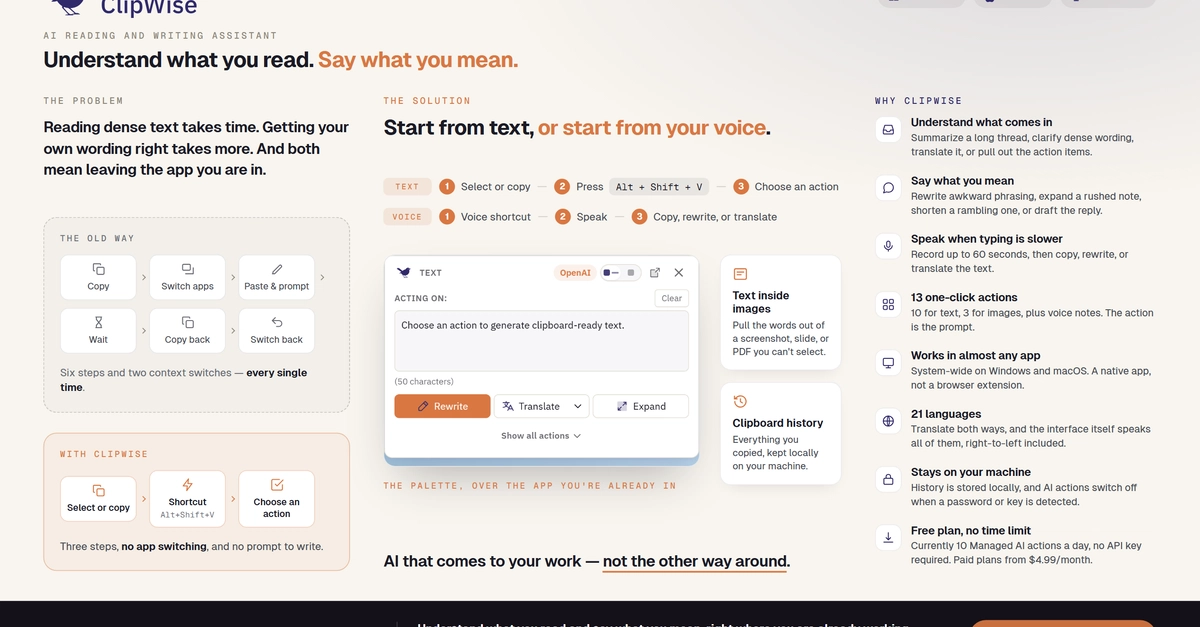
A solo founder's honest look at ClipWise, an AI reading and writing assistant for Windows and macOS, including the things it deliberately doesn't do.
I read and write in English all day, but it isn't my first language. That creates two kinds of friction. Incoming text takes longer to understand, especially when it's dense or unfamiliar. Outgoing messages take longer because I keep checking the grammar, phrasing, and tone before I dare hit send. And sometimes I know exactly what I want to say, but speaking the thought is much easier than typing it clearly.
My fix, for years, was a stack: a grammar checker in the browser, a translation tab, a chatbot for the important emails, an OCR utility for text stuck in screenshots, a speech-to-text app, and a clipboard manager. Each solved one part of the problem. Together they meant several subscriptions, several shortcuts, and a workflow that was mostly switching, prompting, copying, and pasting.
At some point I noticed that almost all of those trips started the same way: with something I had just selected, copied, or wanted to say. So I built ClipWise: an AI reading and writing assistant for Windows and macOS that lives in the system tray or menu bar and works across almost any app. The promise I built it around: understand what you read, say what you mean.