Microsoft updated its Windows PowerToys toolset with a new utility dubbed "Window Hopper" that lets users switch between an app's windows more quickly.
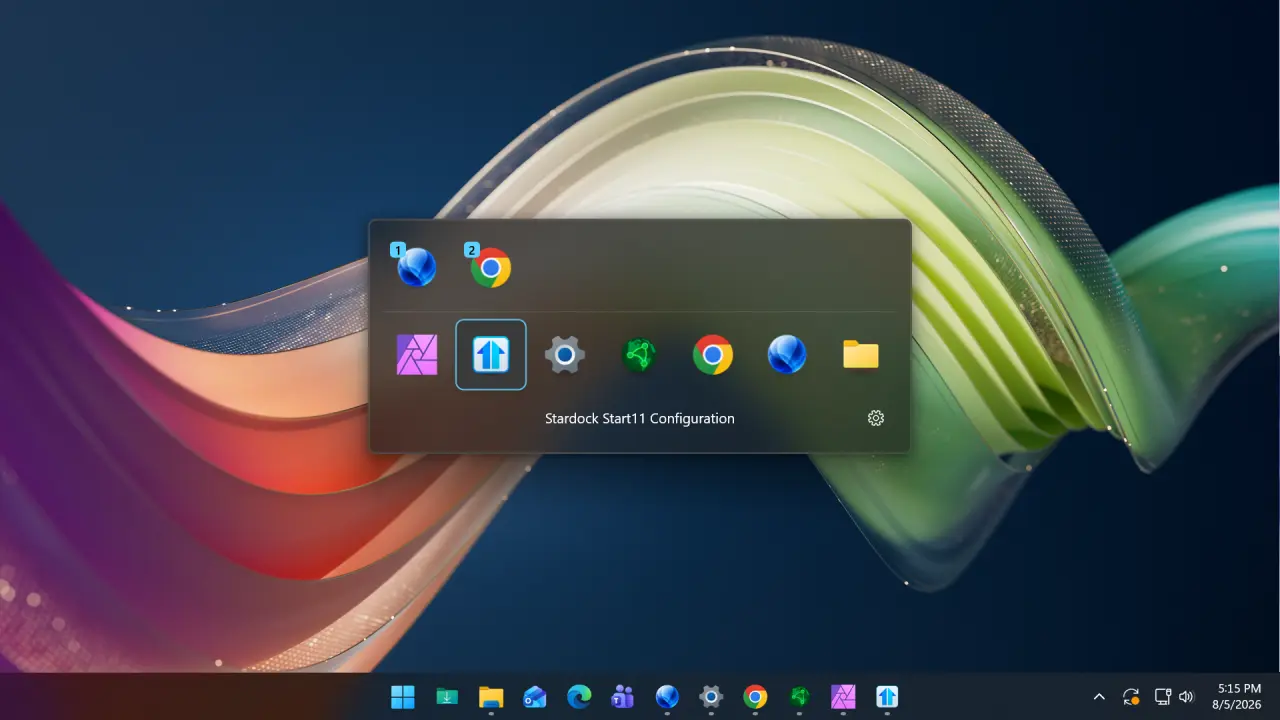
The Window Hopper added in this release works like the standard ALT + TAB Windows feature, but it only works for the currently focused app, helping users switch back and forth between its windows.
"Once the utility is enabled, press the configurable Alt + backtick shortcut to cycle through that app's windows without stepping through everything else on your desktop," Microsoft explains.
"It is especially useful when you're juggling multiple browser windows, terminals, File Explorer windows, or editor instances."
Those who want to customize the default activation keyboard shortcut can also do so in PowerToys settings to switch to the next and previous app window.