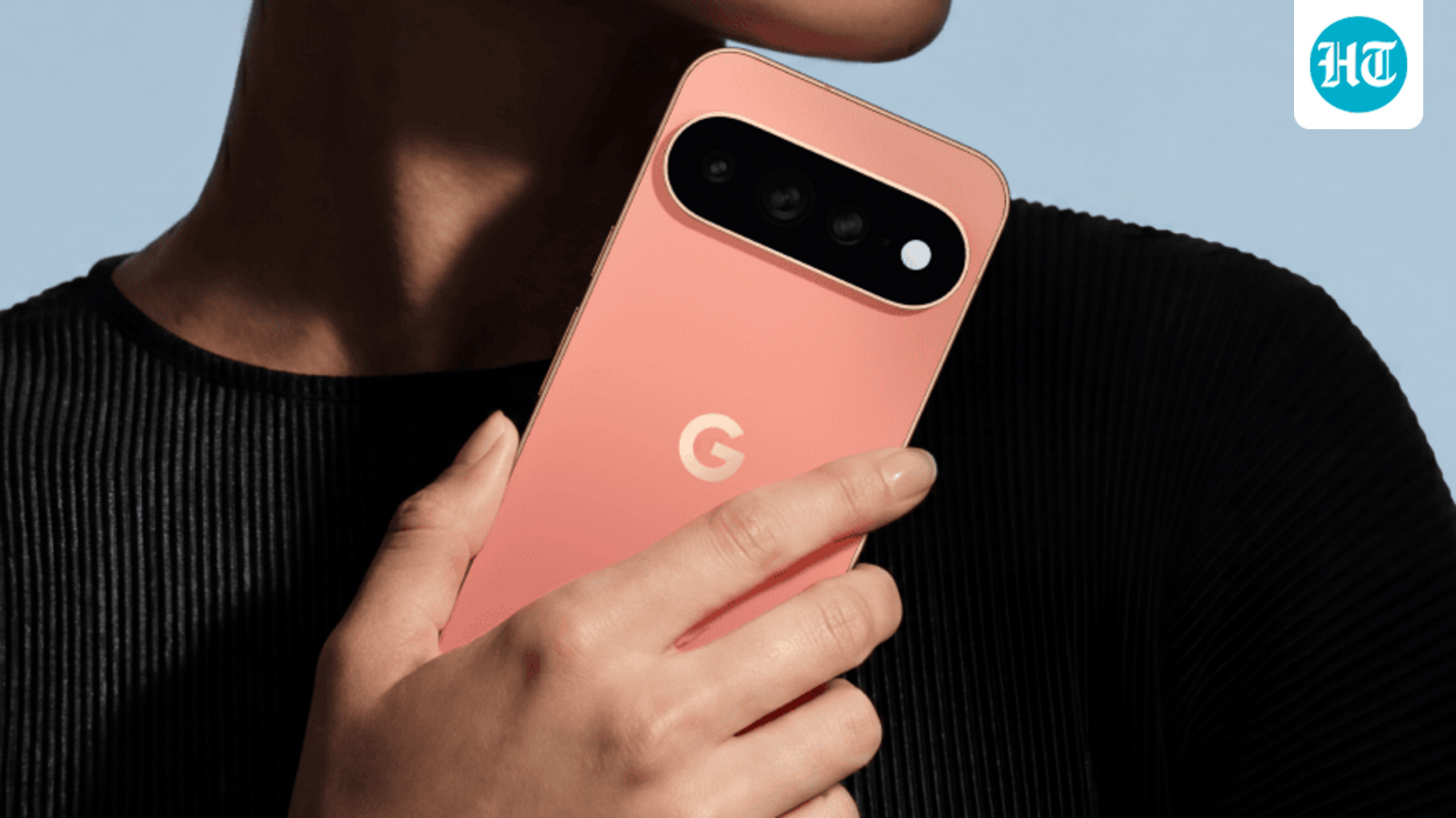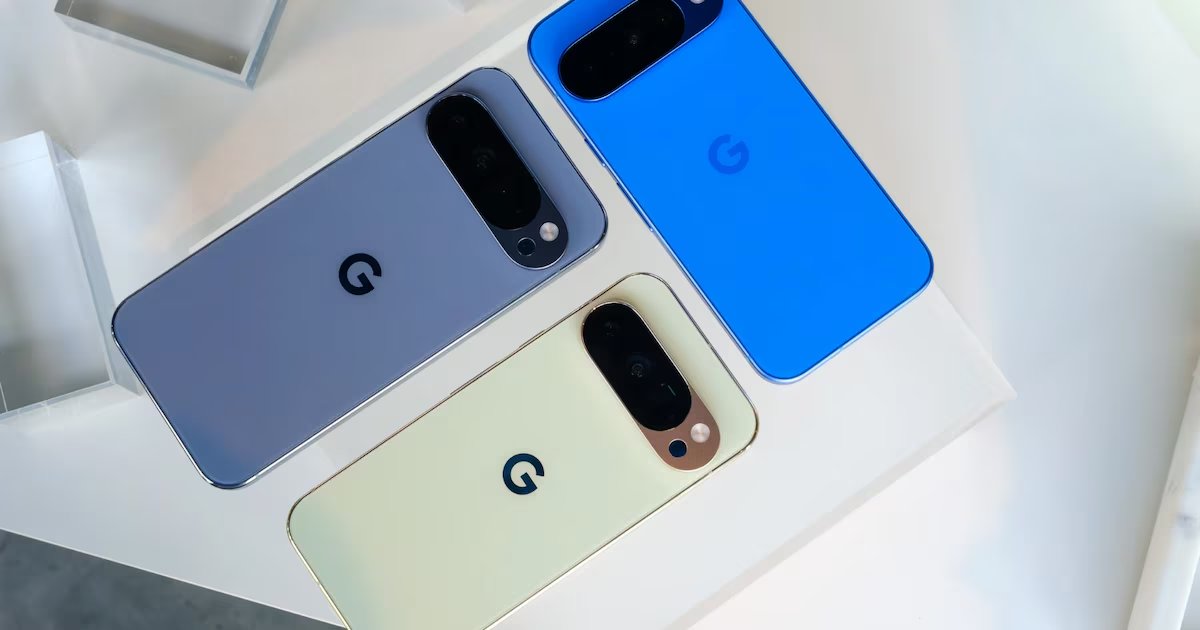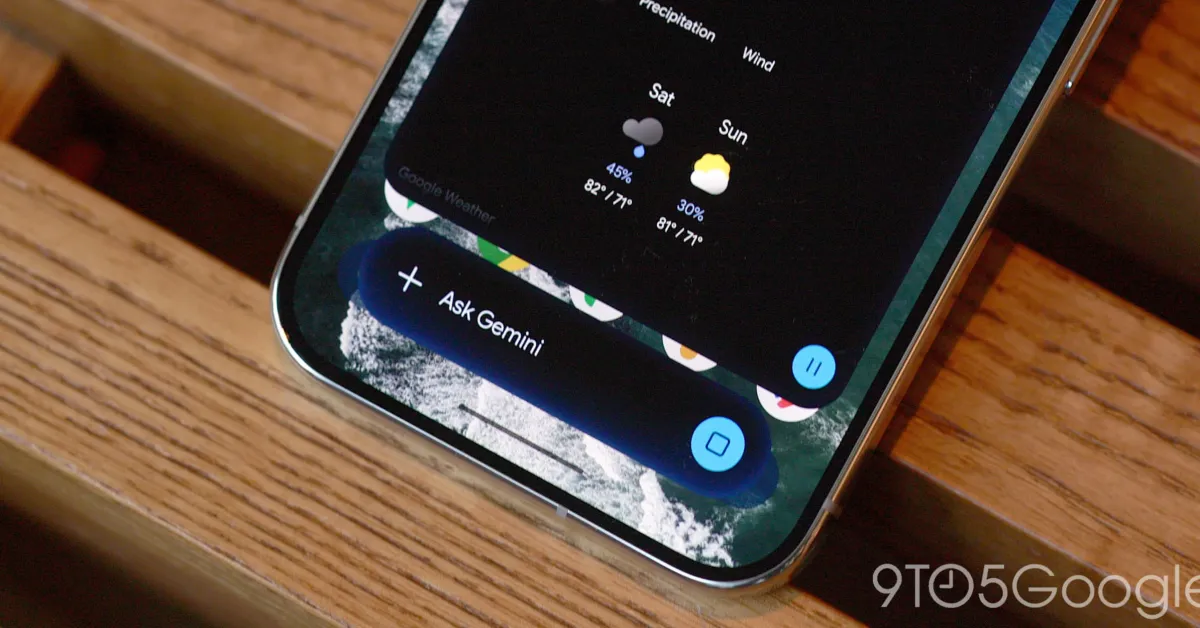
On the Pixel 11 Pro, we’re seeing a new “Device help” tool for the Gemini app that provides personalized and conversational assistance with your phone.
From the ‘plus’ menu inside the Gemini app or through the overlay, there’s a new “Device help” tool at the bottom of the list just above Personal Intelligence.
Badged with the “Labs” label, you can “Get help with your device.” The icon being used matches Proactive Assistance. This “Device Help Agent” can manage settings, help troubleshoot issues, and detail features:
Adjust & customize settings: Change display settings (Dark theme, brightness, screen timeout), sound and vibration modes, Do Not Disturb, and Digital Wellbeing features.
Troubleshoot issues: Diagnose and resolve problems with Wi-Fi, Bluetooth, mobile data, battery drain, audio, or app performance.