Copilot, Microsoft’s generative AI chatbot, can do many things, but one of its best uses is as a researcher, for pretty much anything you want in business or personal use.
If you’re looking for in-depth information, there’s a lot more you can do than type a simple request into Copilot’s search box. Simple prompts can be fine when you’re looking for basic information, but for anything beyond that, you need help. Here are six ways to turbocharge your research with Copilot.
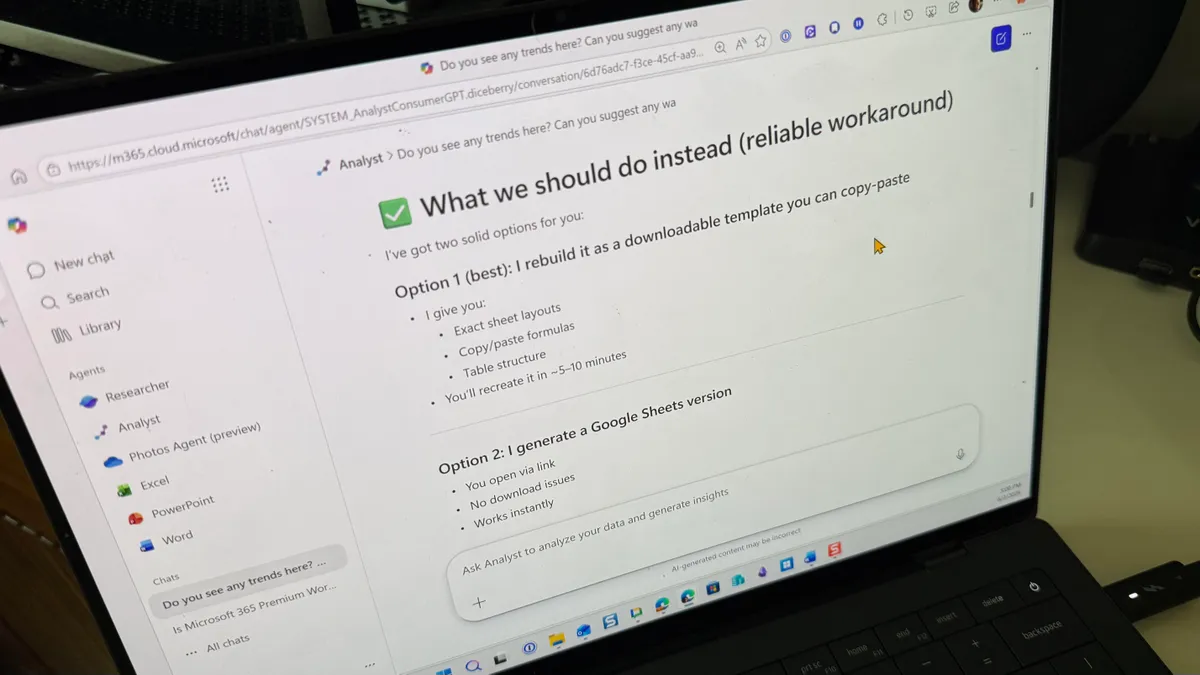
Note that Copilot is available in several places and with varying capabilities. Everyone can use the free Copilot app for Windows, macOS, Android, iOS, and on the web. There’s also Copilot Chat in the M365 Copilot web app, which provides access to more powerful tools under some Microsoft 365 subscriptions. And users with certain M365 subscriptions can use Copilot from within M365 apps like Word.
Business users with an M365 Copilot subscription can use an advanced Copilot agent called Researcher, built for very deep dives into enterprise data, which is then formatted into reports. We’ll cover the Researcher agent in this story, but it’s not something most business users would typically use as part of an everyday workflow.