(Image credit: Tom's Guide)
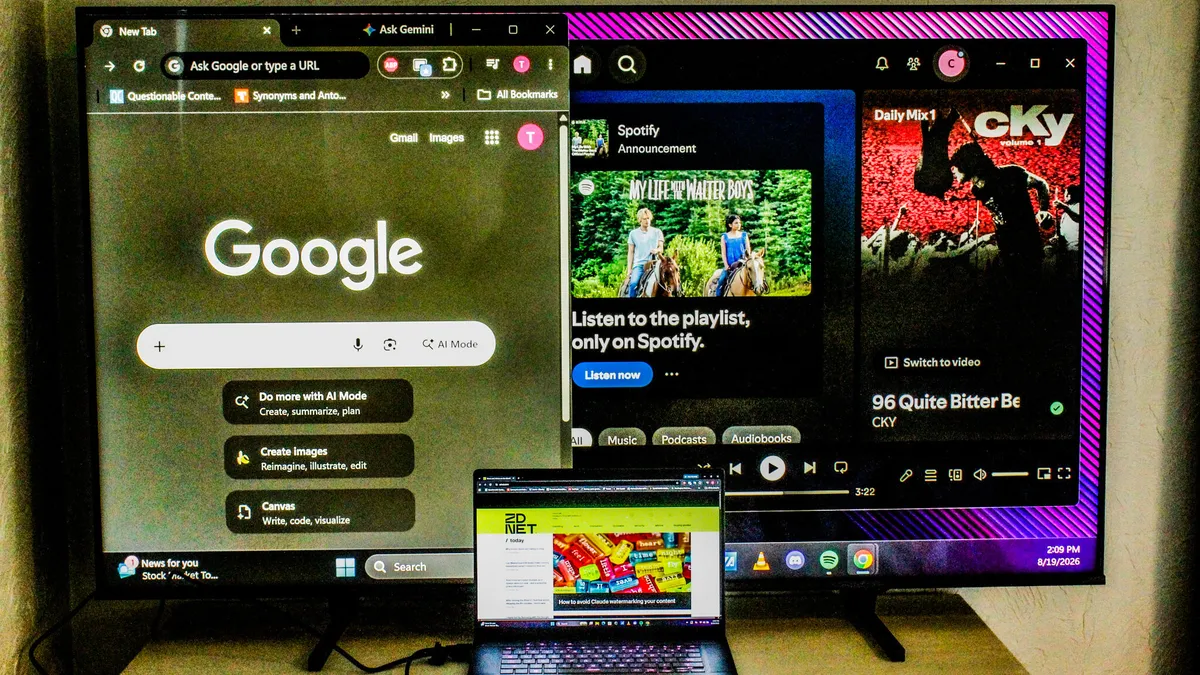
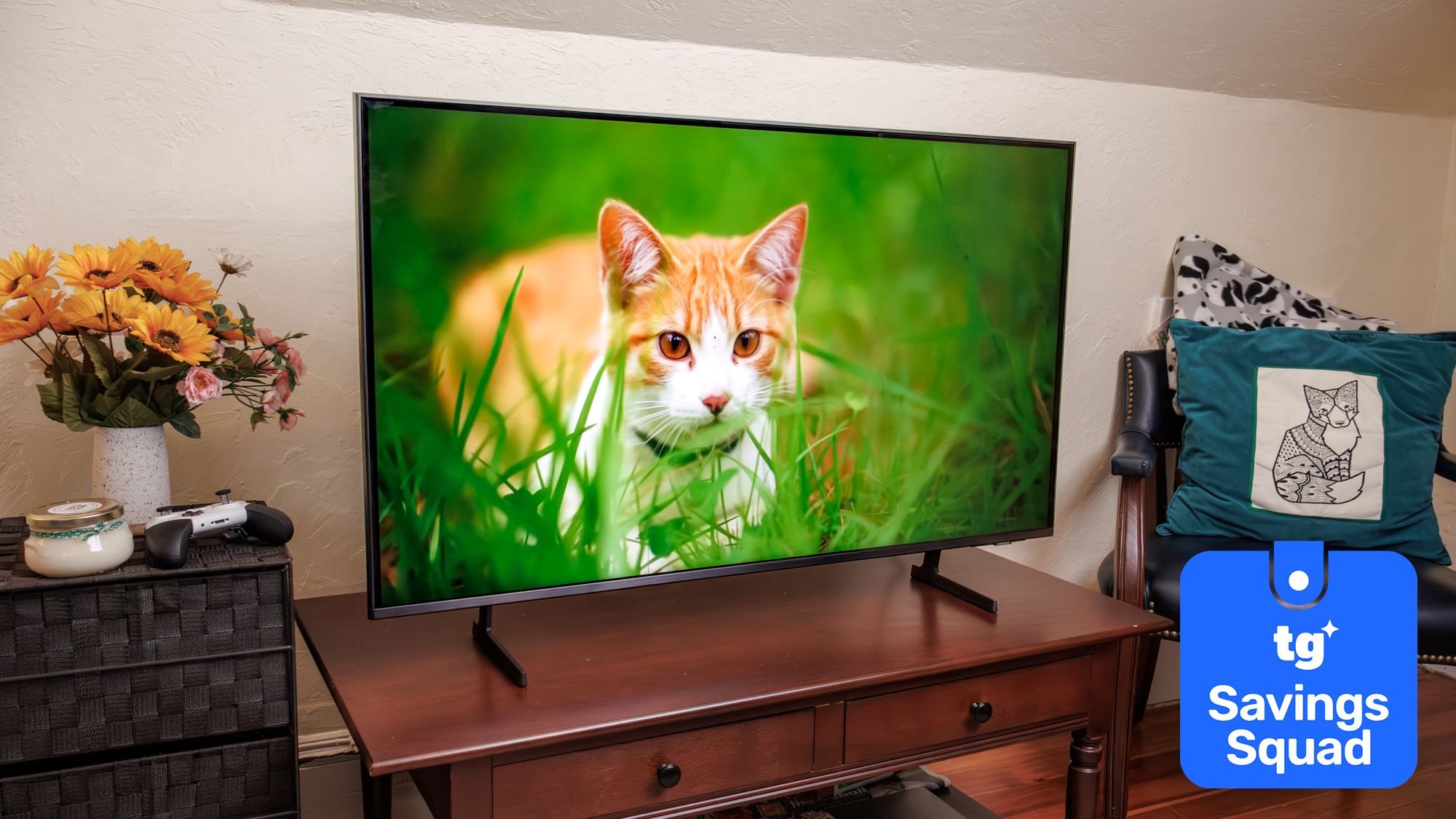
Whether you’re leaving for the first time or heading back to college, packing tech for your dorm room is just as important as the essentials. With space at a premium, it makes sense to get devices that can do double duty. So, if you’re thinking about picking up a TV, I strongly recommend getting a monitor with USB-C connectivity and power delivery instead.At home or in a shared apartment, one of the best TVs absolutely makes sense. But when you’re sharing a cramped dorm room with another person, you don’t have that luxury. While you could squeeze in a smaller 42-inch TV, you won’t have any desk space left for your books, laptop, and everything else.
Best Budget Laptops of 2026 | Mac, Windows, Chromebook, 2-In-1 - YouTube
Watch On
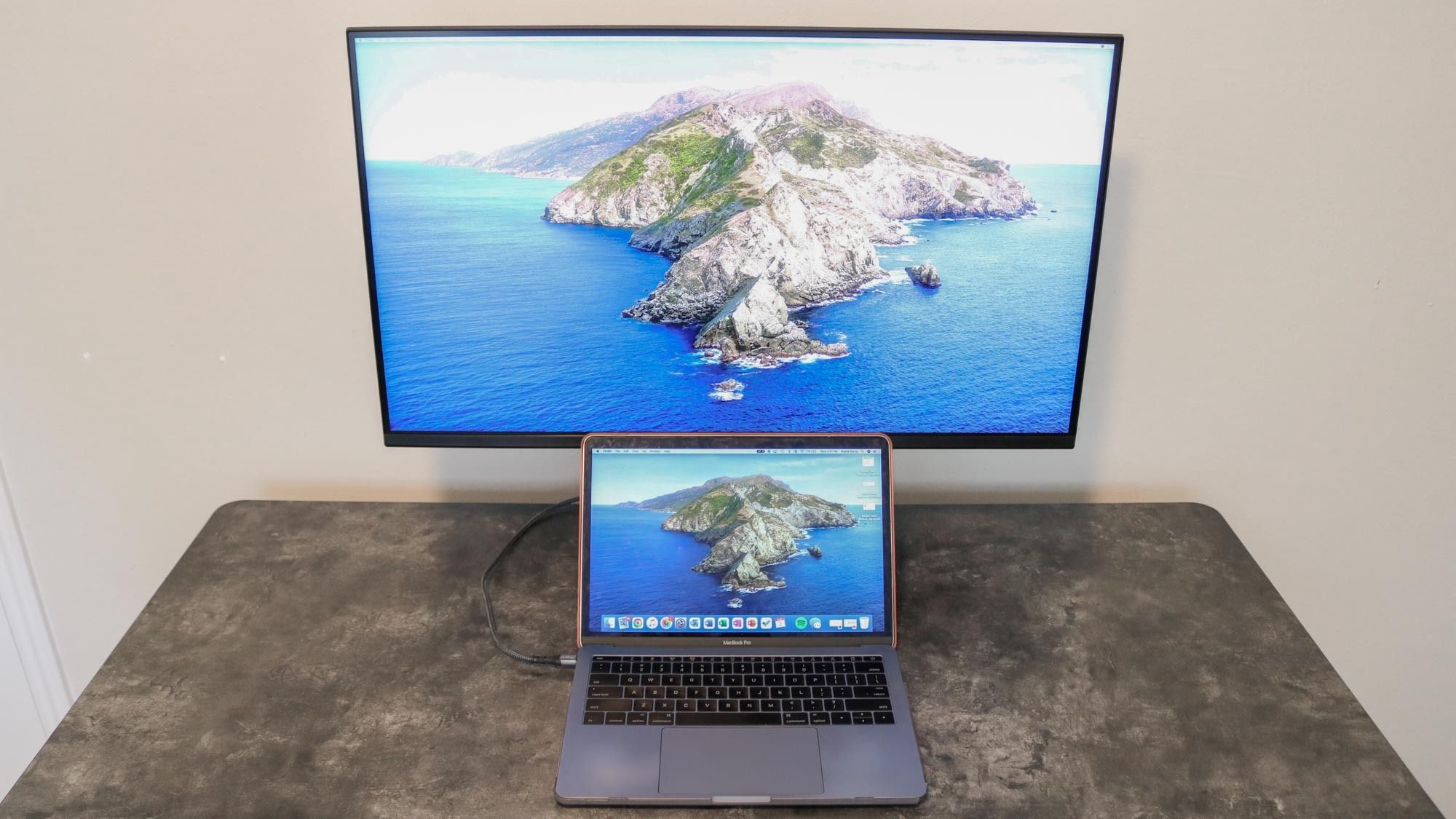
You also won’t be able to wall mount a TV in a dorm, but a monitor gives you far more flexibility. Although you could use the included stand and let it sit on your desk, you can also pick up one of the best monitor arms. With a monitor arm, you free up valuable desk real estate and can easily reposition your display — angling it toward your bed for late-night streaming or toward your chair for studying.These days, there are plenty of great budget monitors out there. Alternatively, you could pick up one of the best monitors with all the extra features — and if you choose wisely, it could easily last until you graduate. Either way, there’s one specific feature I always look for whenever I shop for a new monitor: USB-C connectivity.Do it all with a single cable