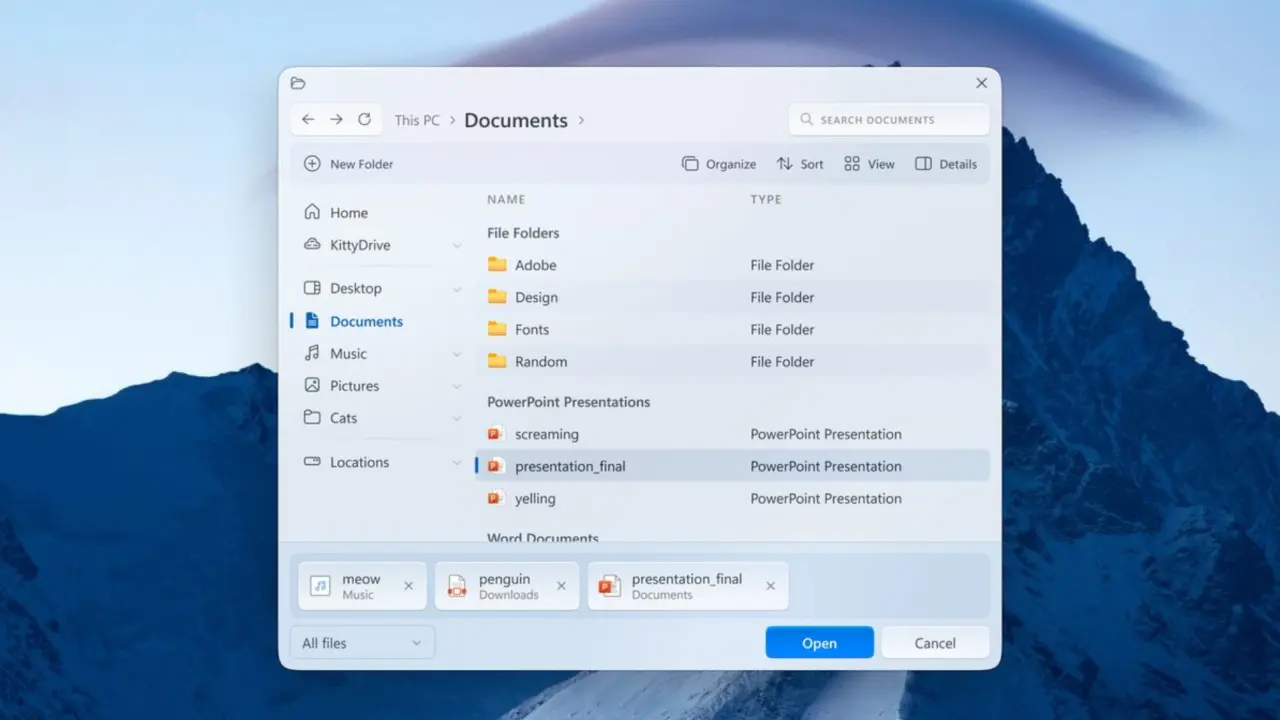
Copying files and folders in Windows 11 is as straightforward as it gets. For most everyday jobs, dragging something from one folder to another in File Explorer is all you need. But Windows also comes with a much more powerful copying tool called Robocopy, and if you regularly move large amounts of data, it can do things File Explorer simply isn’t built for.
Robocopy stands for Robust File Copy, and it has been included with Windows for years. And as is the case with the best of Windows features, it doesn’t have a graphical interface. You run it from Command Prompt or Windows Terminal, give it a source and destination, and then add options that determine exactly how the transfer should work.
At its most basic, the command looks like this:
robocopy C:\Source D:\Destination
That alone isn’t particularly exciting. What makes Robocopy useful are all the different commands you can add to make copying files more advanced. Robocopy works with a plethora of parameters. These are the most important ones: