(Image credit: Future)
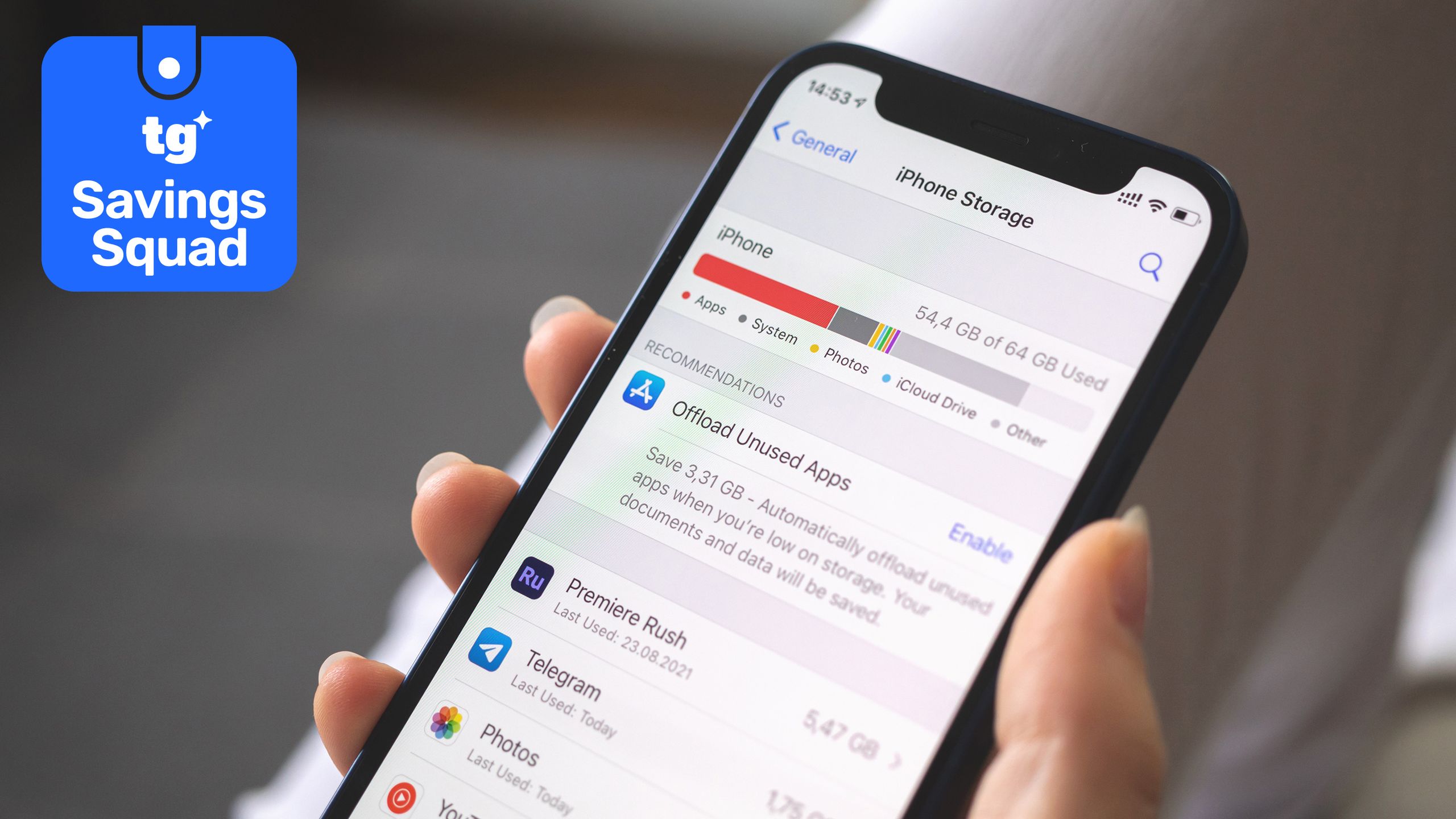
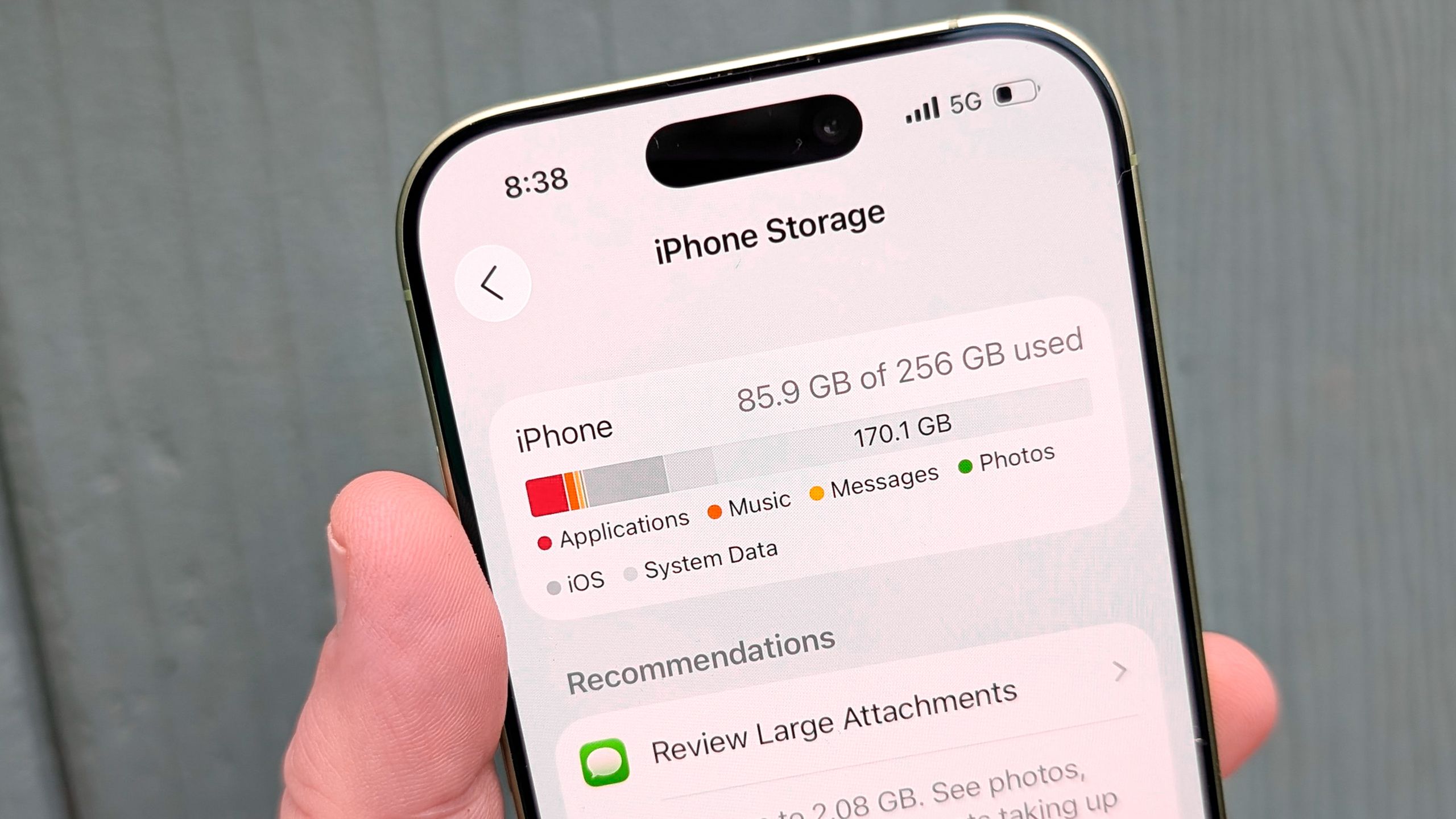
When that dreaded "Storage Almost Full" warning pops up, most of us panic-delete apps or scramble to erase our favorite memories. We assume our devices are bloated simply because we take too many photos or record too many long videos.However, managing phone capacity is rarely as simple as wiping out your camera roll, and blindly deleting items often fails to free up the space you actually need.A recent poll of Tom's Guide readers reveals a surprising story about how our devices actually fill up: we are almost evenly divided on what causes the issue.While 42% of voters blame thousands of photos they refuse to delete, an almost identical 41% are losing space to hidden app cache accumulating in the background.
(Image credit: Tom's Guide)Meanwhile, forgotten downloads and old games quietly consume the remaining storage. You do not need a brand-new phone with extra gigabytes to solve this problem. You just need to tackle these four storage traps in order. Here's how to do it.How to reclaim your phone's storage
1. Tackle the photo vault
Photos and videos are the single biggest storage drain, making up 42% of responses, but you do not have to delete your memories to fix it. Both iOS and Android let you offload original files to the cloud while keeping lightweight previews on your device. On an iPhone, head to Settings, Apps, tap Photos, and turn on Optimize Storage. On Android, open Google Photos, tap your profile icon, and run the Free Up Space tool. These native features push the heavy files into cloud storage, giving you gigabytes back in seconds without losing access to a single photo.