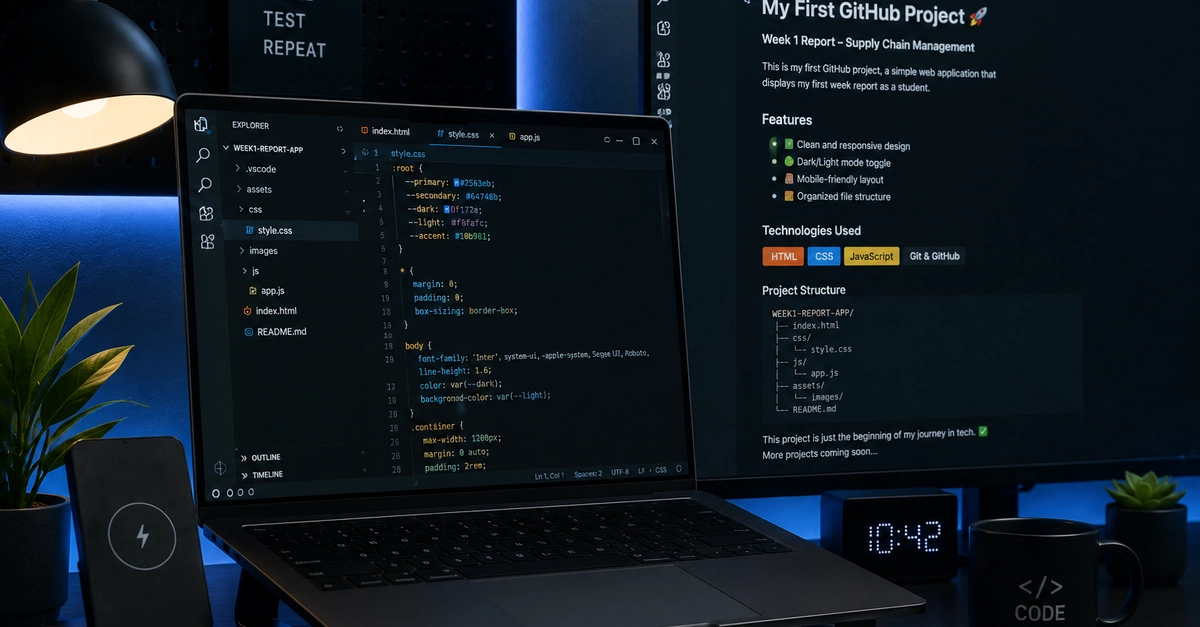
My first week at LuxDev Academy as a beginner in the tech field was awesome since all tutors gave us hands on tutoring , we covered installation of apps and understanding coding languages. For today I'll cover git workflow and all its components .
Version control can feel overwhelming when you first star writing code or managing data projects and for tools like git , they're designed to track changes in your projects over time using commands like git_add, git_commit, and git_push often feel like magic spells rather than logical steps.
To master or understand git you only need to understand the stages a file goes through during construction wich is :
1.The Working Directory
This is where you do the work and it consists of the actual files on your computer's files system inside your project folder. In her when you create a new file or modify an existing code those changes only exist on your working directory, meaning git only notices that changes have occurred but it doesn't track or save them automatically and for that to happen we use git status