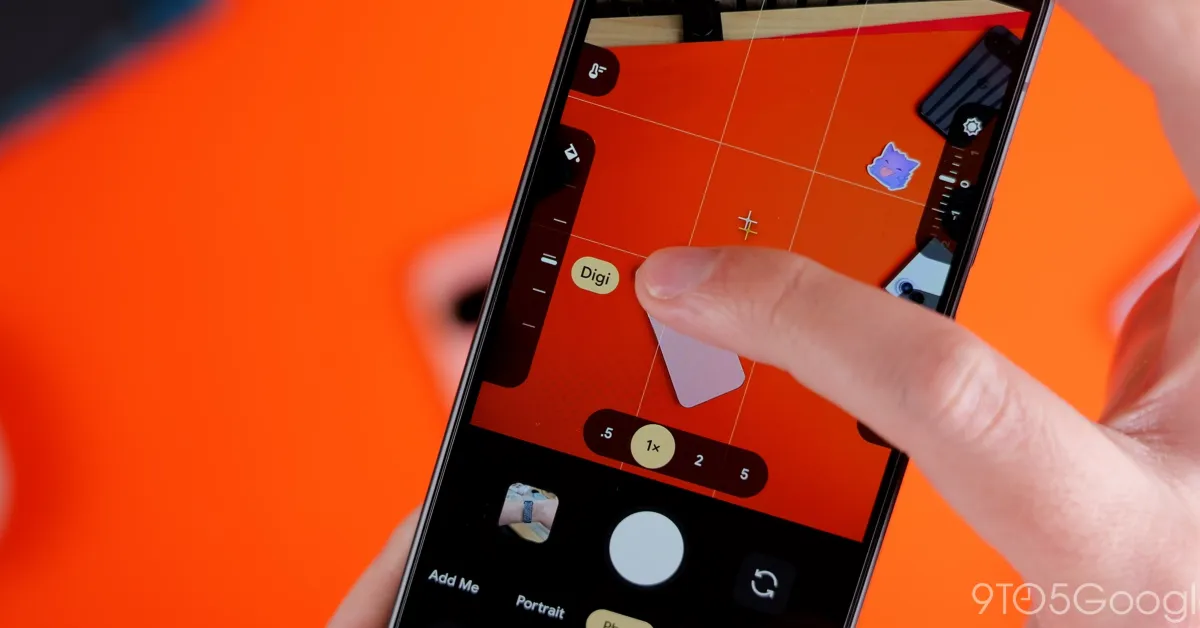
The Google Pixel camera app is adding new “Quick access” controls on the Pixel 11 series, but it’s a little annoying that not only are they disabled by default, but the way you use them isn’t the most intuitive thing either.
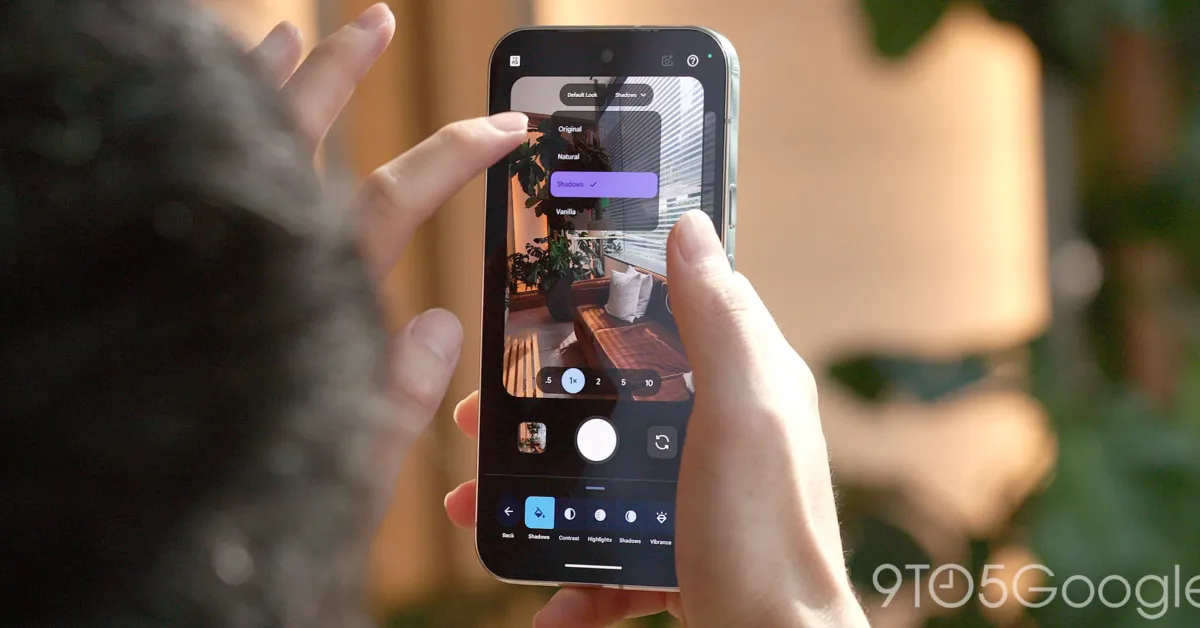
“Quick access” already existed in the Pixel camera app before, arriving back in 2024. But, with the Pixel 11, Google has redesigned the feature. Instead of large slider bars, they appear as slider dials, showing two on each side of the display. These are customizable in layout through the camera settings (found on the overflow button on the setting on the left side of the UI – yes, it’s a bit convoluted) and can include “Looks” on Pixel 11.
Notably, the feature was disabled out of the box on our Pixel 11 devices, but your results may vary.
Also new on the Pixel 11 is a “Launch mode” setting, which lets you open the camera app straight to video mode or to Magic Capture. The default is still photo, and this setting appears right next to the slider settings.
Going back to “Quick access,” the sliders themselves aren’t always visible. Instead, you need to tap the screen to get them to show up. A little annoying if you ask me, but also a little unintuitive as there’s no indication these sliders exist until you tap. It’s hard to think of another way this could be implemented, but perhaps a simple toggle to have the sliders show all of the time, maybe even in a condensed state.