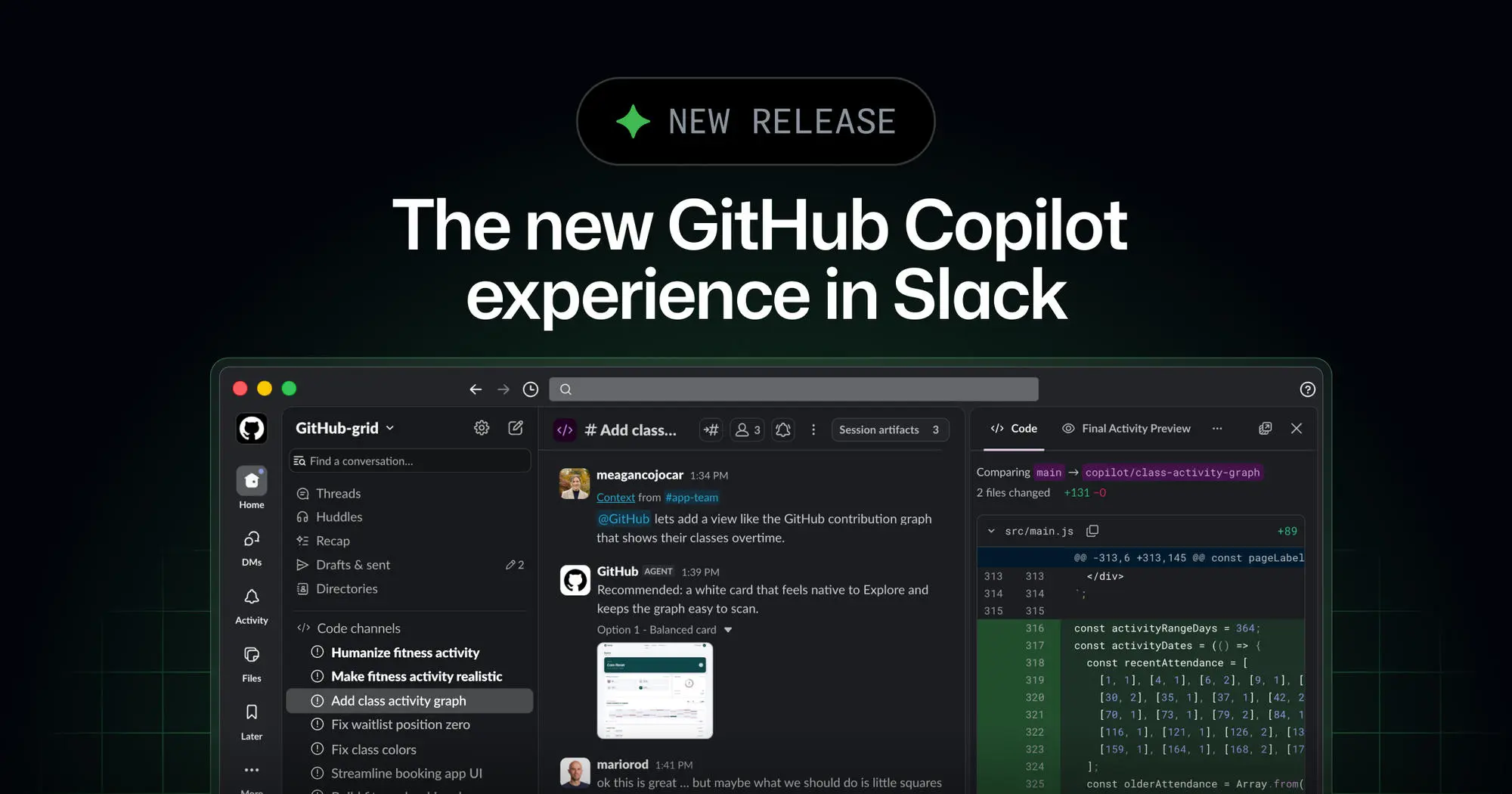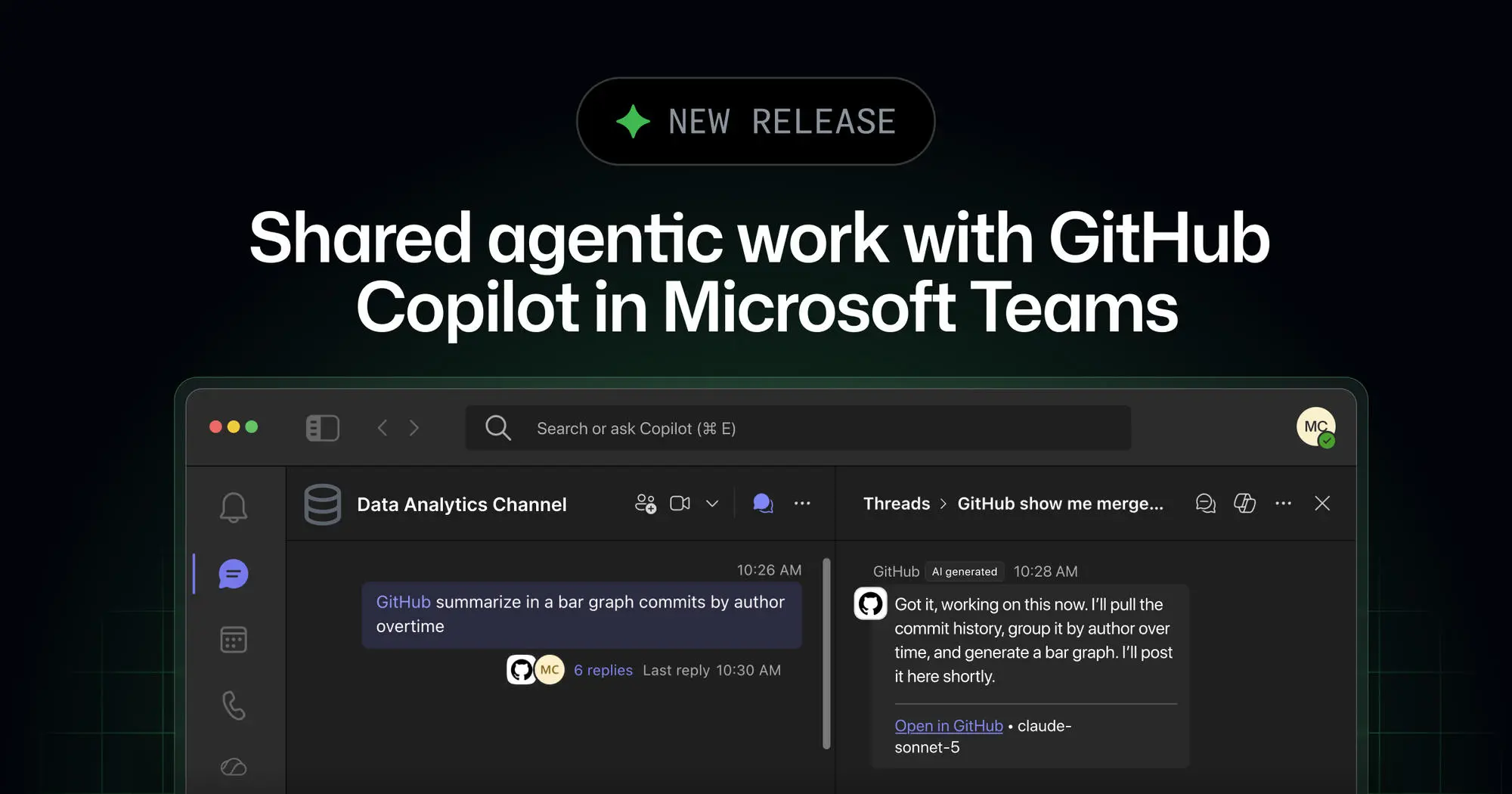
Turn a Microsoft Teams discussion into a collaborative agent session everyone can see and help direct. Mention @GitHub in a channel, thread, or direct message to start a GitHub Copilot cloud agent session. Anyone in the conversation can ask questions, add context, and help plan or steer the work. Participants with write access to the repository can trigger Copilot to make changes.
Turn meeting decisions into ready work
When a meeting produces an action item, hand it to Copilot during a discussion or before it ends. For example, ask Copilot to investigate a problem while you discuss it in your team’s standup and start resolving it. Copilot creates a dedicated code channel where everyone can monitor progress and add context. After the code channel is created, you can continue steering the session there.
Continue work across GitHub Copilot surfaces
Start a task from Teams and let Copilot work asynchronously in a secure cloud sandbox. Follow progress in the code channel, then continue working with the agent-generated artifacts from your terminal, the GitHub Copilot app, or your preferred IDE. For more information, see our documentation about cloud sandboxing.