Since June, developers have created thousands of third-party OAuth apps on Cloudflare, with more than a million authorizations since. OAuth makes delegated access possible. It lets applications act on a user’s behalf without asking them to handle long-lived credentials or hand over a password. That model works well when an application can describe its access needs with a small set of scopes. Developers use OAuth for SaaS integrations, internal tools, CLIs, and agents. Our permission model has become more granular over time to support better scoping of these different workflows. That is great for security, but it makes a purely all-or-nothing consent screen hard to justify.Cloudflare OAuth already allows clients to request a subset of their configured scopes. But once the client made that request, the user could not narrow it any further on the consent screen. For the user on the consent screen, the experience was still an all-or-nothing one. If an application requested more access than a user was comfortable granting, their only options were to approve the full request, or deny outright. MCP servers are a good example of this. An MCP server might request a broad set of permissions, because in theory an agent could use all of them. But most users would not want an agent to have that much access. Before this feature, the only way to handle this was for the app developer to build a custom scope selection screen before sending the user to our consent flow.Today, we’re introducing OAuth scope customization. Client owners can mark specific scopes as optional when configuring an OAuth client, giving users the ability to grant a narrower subset of an application’s requested access at authorization time.The OAuth spec already allows authorization servers to grant a narrower set of scopes than what was requested. We built on top of that flexibility to make this work cleanly for every existing app.More control, without overwhelming usersOur goal with introducing scope selection is to give security conscious users more flexibility to make the right choices for their use case, without turning the consent screen into a long scope checklist. With scope customization: Developers can mark specific scopes on an OAuth client as required or optionalAt authorization time, users can deselect optional scopes from the requested setRequired and optional scopes are evaluated against the scopes requested for that authorization flowIf no optional scopes are requested, the consent experience stays the sameBy default, the consent screen still grants the full requested scope set. Scoping to the authorization requestOne important detail is that required and optional scopes are evaluated only against the scopes requested in a specific authorization flow, not every scope configured on the client. That matters because OAuth clients do not always request their full configured scope set.For example, a client might be configured with user-details.read, workers-scripts.write, workers-kv-storage.write, and zone.read, while marking workers-kv-storage.write and zone.read as optional. If that client starts an authorization flow requesting all four scopes, the consent screen will evaluate all four. In that case, user-details.read and workers-scripts.write remain required, while the user can choose whether to grant workers-kv-storage.write and zone.read.But if the client later requests only workers-scripts.write and zone.read, then only those two scopes are considered for that authorization flow. user-details.read and workers-kv-storage.write would not be shown or enforced, because they were not requested.This keeps the consent screen focused on the task at hand, rather than every capability the application could request. It also means existing OAuth clients keep their current behavior by default: if a client does not opt into optional scopes, the consent flow remains unchanged.Configuring an OAuth client to use optional scopesDevelopers can opt into scope customization when configuring an OAuth client. Scopes continue to be configured as they are today, and clients can now additionally specify which of those scopes are optional: curl "https://api.cloudflare.com/client/v4/accounts/$ACCOUNT_ID/oauth_clients" \
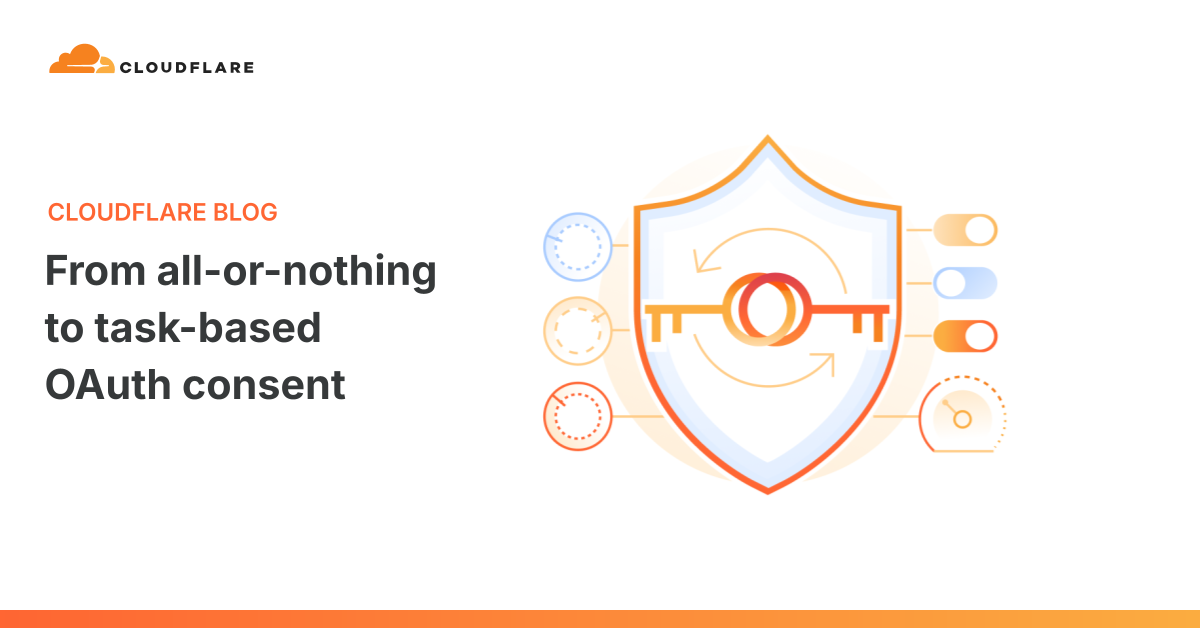
From all-or-nothing to task-based OAuth consent
Cloudflare OAuth now supports optional scopes, giving users more control over what an app can access and helping developers build secure consent flows around the task at hand.
1,047 words~5 min read