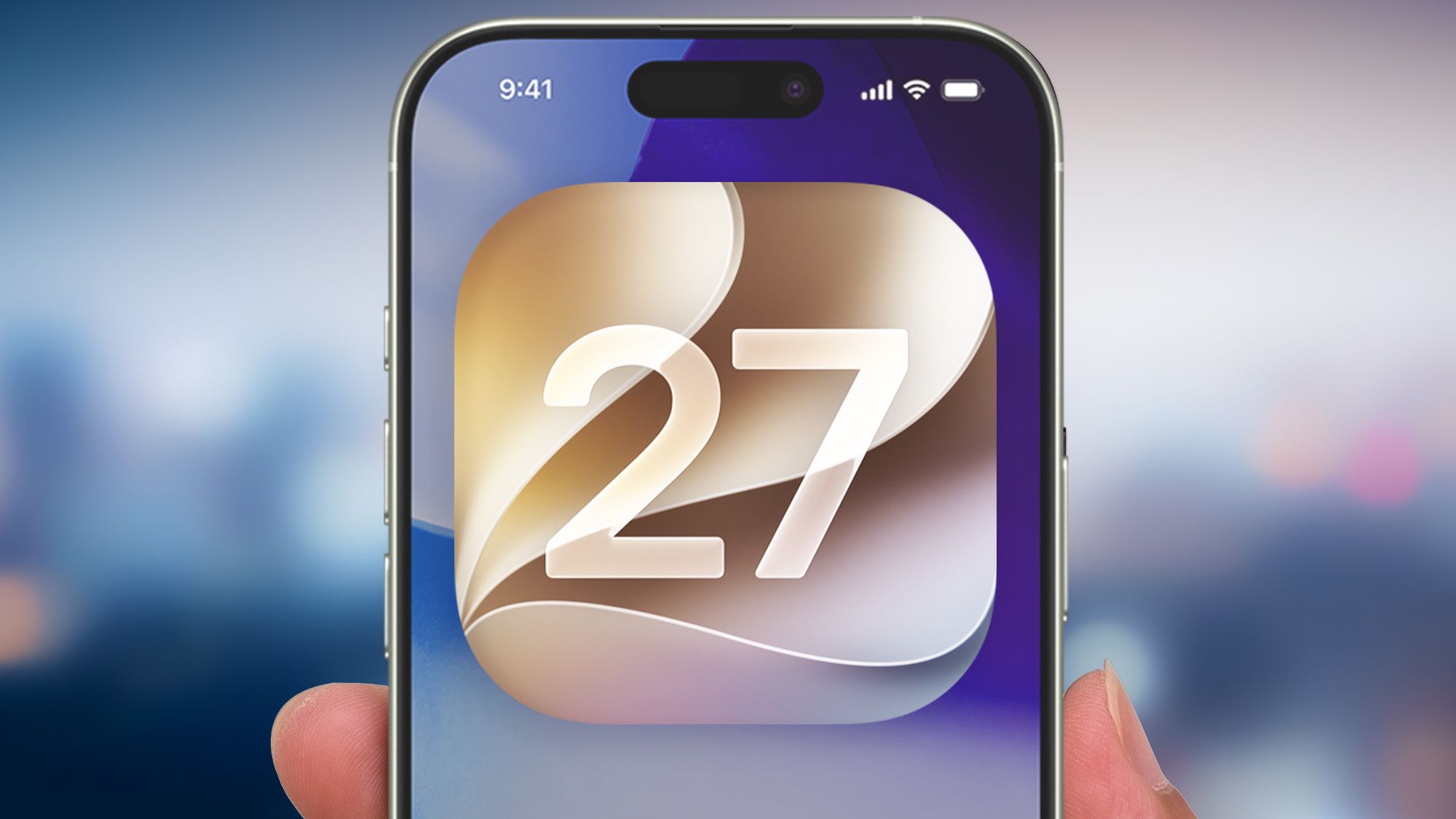
Shortly after installing iOS 27, I ran into an unexpected issue with FaceTime: mid-conversation, my video feed would blur without warning, accompanied by new safety prompts.Apple upgraded its automated content filters with this update, but the system is overzealous — frequently mistaking dim lighting, harmless shadows, or a pet on your lap for explicit material.If you are experiencing these same disruptions on your calls, here is the exact method I used to adjust the settings and restore clear, uninterrupted video.When a good safety feature goes wrongApple’s expanded safety controls represent a major leap forward for digital protection. Designed to safeguard children and shield users from unwanted exposure, the system uses on-device machine learning to flag explicit photos and videos.In practice, however, this execution can become a frustrating drag during everyday use. Because the algorithm relies entirely on visual recognition, innocuous objects or sudden lighting shifts can frequently flag the warning.Instead of a subtle overlay, the feature blurs the affected video behind a stark warning shield. To restore the feed, you must pause your conversation, tap through multiple confirmation prompts, and manually consent to view again.To restore the feed, you must pause your conversation, tap through multiple confirmation prompts, and manually consent to view again.The high rate of false positives turns a well-intentioned security safeguard into an annoying barrier that completely disrupts the flow of your calls.Get instant access to breaking news, the hottest reviews, great deals and helpful tips.How to bypass the sensitive content warningTo turn this feature off, start by opening the Settings app, scroll down and select Privacy & Security, then tap Sensitive Content Warning. If the toggle is available, you can instantly customize your preferences by turning off the main switch at the top of the screen, or by scrolling down to disable it for individual apps like FaceTime.However, many are finding that this menu is greyed out or displays an "On" status that cannot be changed. This occurs if your device defaults to maximum safety restrictions or handles an unverified age profile.
iOS 27’s safety filter ruined my FaceTime — here’s how I turned it off
Tired of FaceTime locking you behind sudden safety warnings on iOS 27? Learn how to disable Apple's new filter and restore your calls.
474 words~2 min read