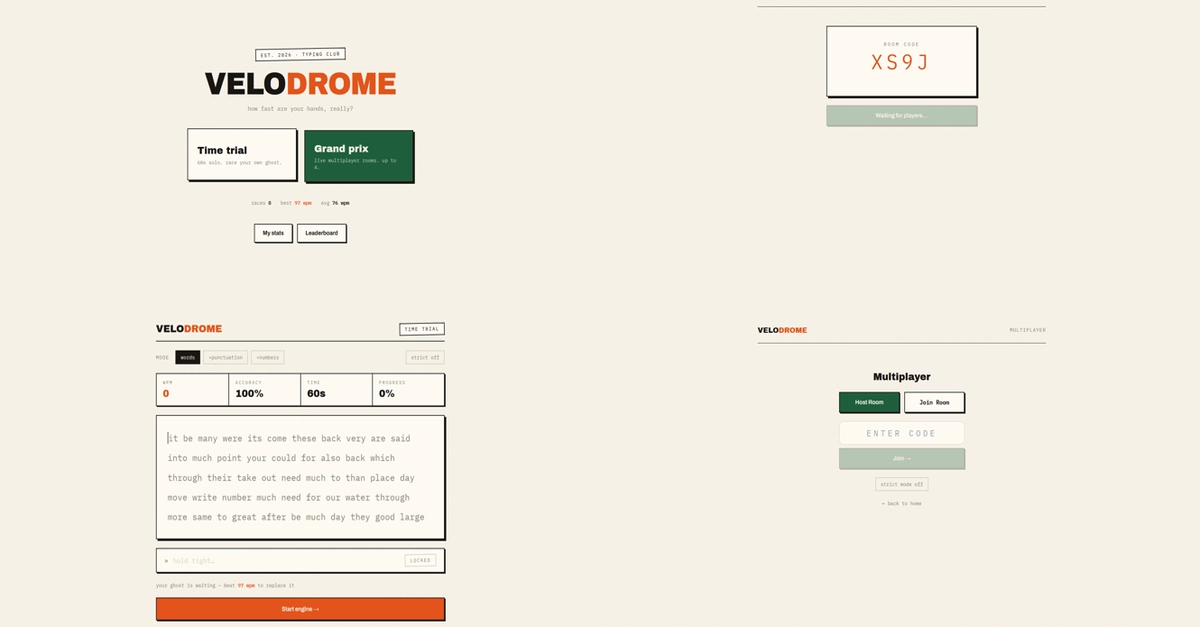
I am a digital marketer rather than a professional developer, so I didn't expect a project about children's typing practice to teach me much about frontend interaction. But while building GamesMom, I spent a surprising amount of time thinking about what happens between a user pressing a key and the browser responding to it. A typing game looks simple from the outside. A word appears, the user types it, the result changes, and the game moves forward. Once you start building one, however, every part of that interaction becomes important.
The first lesson was that keyboard input is different from ordinary website interaction. On most websites, a click is the primary action and keyboard support is often an additional consideration. In a typing game, the keyboard is the interface. Every keystroke matters. A delay, incorrect state change, unexpected focus behavior, or unnecessary screen update can make the experience feel wrong immediately.
That changes the way you think about frontend performance. A user might tolerate a small delay when opening a content page, but typing is a continuous interaction. When someone is trying to improve typing speed or accuracy, the interface needs to respond as naturally as possible. The application has to capture input, compare it with the expected character or word, update the visual state, and keep the game moving without getting in the user's way.