Skills are reusable workflows, not magic knowledge pills. Before you install one, inspect its source, versions, and effects to confirm it fits your project. Start with a few focused skills and adapt them to what already exists.
A skill is a set of instructions and scripts that lets an agent reproduce a specialized method. It doesn’t guarantee best practices or compatibility with your repository. The official documentation for tools like Claude Code and Codex explains how skills work under the hood.
Project rules, documentation, and skills serve different purposes. Official documentation describes technology features, repository conventions are captured in files like AGENTS.md, and skills provide reusable workflows. Mixing these roles leads to confusion and wasted context.
Start your search in this order: official skills from the tool’s publisher, official technology docs, resources from recognized organizations, manually inspected community skills, and finally skills you create specifically for your project. Stars and downloads can signal adoption, but they don’t prove correctness.
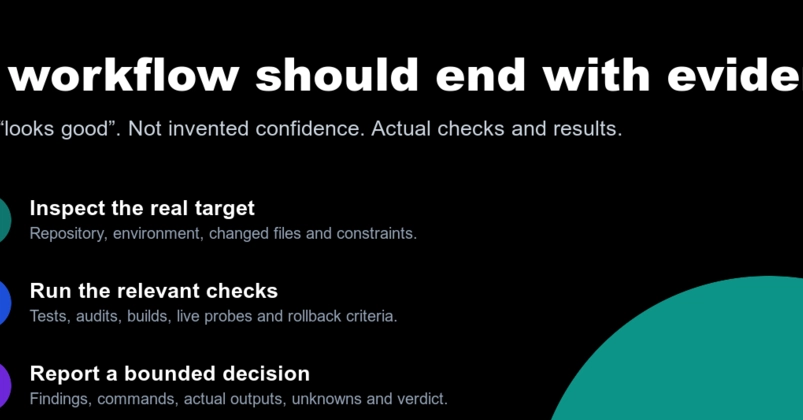
Before adding a skill, verify its origin, technical currency, possible actions, and compatibility with your project. Ask who maintains it, which versions it targets, whether it contains executable scripts, and whether it respects your existing architecture. If a script is unclear, don’t run it just because it comes with a skill.