Every time I went back to an old Claude Code session, the process was the same: open Explorer, remember which folder that project lived in, open a terminal there, type claude --resume <id> from memory or paste it from somewhere. I got tired of it and built Claude Terminal Hub.
What it does
It's a Windows desktop app, built with Electron, that lists your recent Claude Code sessions from every project on the machine in a single screen. It reads the .jsonl files Claude Code writes to ~/.claude/projects, zero configuration needed. Each session shows an AI-generated title and the last prompt sent, sorted by recent activity.
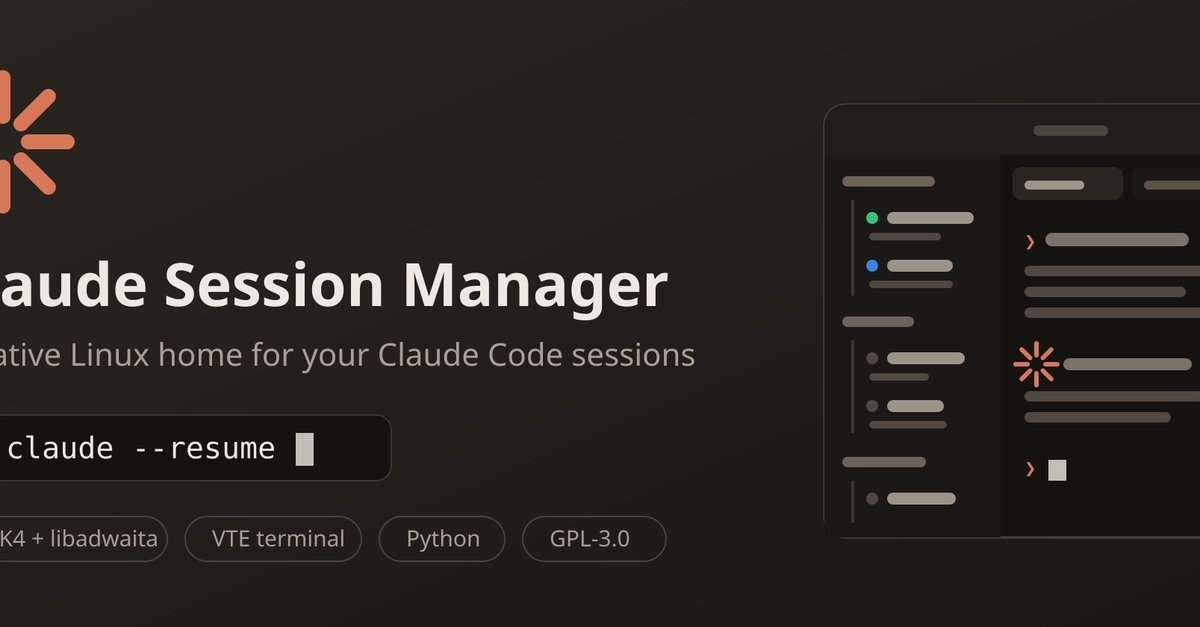
One click on a session opens a terminal panel in the right folder, already running claude --resume. You can keep up to 4 panels open side by side, each one a real PowerShell process via node-pty, not a fake console. Arrow keys, vim, the Claude Code TUI itself, all work normally inside the panel.
Under the hood