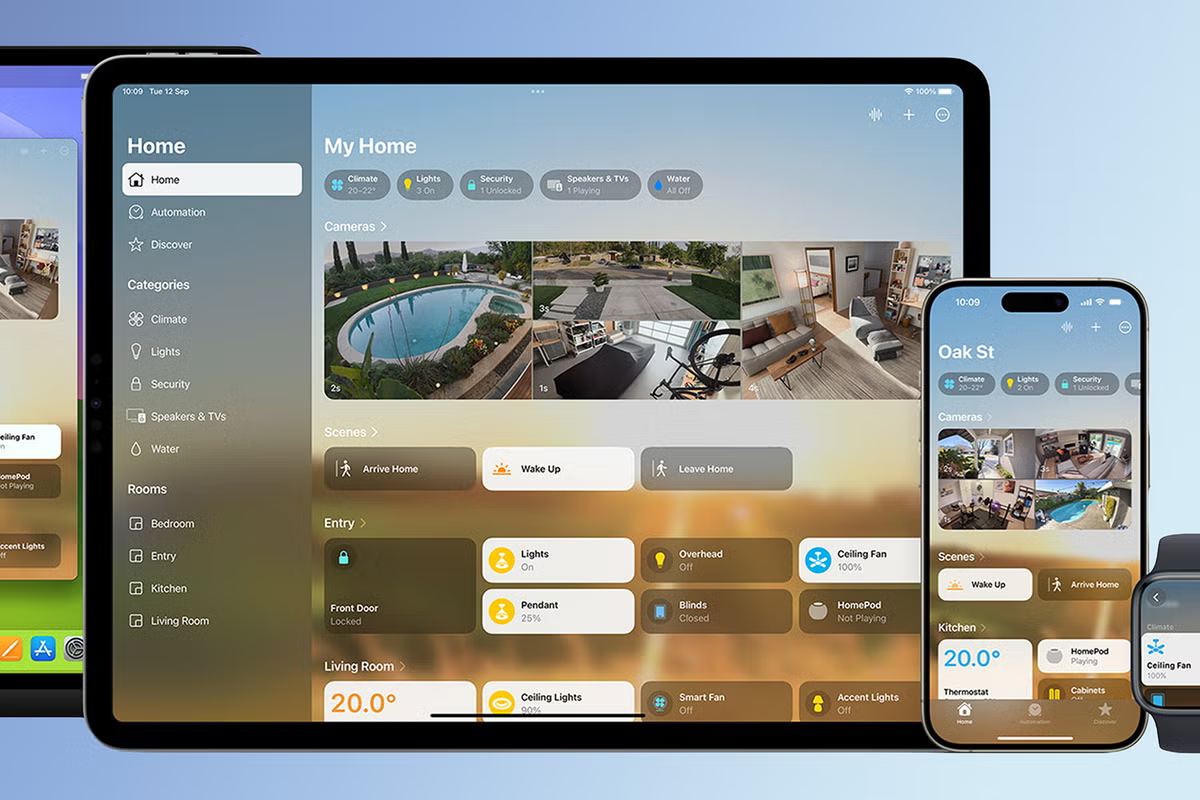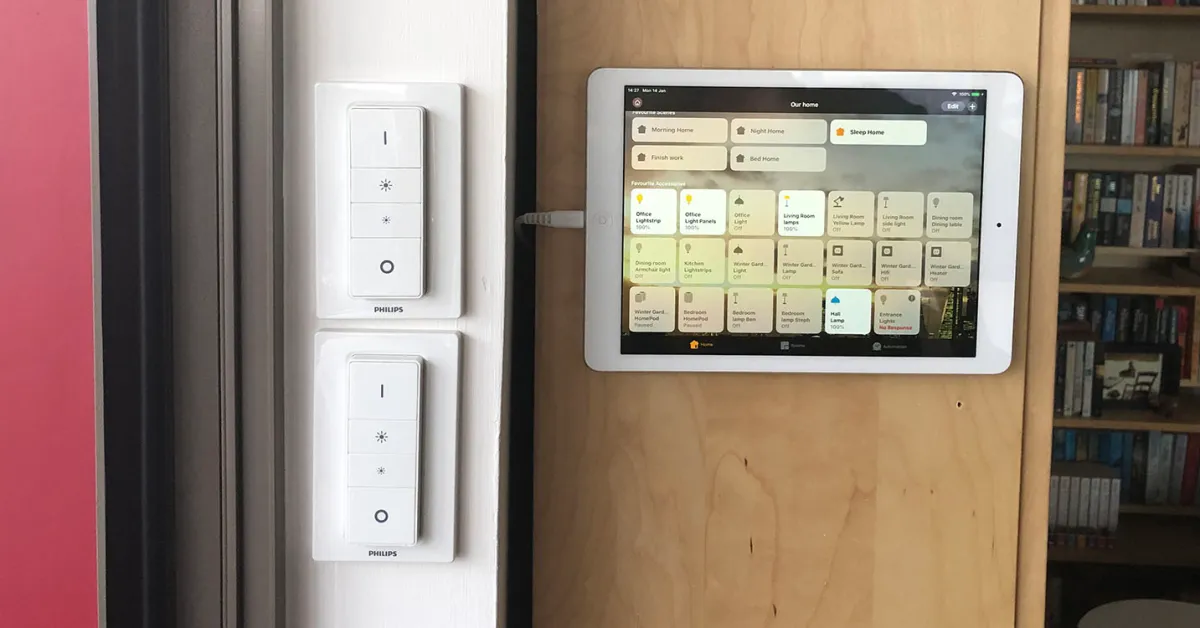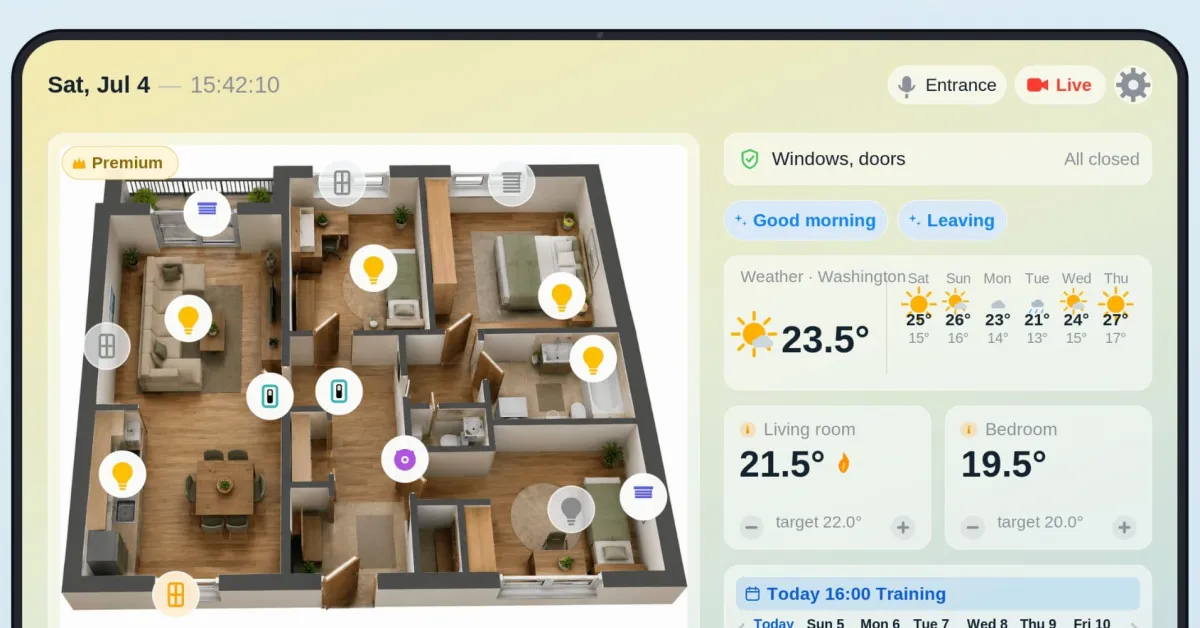
The ideal command center for your smart home is simple: take an old iPad, mount it somewhere central, and give it one job. Dashboard for your home is the really great Apple Home app that solves this problem. Cameras, thermostats, lights, local weather, and your calendar all on a single screen.
HomeKit Weekly is a series focused on smart home accessories, automation tips and tricks, and everything to do with Apple’s smart home framework.
The camera support is the coolest feature for me. You get live previews of up to four Apple Home cameras, or unlimited if you upgrade to the Premium tier, and there is a one-tap live button that flips every feed to its live stream at once. You can tap any individual camera, and it will go full screen. Two-way audio is built in if your camera supports it.
On the home management side, you can control up to four thermostats and up to eight switches, such as lights, outlets, and fans, grouped by room. There is also a six-day weather forecast pulled in for your home location.
The calendar view is a nice touch that makes it more than just a smart home management tool. It shows a weekly overview of your shared calendar, highlights the next event, and lets you swipe between weeks. You can even set a custom text color per calendar, which is super helpful if you have multiple calendars for sports, etc.