Imagine this: You’re drafting a long email, writing a report, or responding to a wave of Slack messages.
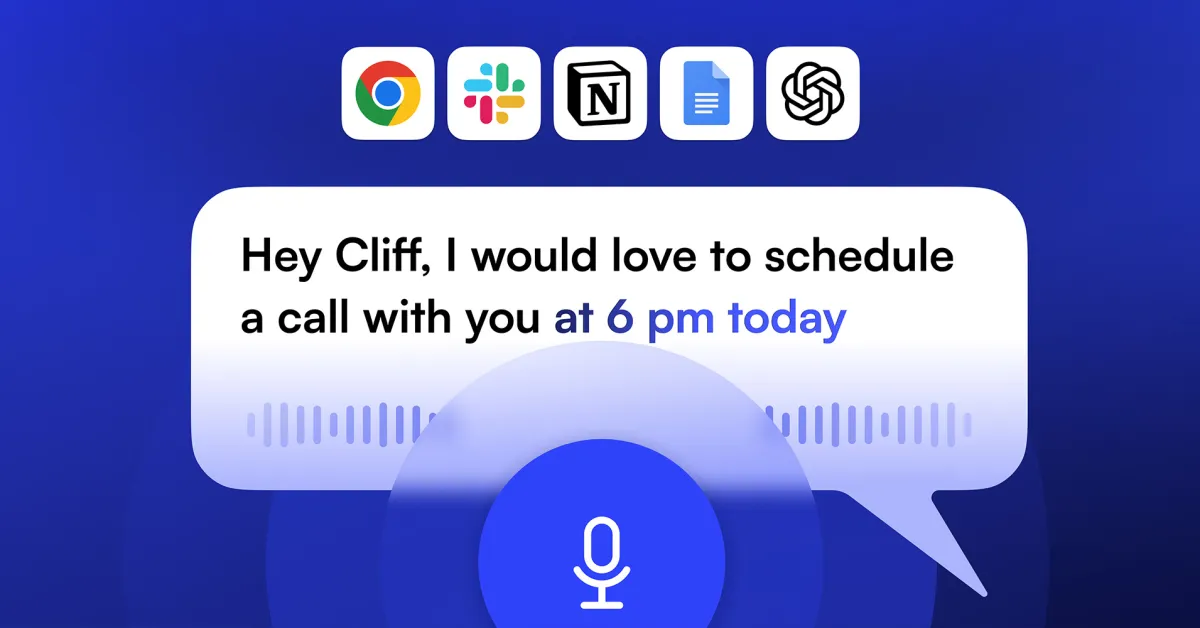
Instead of hunching over your keyboard and typing at 40 words per minute, you simply hold down Ctrl + Space, speak your thoughts at 150+ words per minute, and release the keys.
Instantly, clean, perfectly punctuated, polished text appears right where your cursor is.
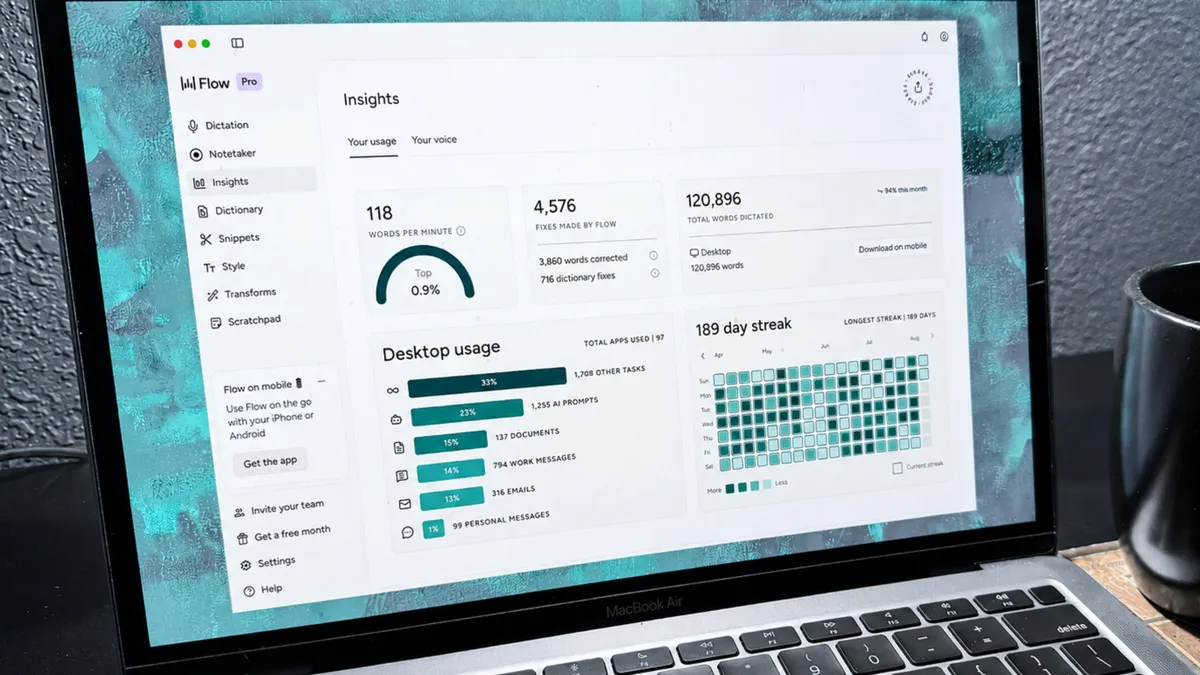
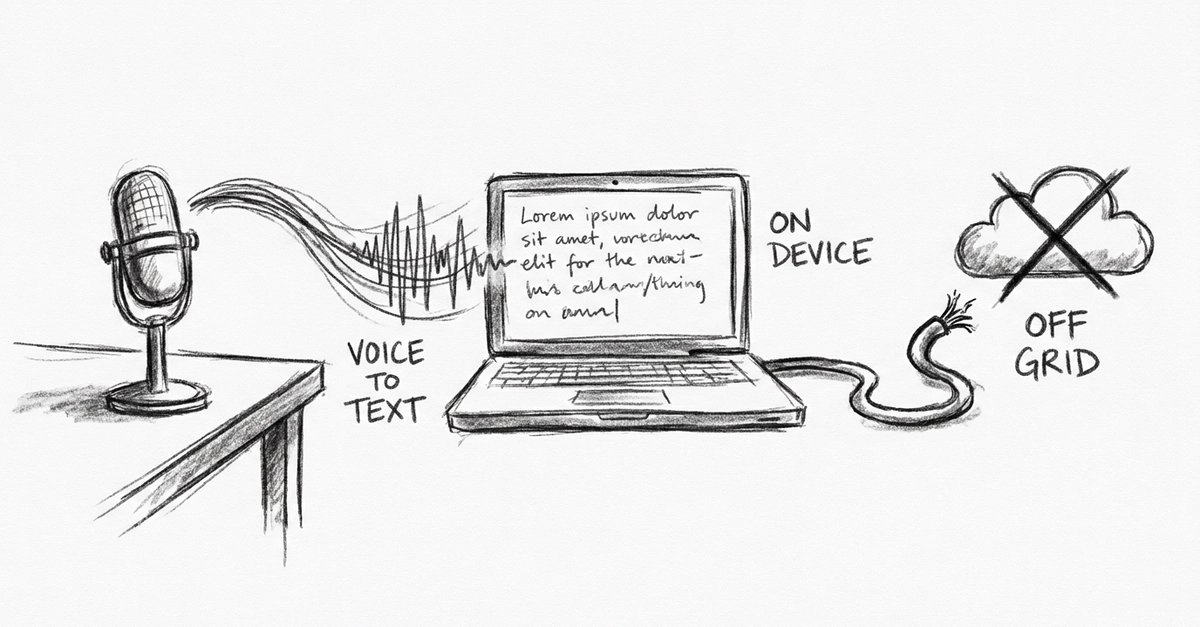
Meet Vacanam — a free, 100% private, offline voice typing tool built for Windows 10 & 11.
If you’ve ever tried built-in dictation tools or commercial transcription services, you’ve likely run into the same annoyances: