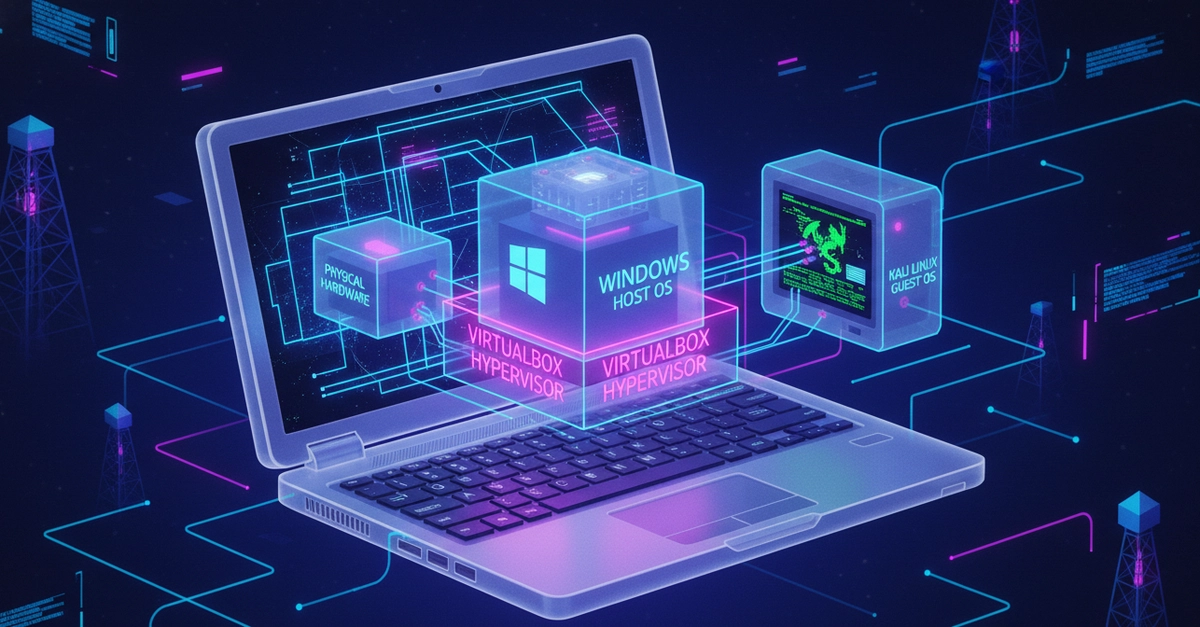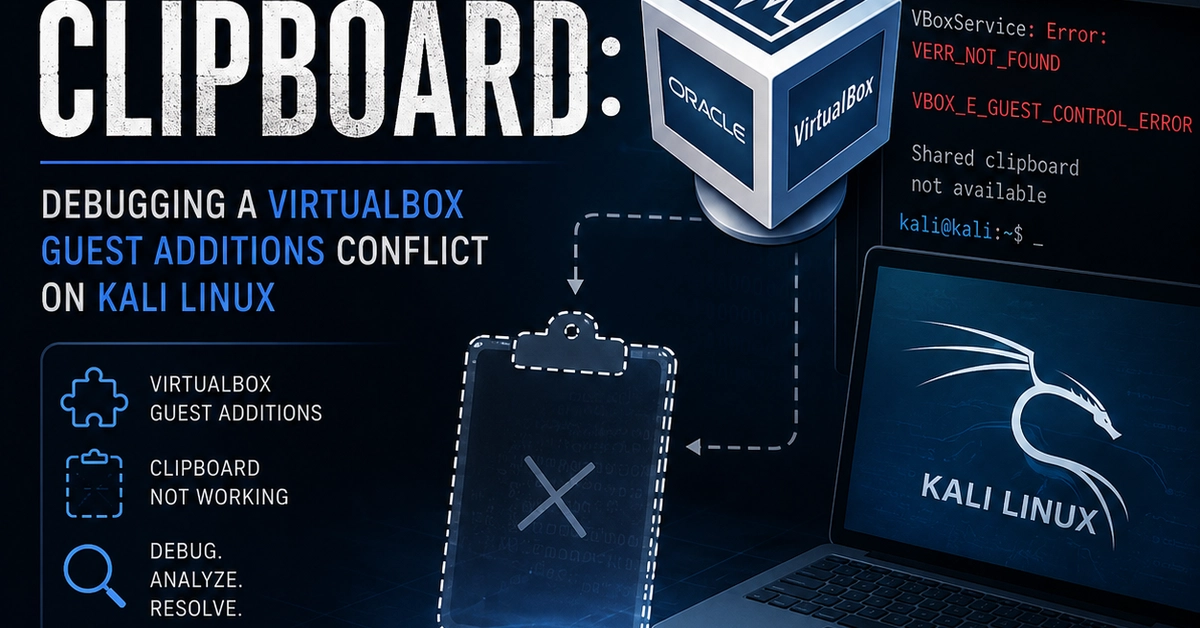
If you've ever run a Linux VM in VirtualBox and had copy-paste between your host and guest just... stop working, this post is for you. What started as a simple "my clipboard isn't syncing" turned into a proper detective story involving conflicting installations, a kernel module stuck "in use," and a systemd service quietly failing on every single boot. Here's the full walkthrough — what broke, how we figured out why, and how we fixed it for good.
The Setup
I run a Kali Linux VM inside VirtualBox on my host machine, mainly as a home lab for practicing infrastructure and security tooling. One day, shared clipboard between my host and the guest just stopped working. My first instinct was to run apt update && apt upgrade — but nothing changed. That's actually an important clue we'll come back to: apt upgrades regular packages, but it does not automatically rebuild or reinstall VirtualBox Guest Additions, which is the component actually responsible for clipboard sharing.
What Actually Makes Clipboard Sharing Work
Before diving into the fix, it helps to understand the moving parts, since "clipboard sync" isn't one single thing — it's three things working together: