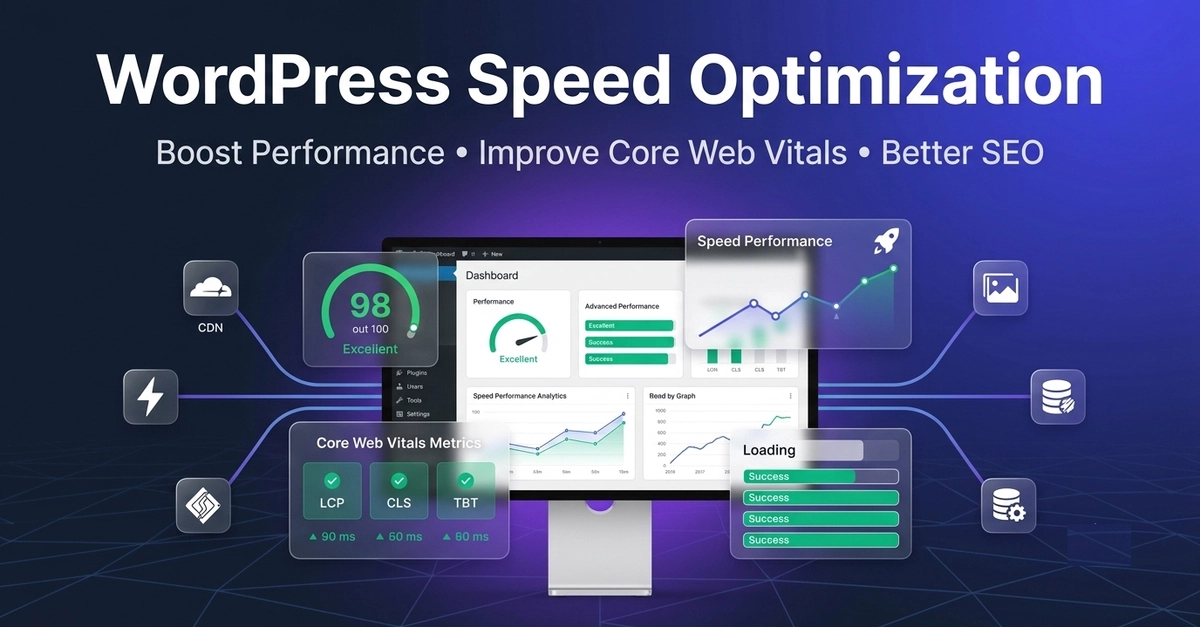
A WordPress website can look perfectly fine to a visitor and still have serious performance problems under the surface.
You might already have a caching plugin installed. Your images may be compressed, your CDN enabled, and your PageSpeed score may look reasonable.
Yet the website can still feel slow.
The reason is that WordPress performance optimization isn't a single-plugin task. It involves the server, database, theme, plugins, images, CSS, JavaScript, caching layers, third-party resources, and the way the browser processes the page.
For developers and website owners, the better approach is to identify the actual bottleneck before changing optimization settings.