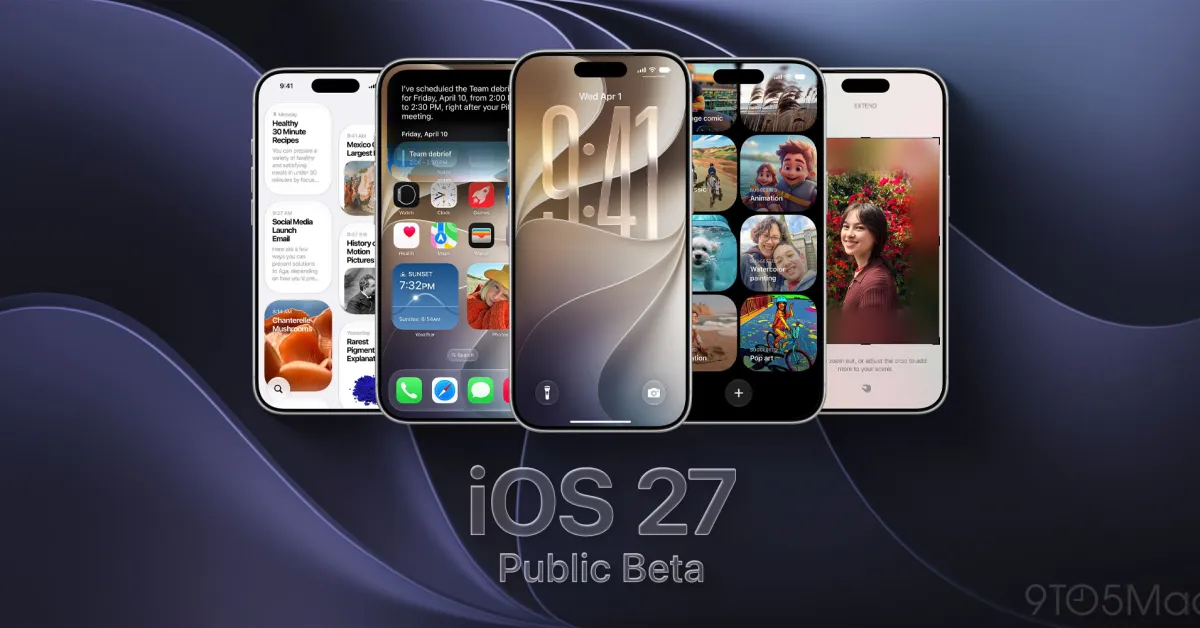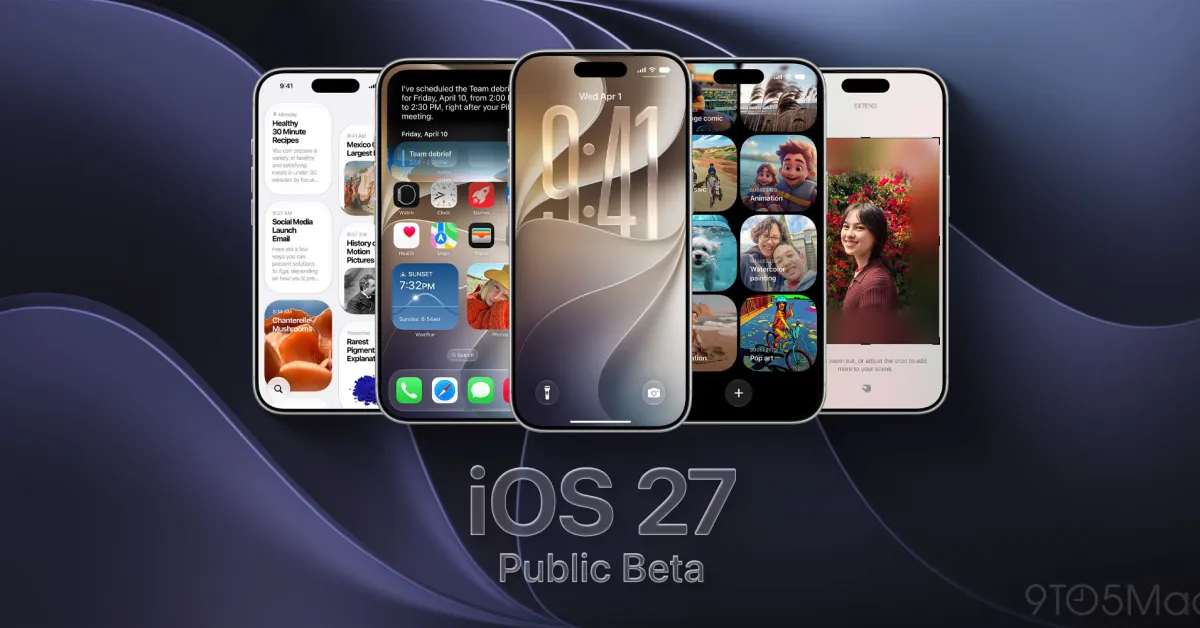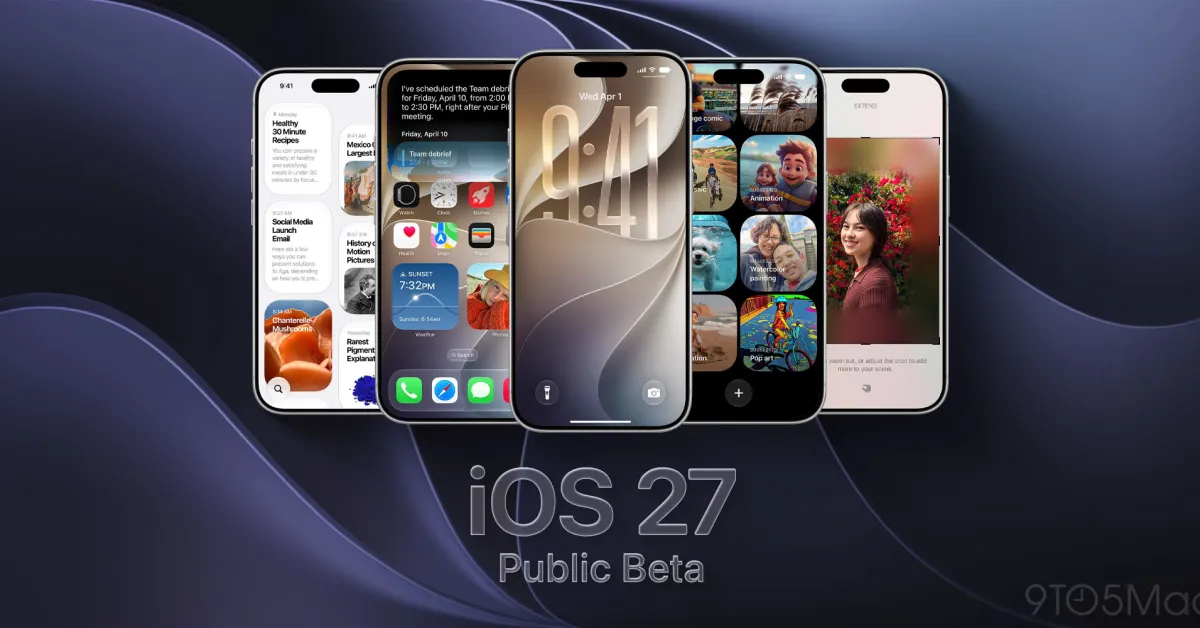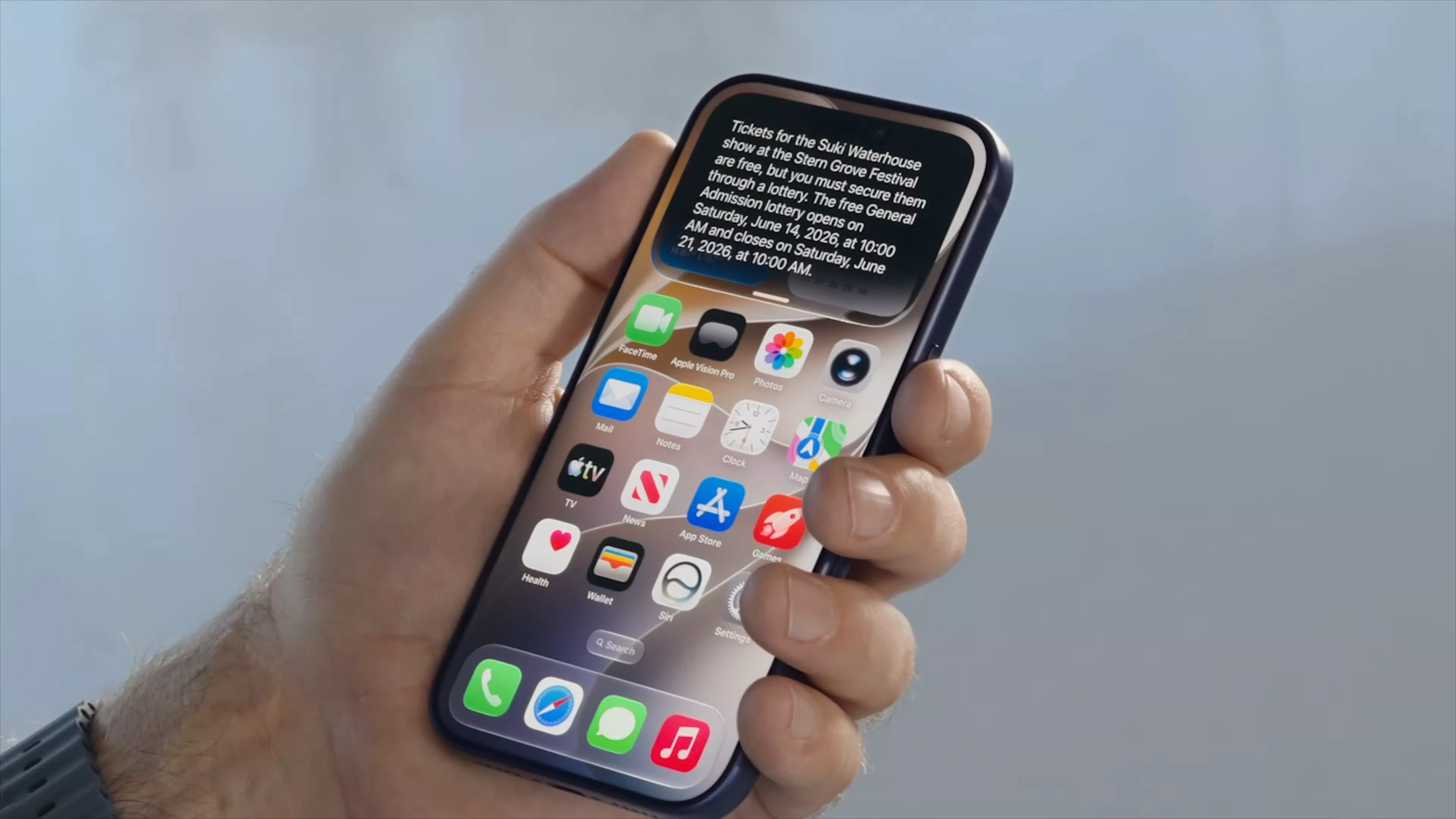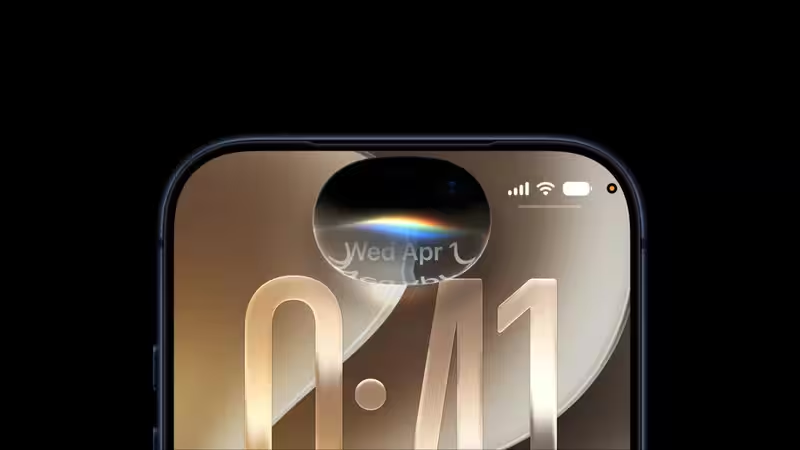
Apple has released the third public beta of iOS 27, giving iPhone users an early look at the company’s biggest software update of the year. While the update brings several design, performance and app improvements, Siri AI is the biggest highlight.With Apple Intelligence at its core, the new Siri is designed to understand conversations more naturally, work with information stored across Apple's apps and interact with what is currently displayed on the iPhone. The public beta also introduces changes to Liquid Glass, Screen Time, Safari, Photos and several other system apps.About The AuthorJournalist and a writer with a strong interest in news, culture, technology, and human-interest stories. Passionate about making complex topics accessible and engaging.Siri AI gets the biggest upgrade in iOS 27The new Siri is undoubtedly the biggest improvement coming along with iOS 27. The reason for this is that Apple has completely redesigned Siri using the next generation Apple Intelligence engine, which allows the assistant to be more interactive and context aware.Siri no longer treats each request made by the user as individual interactions. In addition, the Siri can browse through all personal data that has been entered in the applications like Mail, Messages, Notes, Reminders and Calendar. Thus, the user can ask the Siri to retrieve certain data and continue the dialogue without repeating the initial question.Moreover, Siri understands the information that is displayed on the iPhone screen and can perform some actions in compatible applications. In the third public beta, Apple has additionally introduced early access to information from some third-party apps.The assistant's responses now appear from the Dynamic Island, while pulling down on a response opens the full conversation. Apple has also introduced a standalone Siri app where users can access their conversation history. That history is synced privately through iCloud.Siri's connection with Visual Intelligence is another important part of the update. Through the Camera app, users can point their iPhone at something and ask Siri to understand or act on what they see. For example, a membership barcode can be turned into a Wallet pass, while information from a flyer can be converted into a calendar event.Apple is also giving users more control over how Siri sounds. New options under Settings > Siri > Voice let users adjust the assistant's pace and expressivity. These settings also affect spoken output in apps such as Maps and Safari.More articles by AuthorTrending StoriesThere are some limitations, however. Siri AI initially supports select English variants and will not be available in the European Union immediately. It also requires an Apple Intelligence-compatible iPhone, while some of the more advanced on-device capabilities require the iPhone 17 Pro, iPhone 17 Pro Max or iPhone Air.Apple Intelligence expands beyond SiriSiri may be the headline feature, but Apple is also bringing its AI capabilities to several other iPhone apps.Safari can organise tabs by topic and group bookmarks and Reading List items. Its Start Page can also surface recently closed topics. A new Notify Me feature can monitor a webpage for changes, such as when a product comes back in stock.Photos is getting several AI-powered editing tools. Clean Up can remove larger and more complicated distractions, while Extend can generate content beyond the edges of an image. Spatial Reframing allows users to adjust the apparent camera position after a photo has been captured.The Passwords app can automatically replace certain weak or compromised passwords, while Shortcuts can create automations based on natural-language instructions. Users can continue describing what they want and refine the automation.Apple Intelligence also adds Call Context to the Phone app, natural-language event creation and editing in Calendar, and more advanced image generation and editing features in Image Playground.Liquid Glass gets more controliOS 27 does not replace the Liquid Glass design introduced previously, but Apple is refining how it looks and behaves. Controls now handle busy backgrounds more effectively, while darker edges and brighter highlights improve separation between interface elements.Users will also get a new Liquid Glass customization slider under Settings > Appearance. It allows the interface to move between an ultra-clear look and a more tinted appearance across iOS and supported third-party apps.iOS 27 also promises performance improvementsApple says iOS 27 should feel faster across a range of iPhone models. Apps can launch up to 30% faster, while nearby AirDrop transfers can be up to 80% faster. New photos can also appear in the Photos app up to 70% faster.The company has optimised the CPU scheduler as far back as the iPhone 11, with smoother unlocking, Home Screen navigation, Control Center scrolling and Lock Screen transitions expected across supported devices.The update also brings a redesigned Screen Time experience, with more controls for parents, including app limits, schedules and additional communication and content safety features.How to install iOS 27 public beta 3iOS 27 public beta can be obtained from Apple’s free Beta Software Program. Before downloading it, one has to make sure to backup his/her iPhone as it may have bugs and can affect battery life, causing problems with third-party apps.Once enrolled, one can go to Settings > General > Software Update > Beta Updates, select iOS 27 Public Beta and install it.This version of iOS works on all devices running iOS 26, including iPhone 11 and all newer models, iPhone SE and its successor. Nevertheless, for some functions of Apple Intelligence, one has to have suitable hardware. iOS 27 is scheduled to be released this fall. FAQsWhat is the major update in iOS 27 Public Beta 3?Major features include Siri AI which is a major overhaul of Siri. Apple has reengineered Siri using Apple Intelligence to make it more conversational and contextual and able to access information in supported apps.What is the capability of the new Siri AI?Siri will be able to continue a conversation, search for personal information in supported apps like Mail, Messages, Notes, Reminders and Calendar, recognize onscreen content, and execute commands in supported apps.Can Siri recognize information on your iPhone screen?Yes, Siri can recognize information on the screen and assist in performing actions without copying the information manually into Siri.What is the new Siri app in iOS 27?Apple has introduced the new Siri app which stores users' conversations with Siri all in one place and this information can also be synced privately via iCloud.Is Siri AI able to access information from third-party apps?In the iOS 27 Public Beta, users will be able to access some third-party information through Siri AI.end of article
iOS 27 Public Beta 3 arrives with major Siri AI upgrades: Here’s what’s new
The launch of Apple's iOS 27 public beta sets the stage for significant software upgrades. This version features an advanced Siri AI, leveraging Apple Intelligence to engage in more natural conversations. Users will also notice improvements in Safari, Photos, and several other apps, alongside performance boosts across many iPhone devices. Mark your calendars for the official release this upcoming fall!
1,064 words~5 min read