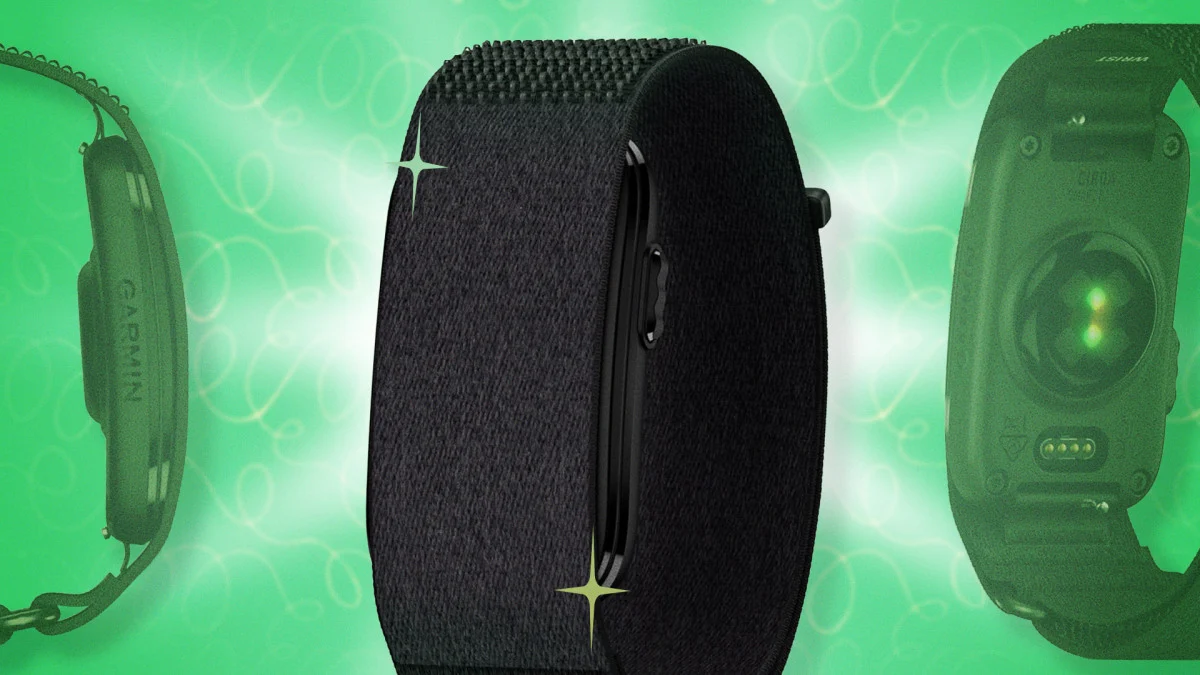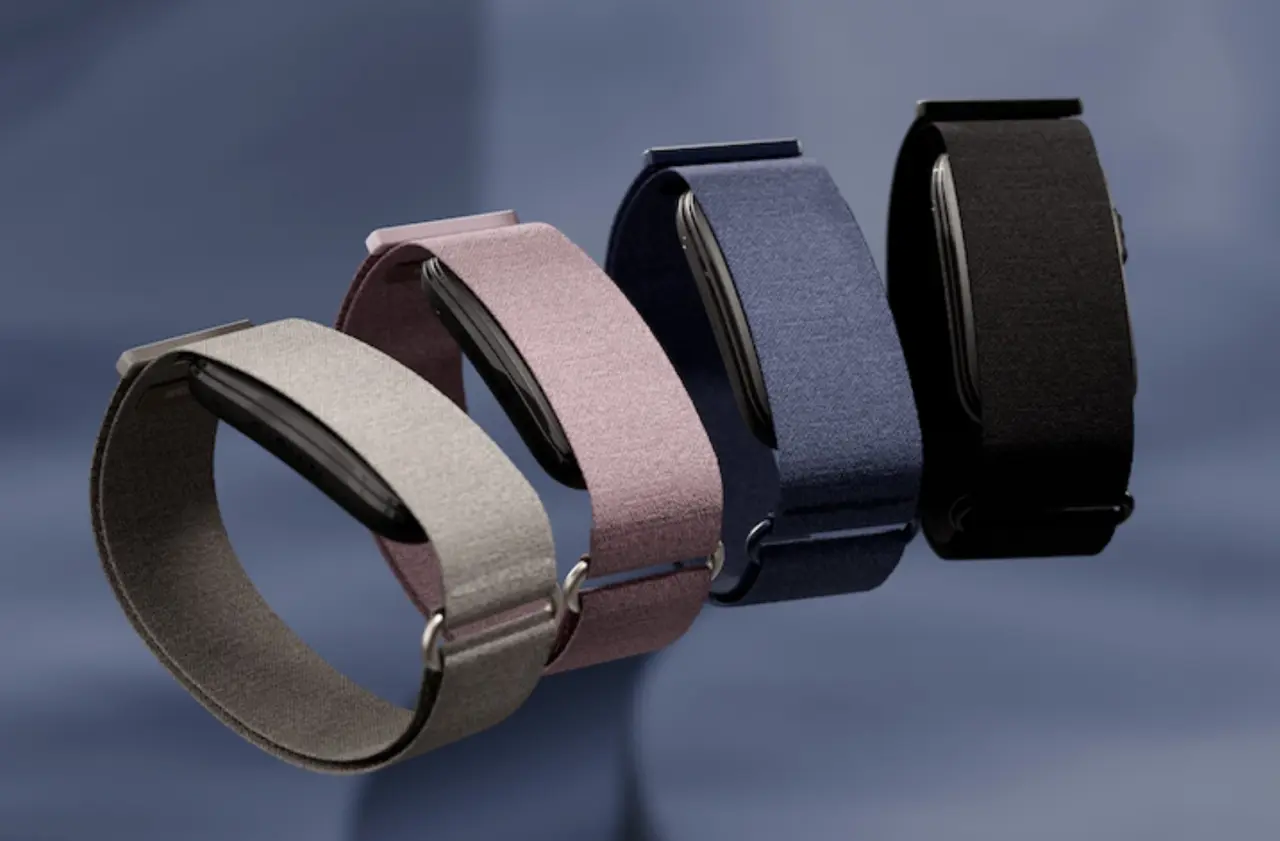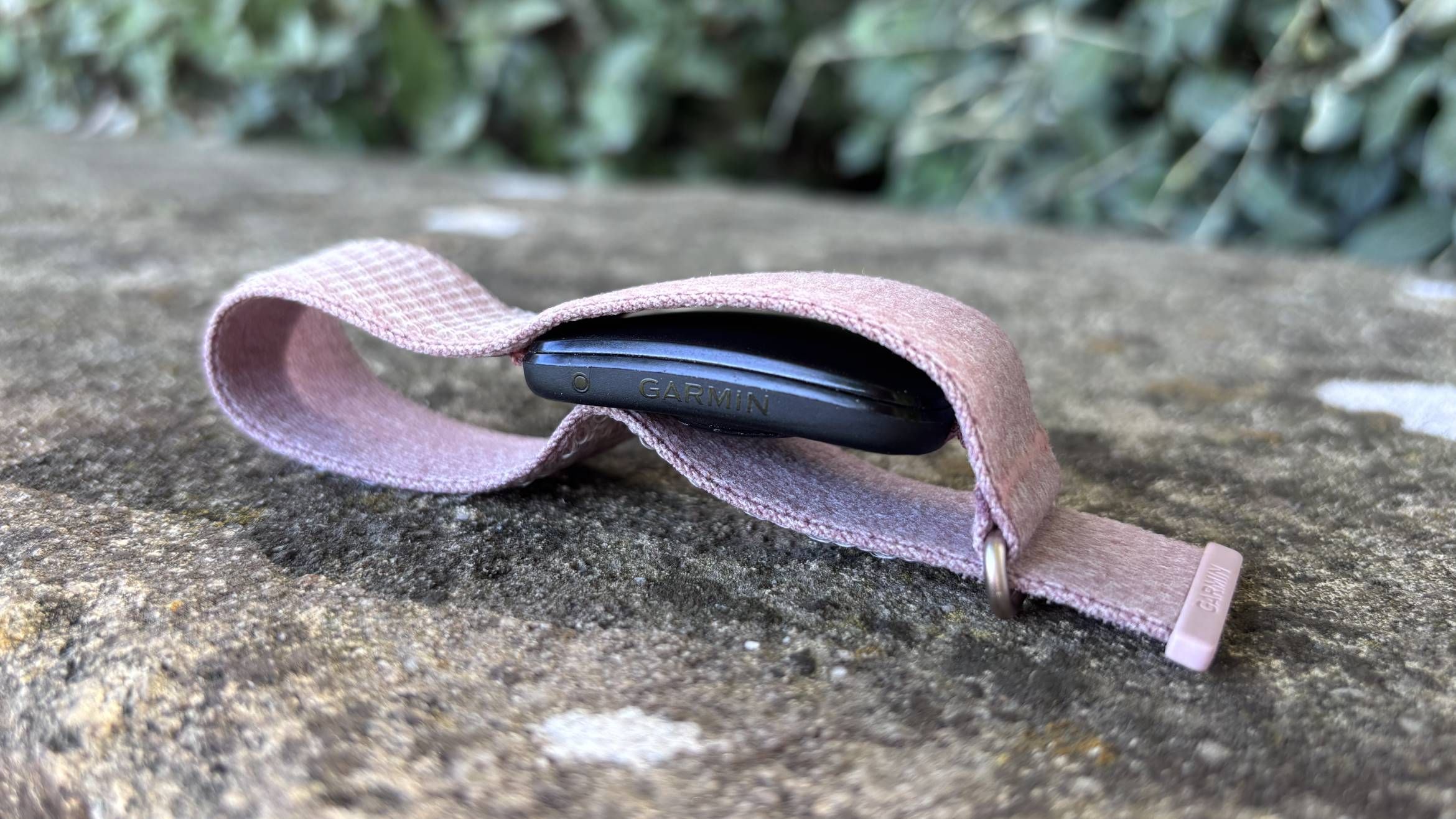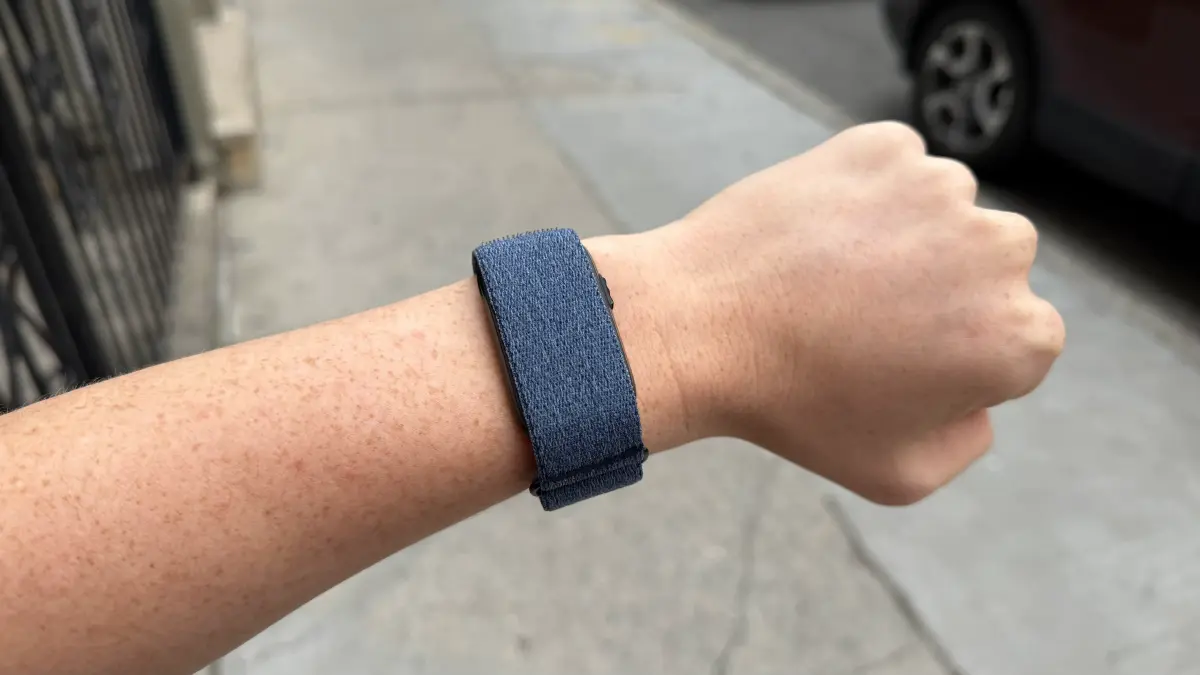
The Garmin Cirqa is the company’s first screen-free smart band, built to track fitness and wellness features around the clock, without needing a subscription. For existing Garmin fans who want 24/7 data without wearing a bulky sports watch to bed, this $199 smart band is a welcome addition. If you just unboxed one, here's how to get it set up right and start making the most of it.
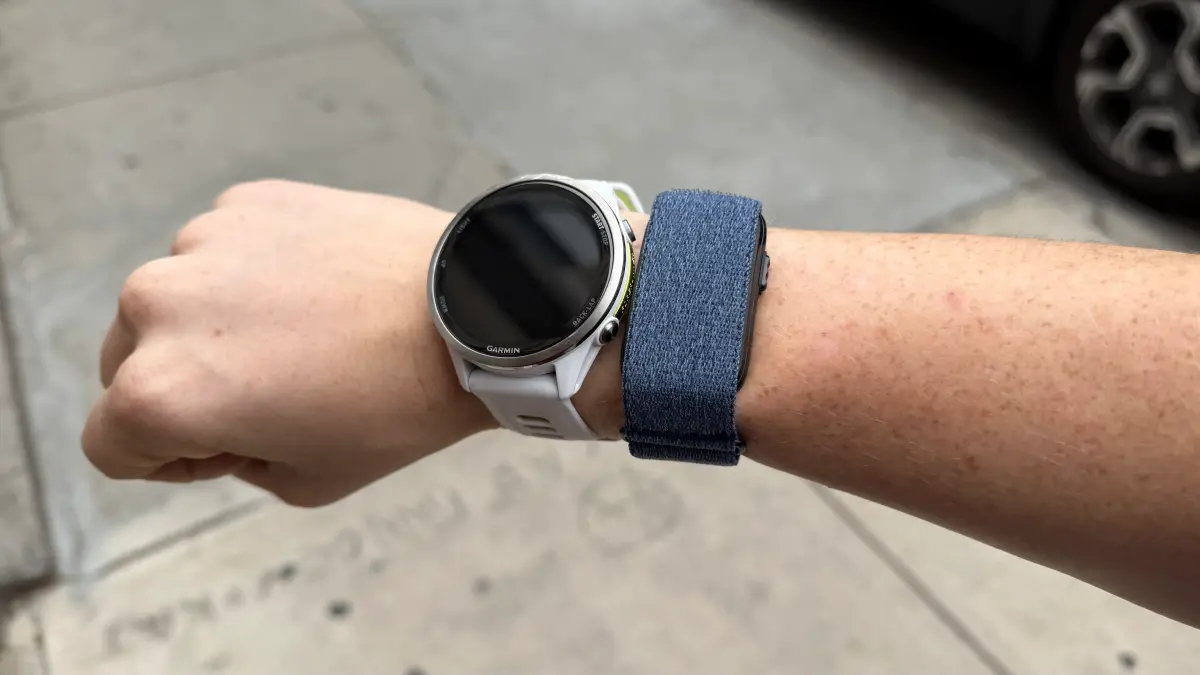
Assign the Cirqa as your primary wearableIf you already own a Garmin watch like a Fenix or Forerunner, you can still keep your watch as your "Primary Training Device." But for round-the-clock daily health metrics, assign the Cirqa your "Primary Wearable." If you missed this during your initial set-up, here's how to manage your devices in the Garmin Connect app:Select More (bottom right).Scroll to the bottom of the page and select Settings.Under Device Priority, select the Cirqa for Primary Wearable, and a different watch for Primary Training Device.Sync your devices.This setup makes sure your Cirqa’s continuous collection of recovery metrics, step counts, and sleep data flow into your profile, while preventing the smart band from conflicting with your primary sports watch during hard workouts.
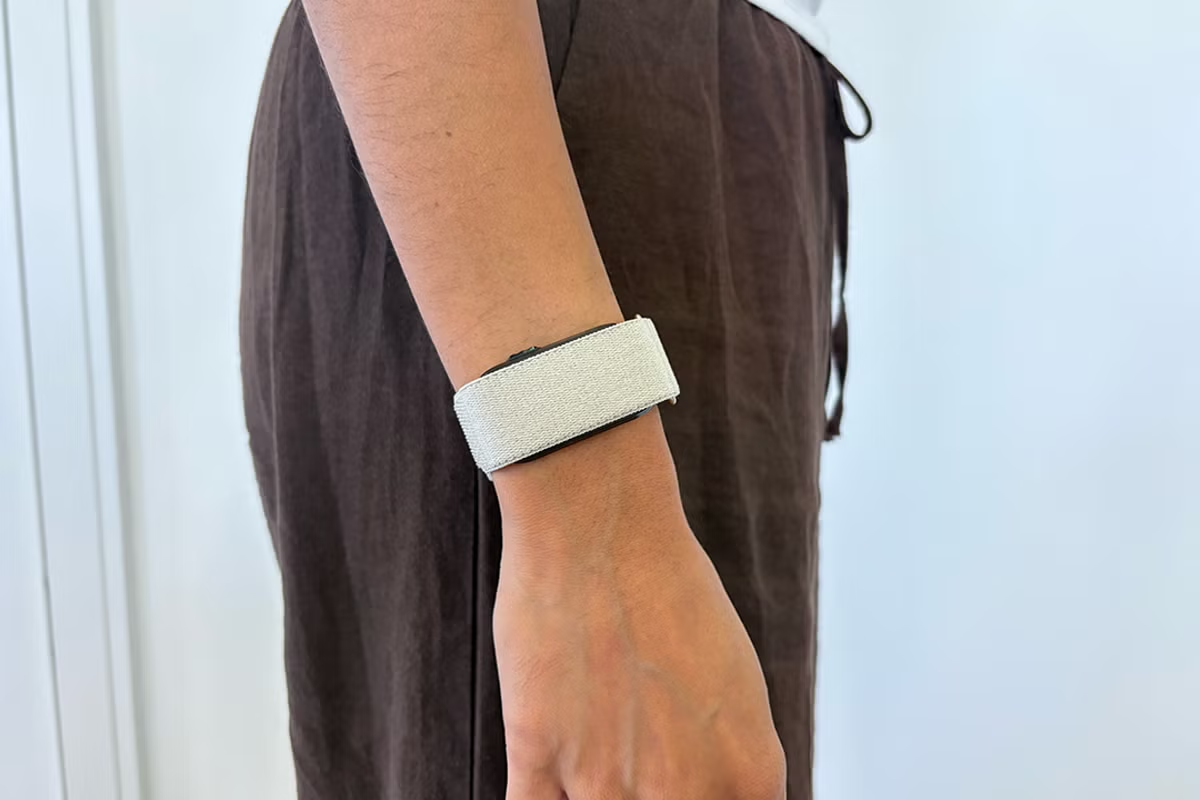
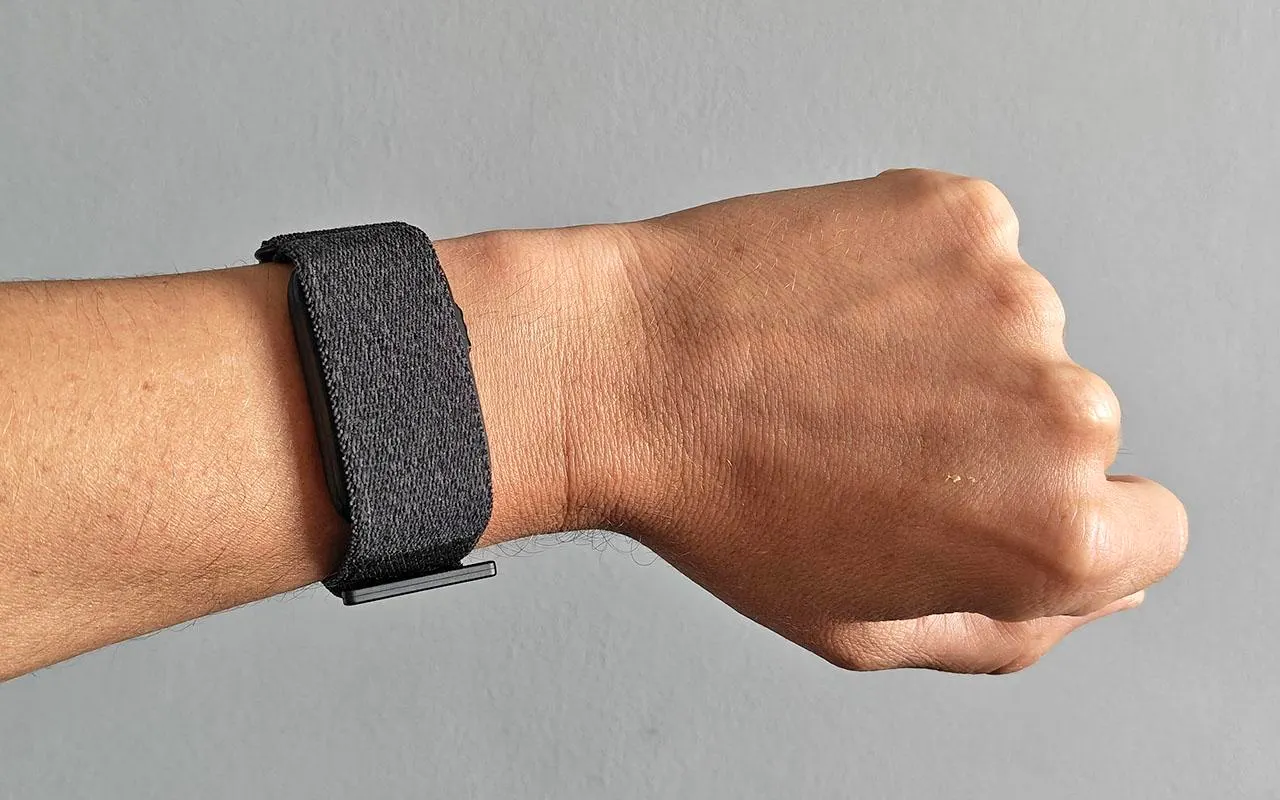
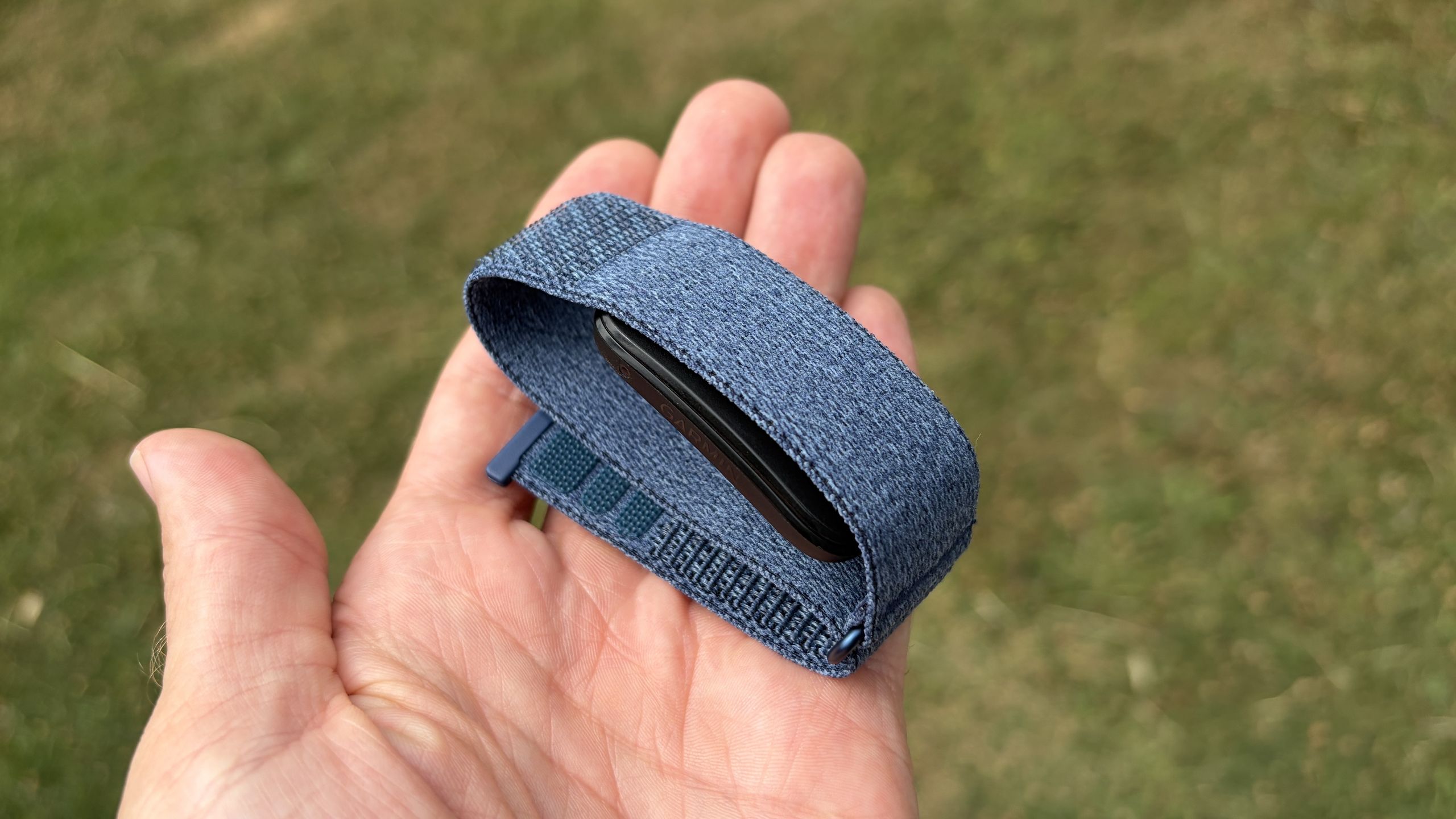
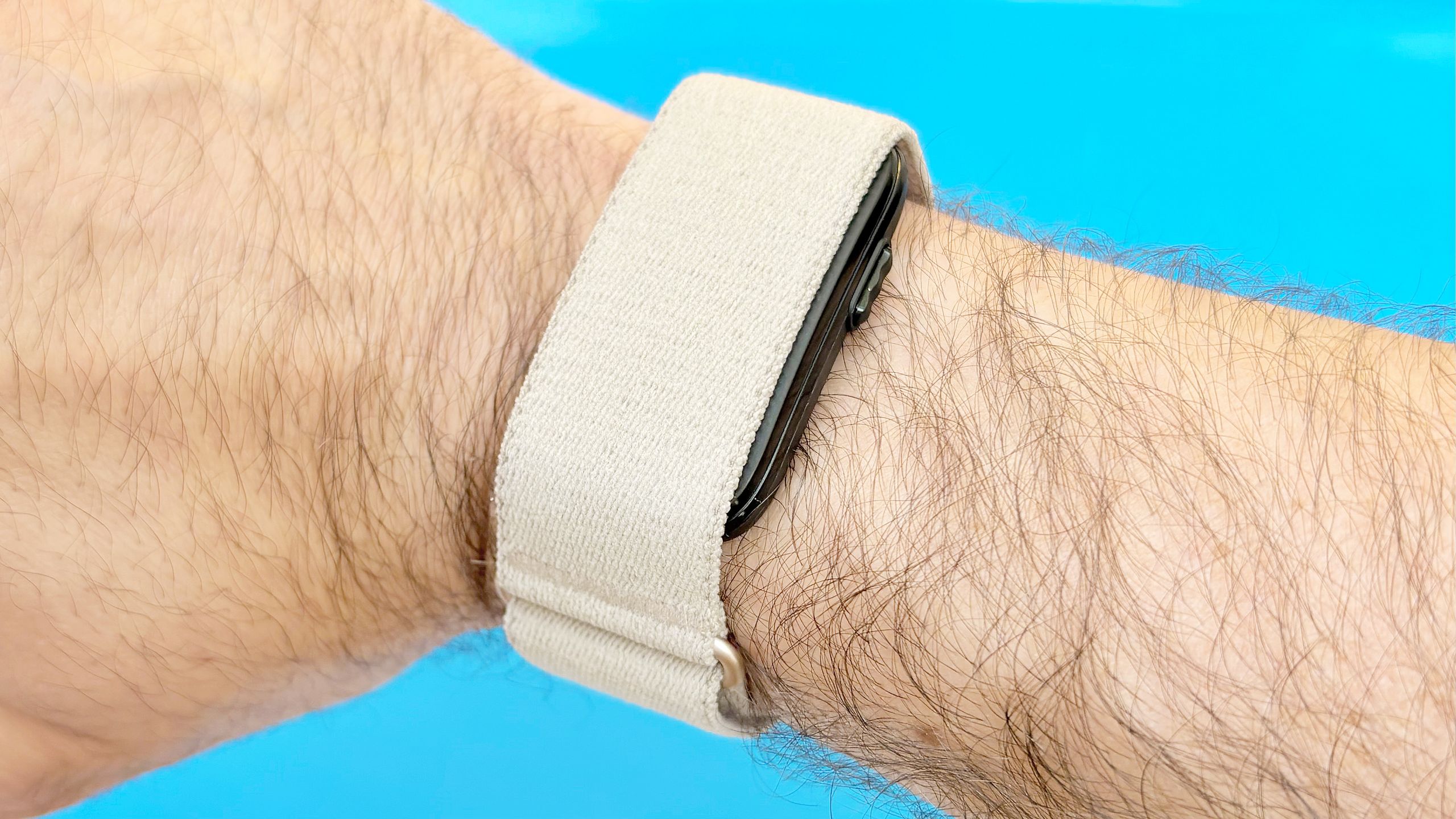
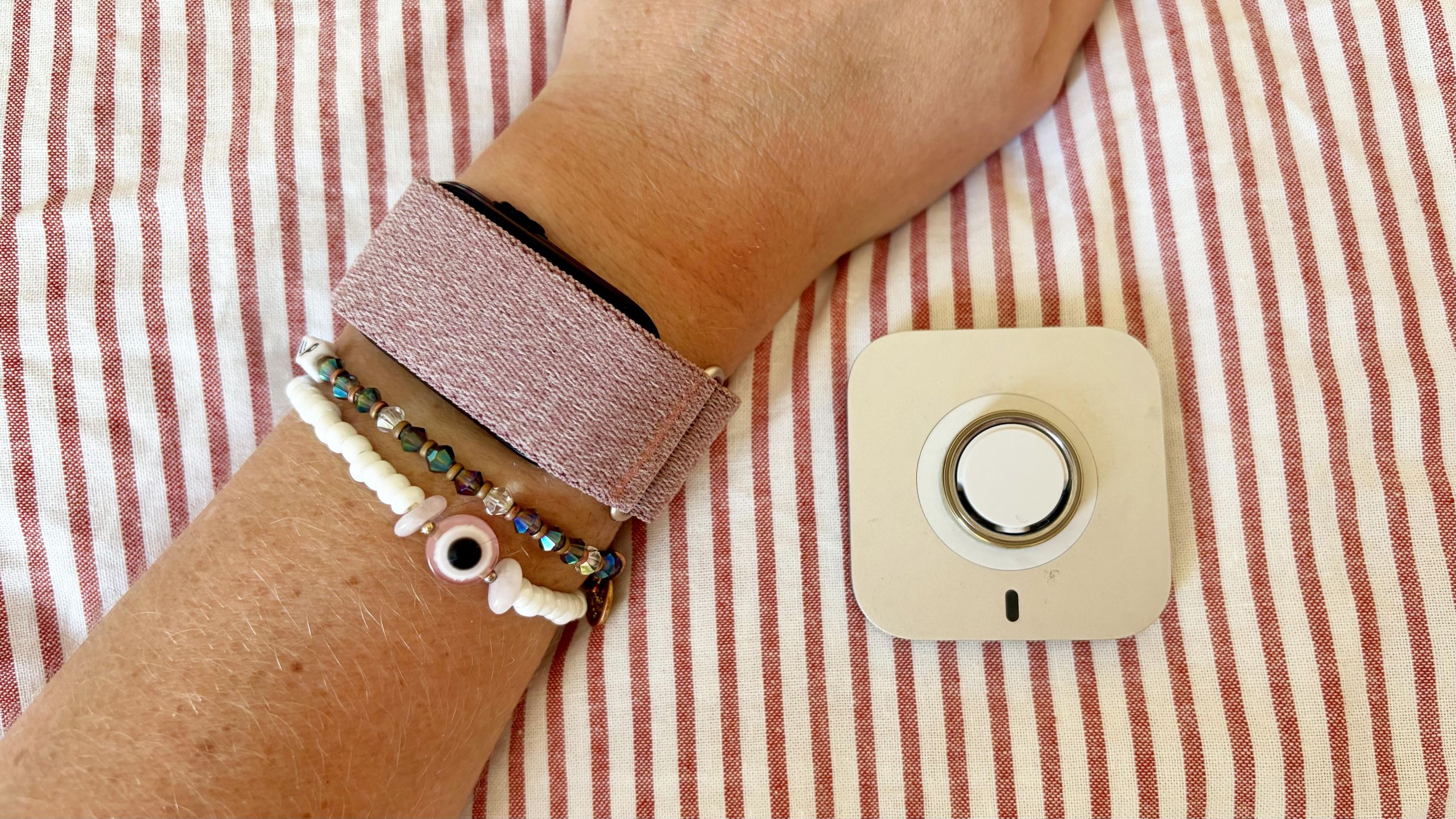
Make sure you get the right fit on your Cirqa wristbandThe Cirqa’s fabric wristband comes in two sizes. The small/medium fits wrist circumferences of about 120–200 mm, while the large/extra-large fits roughly 145–240 mm. A snug-but-comfortable fit matters for accurate optical heart rate readings, so take a minute to adjust the strap before you start relying on the numbers.