(Image credit: Shutterstock)
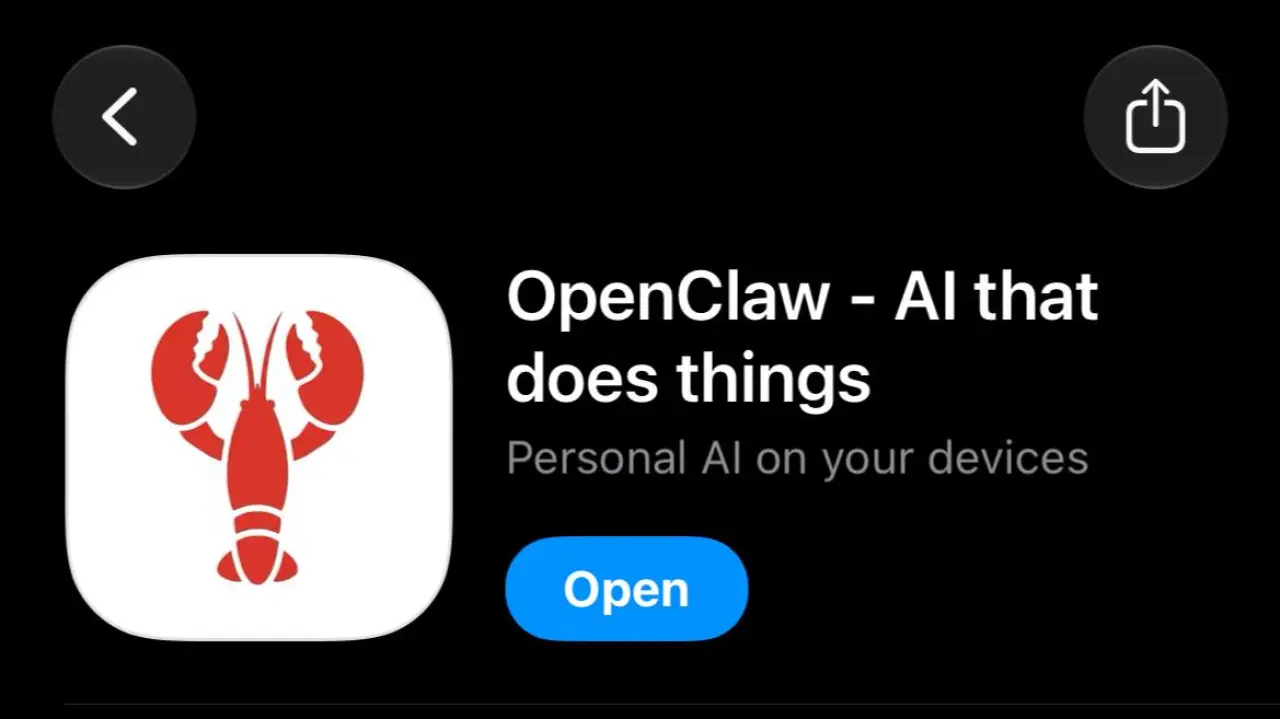
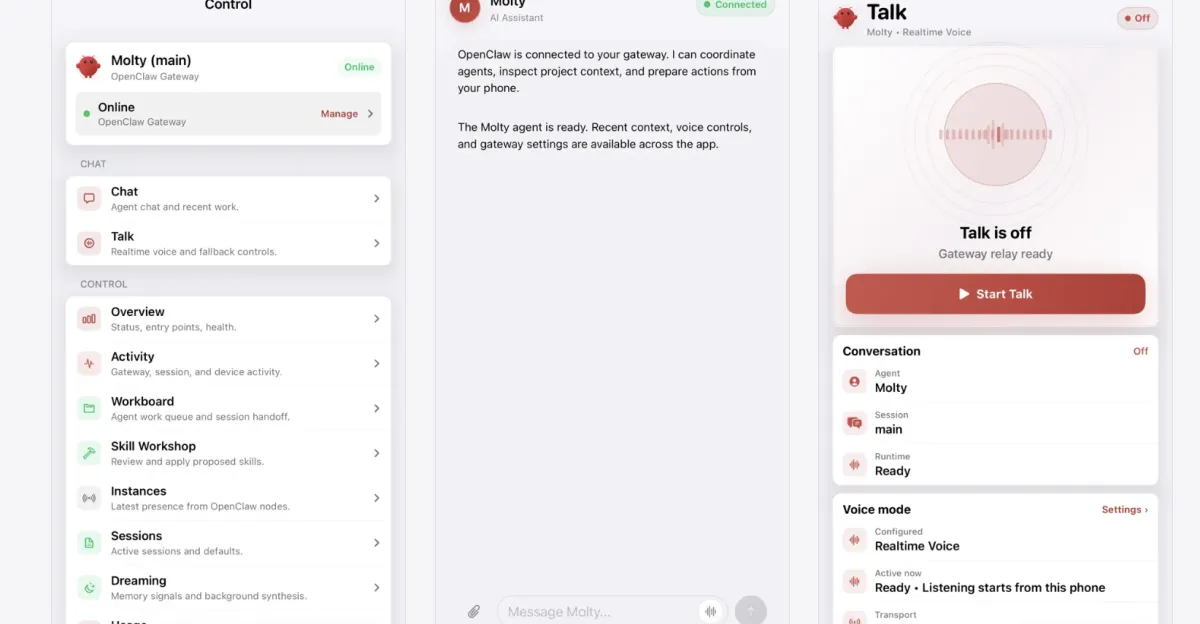
The always-on AI agent OpenClaw now has an official companion app for iOS and Android, making it easier than ever to stay connected when you’re away from your computer.One of OpenClaw’s biggest strengths has always been its integration with messaging platforms like Discord, Slack, and Telegram. However, the official mobile apps provide a more direct route, letting you chat with your agent without passing the conversation through a third-party messaging service.The app also has several phone-specific features. You can dictate prompts, record voice notes, send photos, and grant your agent access to your contacts, calendar, and location. Android users can even forward phone notifications to their agent.Before diving in, there is one crucial detail to keep in mind: the mobile app does not run your OpenClaw gateway on its own. Instead, it pairs with a gateway running on another device, such as your computer or a server which needs to stay powered on and reachable.If you’re completely new to OpenClaw, you’ll want to set up your agent on a desktop or server first. Once that's ready, here's how to get the OpenClaw companion app running on your smartphone.
1. Download the app