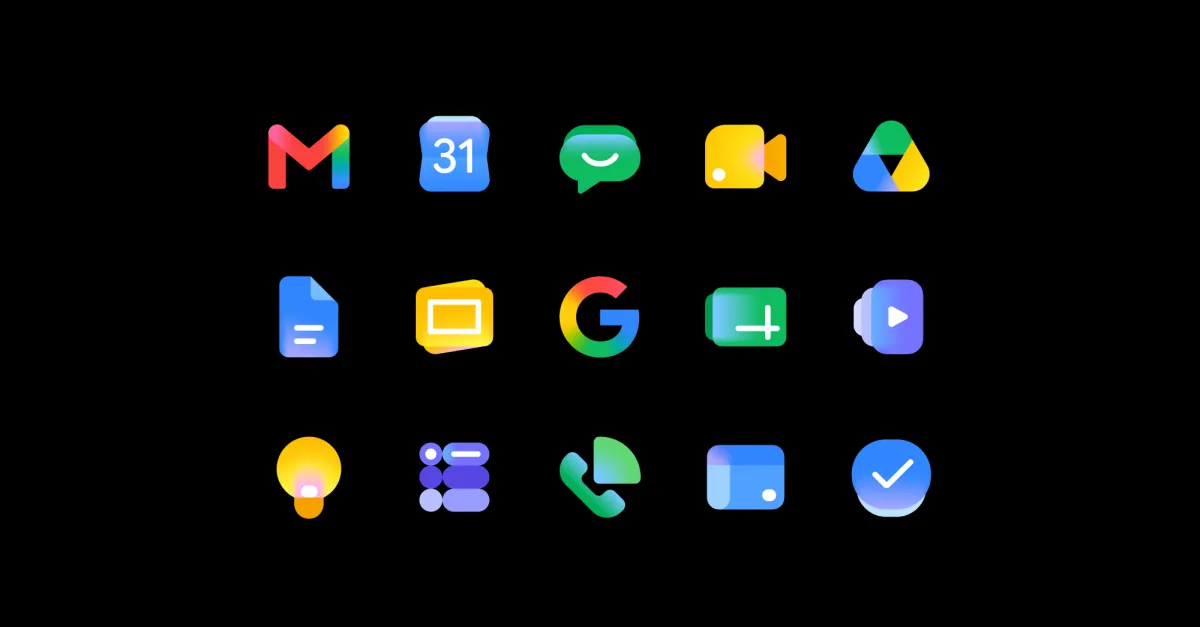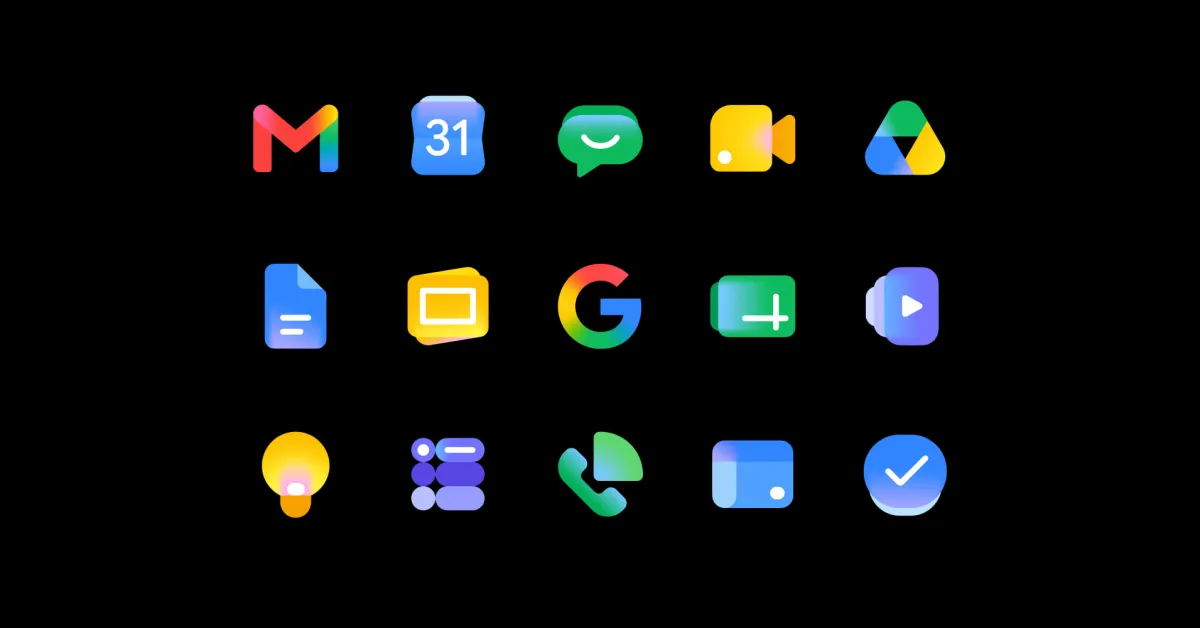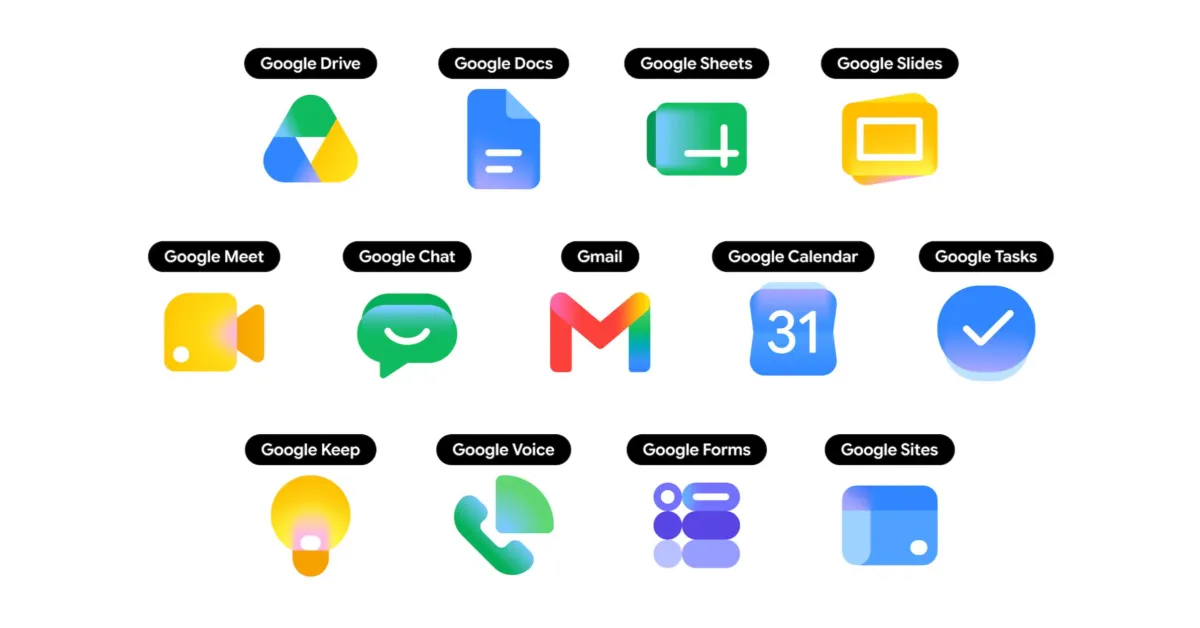
The entire Google Workspace family of apps got new icons in May. Three months later, the Google Sheets icon has been updated…
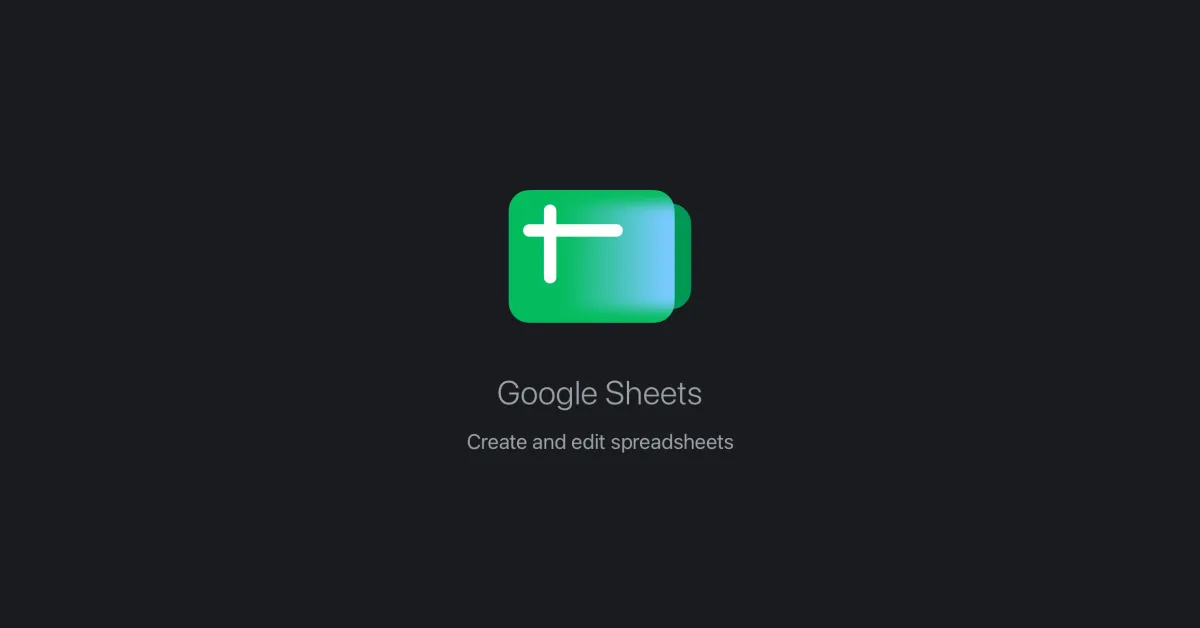
Google rotated the Sheets icon 180 degrees. That’s the change.
As a result, the x- and y-axis indicators now appear in the top-left corner instead of the bottom-right. This better matches how Google Sheets actually looks. Additionally, the second sheet peeking out from behind the first is now on the right.
Old vs. new
When Google first released the icon, there was some discourse about things looking a bit off. The question today is whether Google made a mistake before launch by improperly rotating it. That seems unlikely to me given the thorough review process that everything undergoes before launch.