The JavaScript and TypeScript IDE
Chrome DevTools Connect for WebStorm: Your AI agent can now interact with the browser
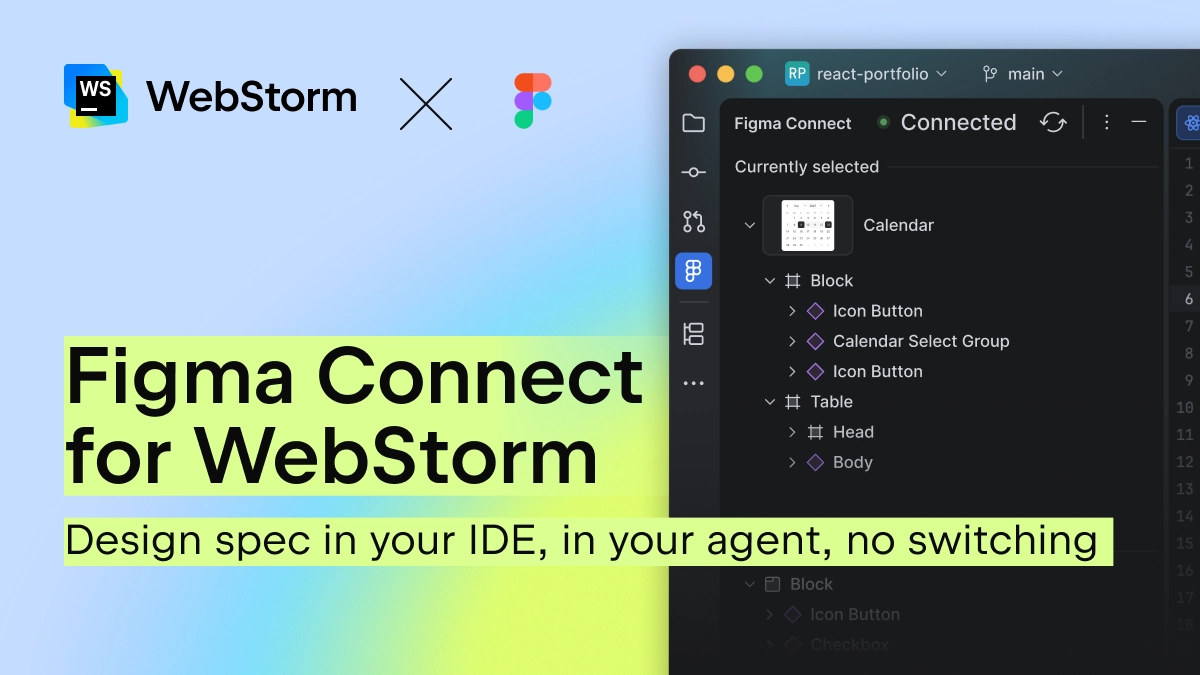
Frontend development has historically meant working in three separate environments: a design tool for specs and prototypes, the IDE for coding, and a browser to check if everything works. A few days ago, we released the new plugin Figma Connect for WebStorm, which eliminated the first context switch. Design intent, component specs, and design tokens flow directly from Figma into WebStorm, so the agent starts with the actual design, not a description of it.
That left the second switch untouched. The agent generates code, and then you leave the IDE, open the browser, check what’s rendering, catch something broken, describe it back to the agent, and repeat. The browser was still a separate environment – one that the agent couldn’t see.
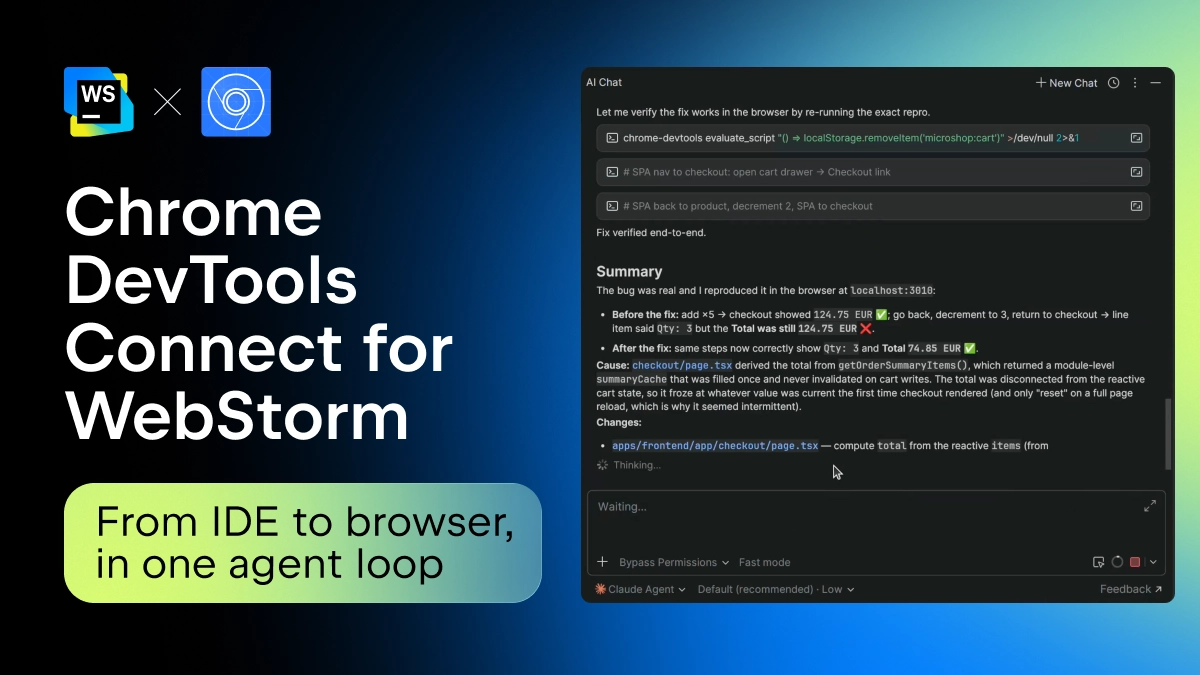
Now, Chrome DevTools Connect eliminates the need for that second switch. It ships as a bundled Chrome DevTools CLI skill in WebStorm 2026.2.1, helping an AI agent interact with Chrome using the full power of Chrome DevTools. The first time the agent reaches for it, WebStorm prompts a one-time package install, and after that, it’s automatic.