(Image credit: Shutterstock/Surja Sen Das Raj)
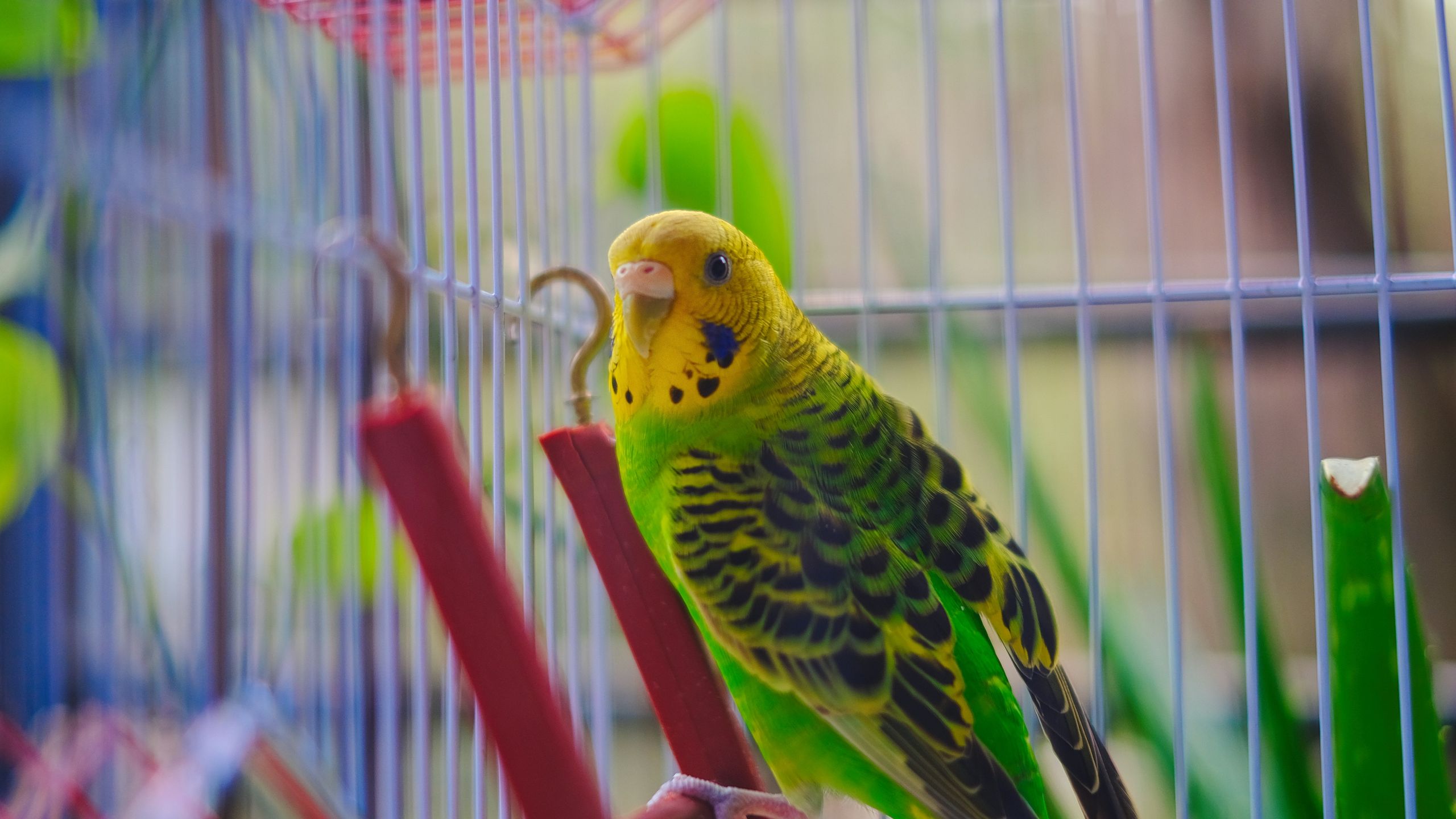
By lunchtime, ChatGPT has usually helped me research an AI story, brainstorm ideas, answer a question from one of my kids and figure out what's for dinner. As a power user, I've found it useful to not think for me, but alongside me to help my day run smoother.The downside is that after bouncing between so many different topics, my own thinking can start to feel cluttered. I don't always want work ideas mixing with personal projects or creative brainstorming bleeding into research for an article.That's why I started using what I call the "bird cage" prompt. It doesn't unlock a hidden feature in ChatGPT, and it isn't an official prompt from OpenAI. It's also not an alternative to ChatGPT Projects. It's a mental framework I use to keep individual conversations focused, whether I'm working inside a Project or not. I use it for queries that start small, but could easily be moved into an actual ChatGPT Project later. It sounds almost too simple, but it's become one of the few prompts I use every single day.What is the 'bird cage' promptThe bird cage prompt: Imagine every project I work on lives inside its own bird cage. We are now entering the [Project Name] cage. While we're inside this cage: Only use information that belongs to this project, don't mix in ideas, examples or assumptions from my other projects unless I specifically ask, if I mention something that seems to belong in another cage, stop and ask whether I want to switch cages before using it, stay inside this cage until I tell you we've left it. Treat this cage as a dedicated workspace with clear boundaries.Why not just use ChatGPT Projects?