If you like agentic coding in the terminal, the useful question is not “which chat UI should I open?” It is: can my coding agent read this project, run commands, and use the model provider I configure without breaking my normal workflow?
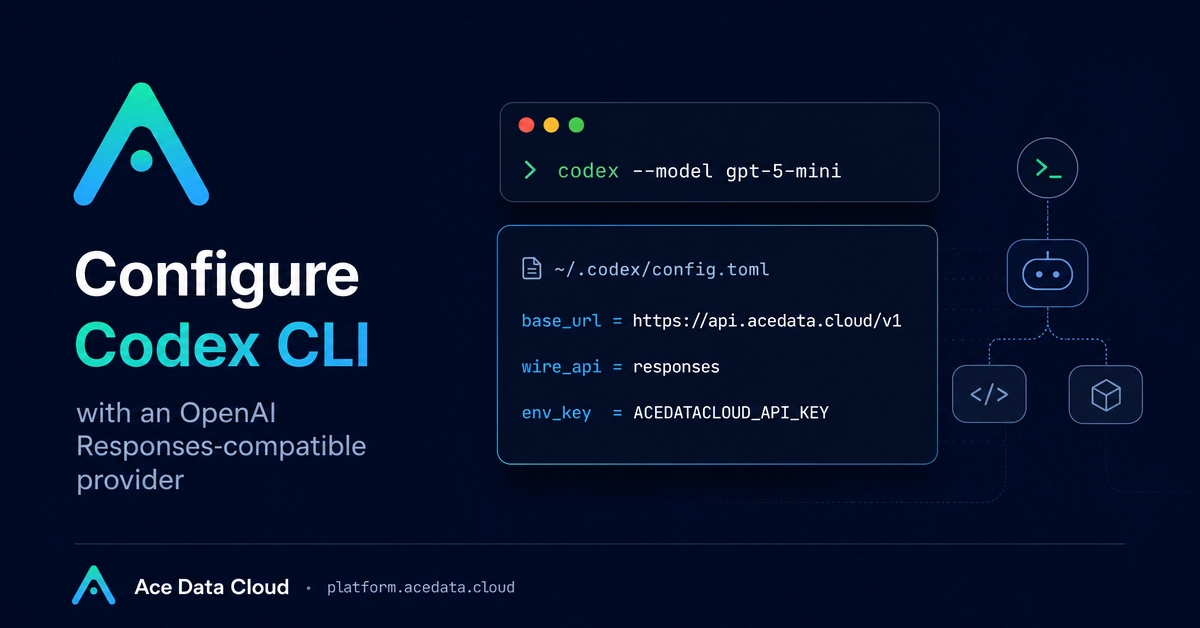
This guide shows how to configure OpenAI’s Codex CLI with Ace Data Cloud as an OpenAI Responses-compatible provider. The result is still the native codex terminal experience, but requests are sent to https://api.acedata.cloud/v1 through a custom provider block.
What you can do
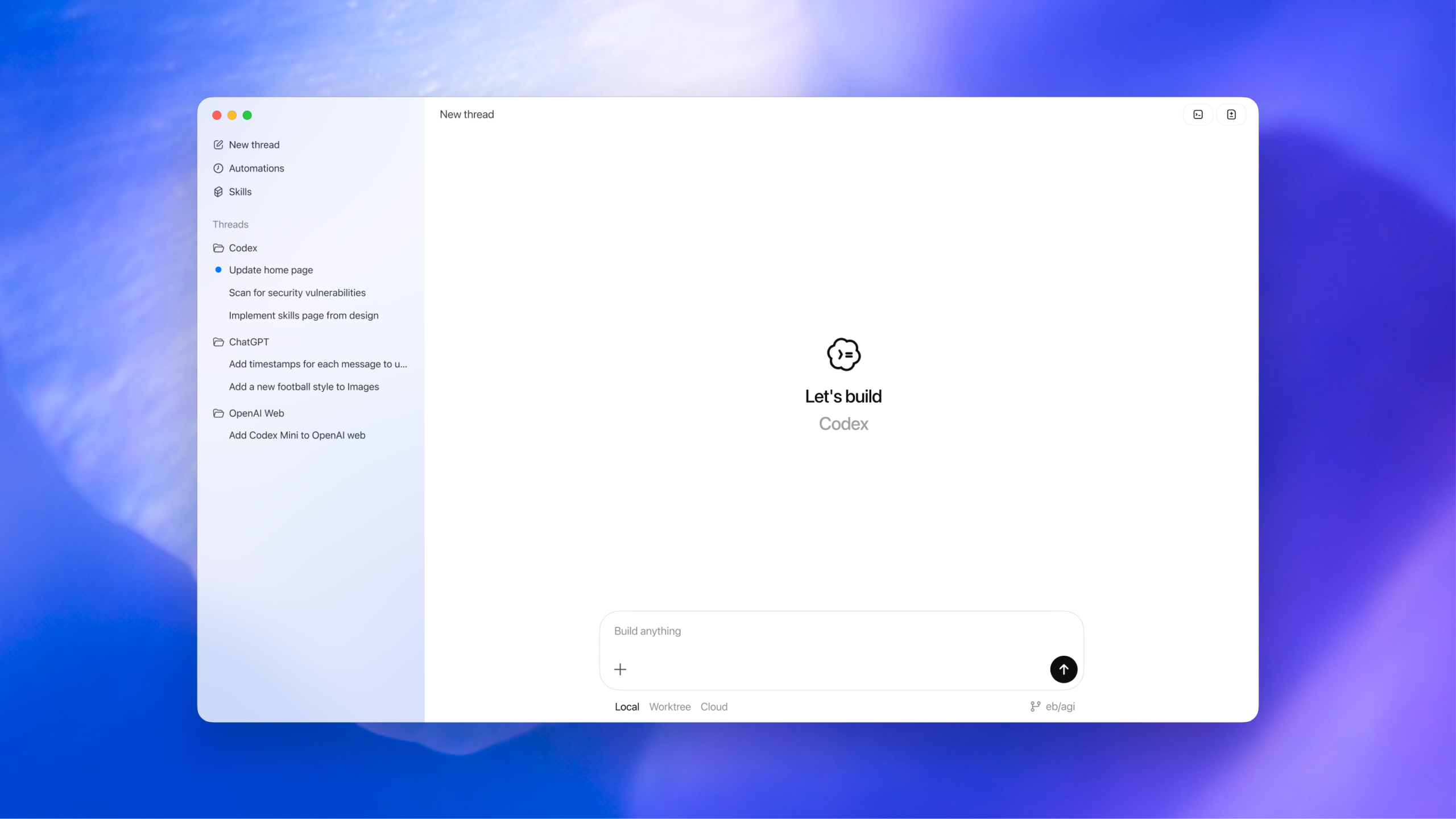
Codex CLI is a local programming agent that runs in your terminal. According to the source guide, it can read code, modify files, execute commands, explain errors, and help with daily development tasks.
The integration relies on Codex CLI’s support for custom model providers. The important documented values are: