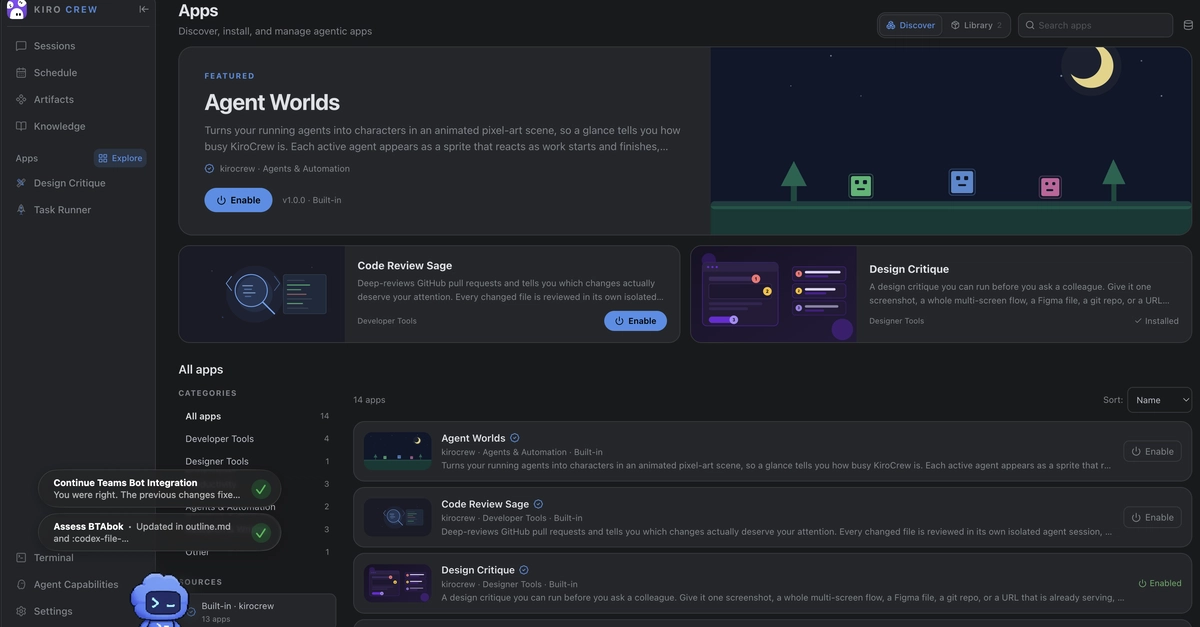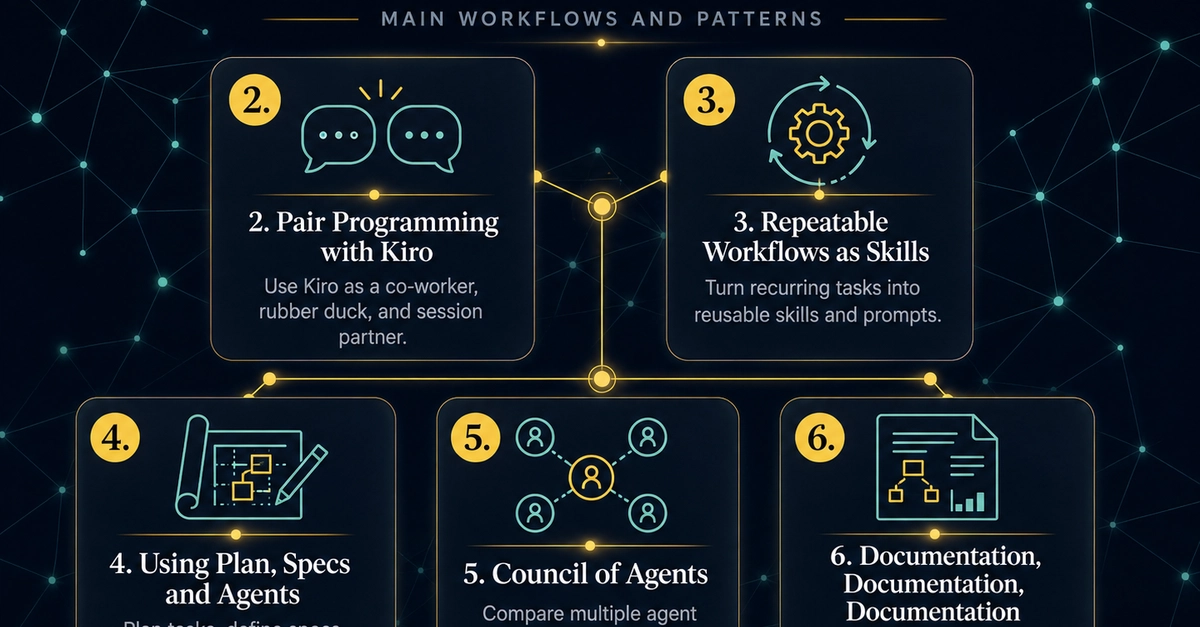
AWS surprised us by open sourcing its newest productivity and developer workflow solution under its Kiro umbrella called Kiro Crew. Think of it like a OpenClaw, but there are differences b/w OpenClaw and Kiro Crew which I will explain it shortly. In this blog post, we are going to how you can get started with Kiro Crew and its setup, simple developer workflow and of course differences between OpenClaw and Kiro Crew.
Kiro Crew is an open-source personal AI agent from AWS that runs locally or remotely and supports persistent, self-learning workflows. It is accessible via a Mac desktop app, web dashboard, CLI, and messaging platforms like Slack and Teams. Installation is handled through a single curl command, and a free Kiro account is required.
Key features include a local Knowledge base for indexing files and folders, scheduled jobs, and parallel multi-agent research tasks. Compared to OpenClaw, Kiro Crew is focused on software development workflows, while OpenClaw targets general-purpose personal automation. The project is newly open-sourced and still has rough edges.
What is Kiro Crew?
From the official docs: