(Image credit: Tom's Guide/ Google)
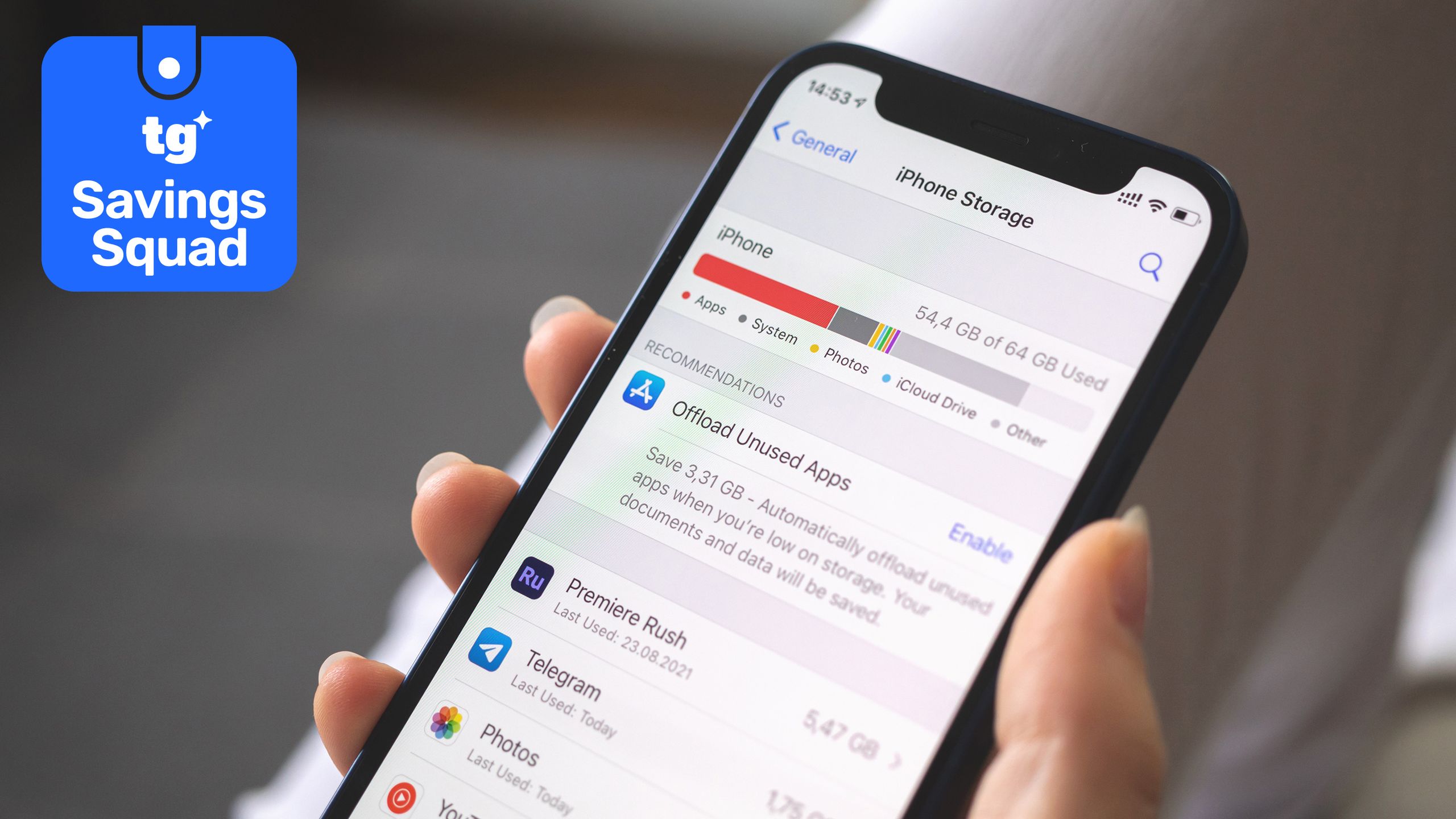
Google Maps is a staple for navigation, and while most people install it and forget it, the app can occasionally consume a surprising amount of storage.On devices with limited 64GB or 128GB capacity, heavy users who download large offline maps or experience caching glitches may find the app using several gigabytes of space.The storage bloat comes from multiple hidden sources working together: offline maps you've downloaded, location history data stored locally on your device, and cached searches and map tiles accumulating over time.Here's what's actually consuming your storage and how to reclaim it.Three things are secretly consuming storageFirst, offline maps. If you've downloaded maps for cities you visit frequently to avoid using cellular data, they add up quickly. While single cities are small, saving multiple large regions or entire states can easily consume several gigabytes.Second, the Timeline feature. Google recently moved your entire location history from cloud storage directly onto your phone, meaning years of historical travel data now lives on your device. Depending on how frequently you move around, this archive can quietly grow to hundreds of megabytes or more.And lastly, cache data. The app constantly stores searches, navigation routes, map tiles, and page content. Over time, this background cache fails to clear itself properly and balloons into a significant storage hog.Get instant access to breaking news, the hottest reviews, great deals and helpful tips.How to reclaim your storage spaceWhether you are on an iPhone or an Android device, taking back your storage is really straightforward,