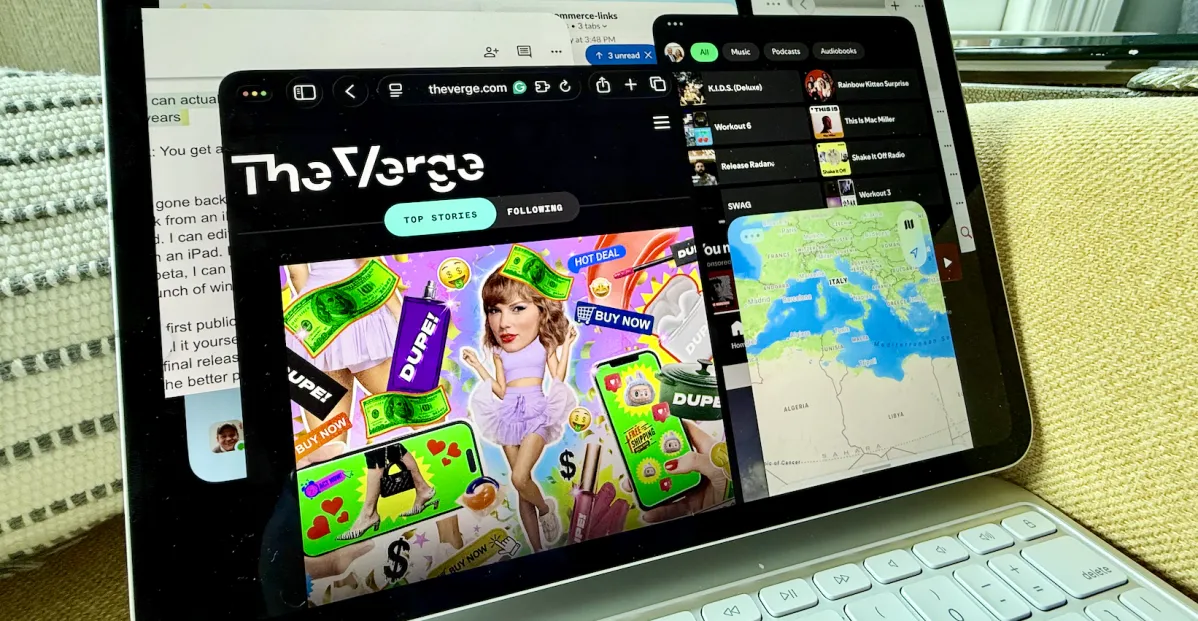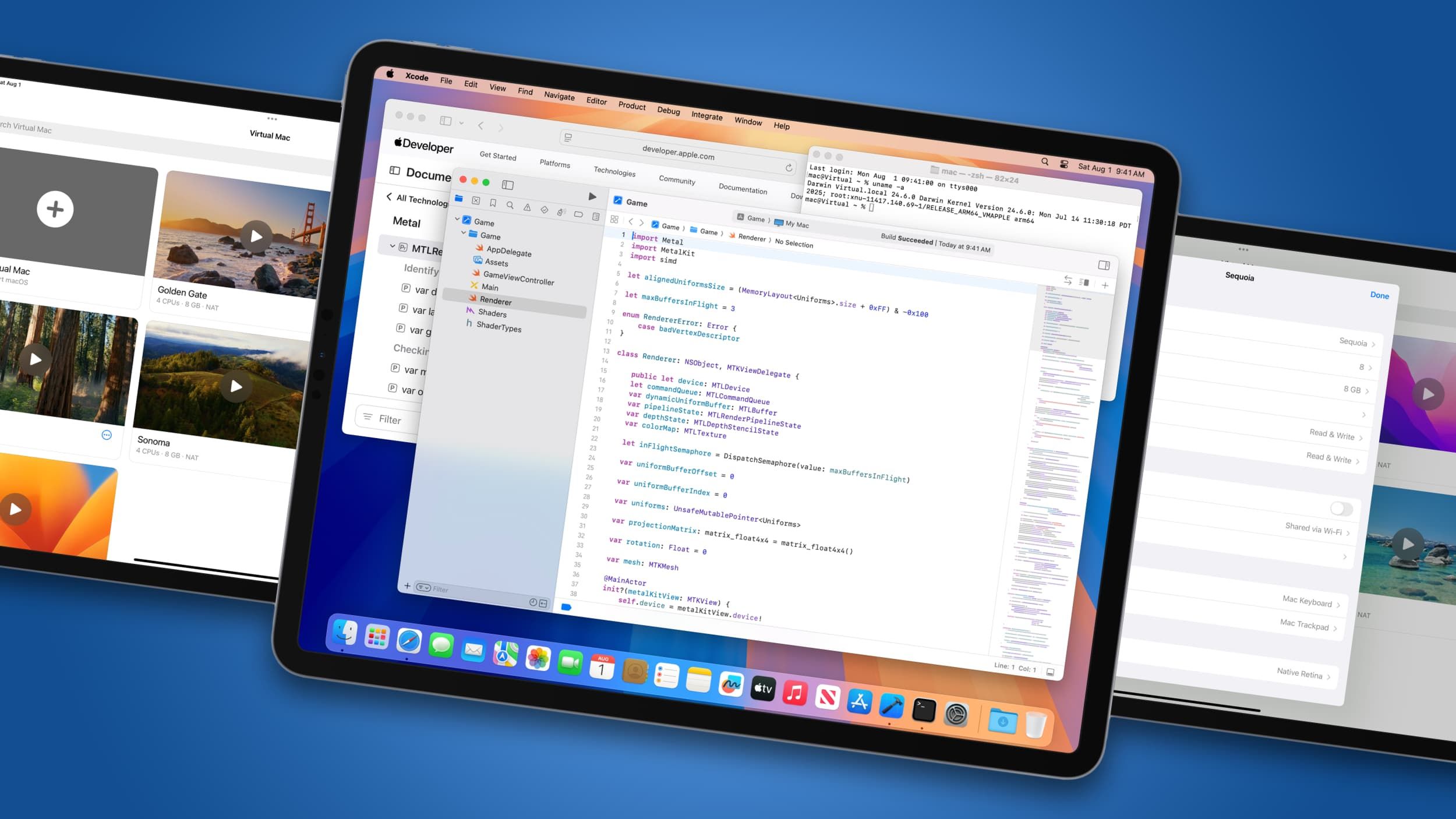
(Image credit: nfzerox / Future)
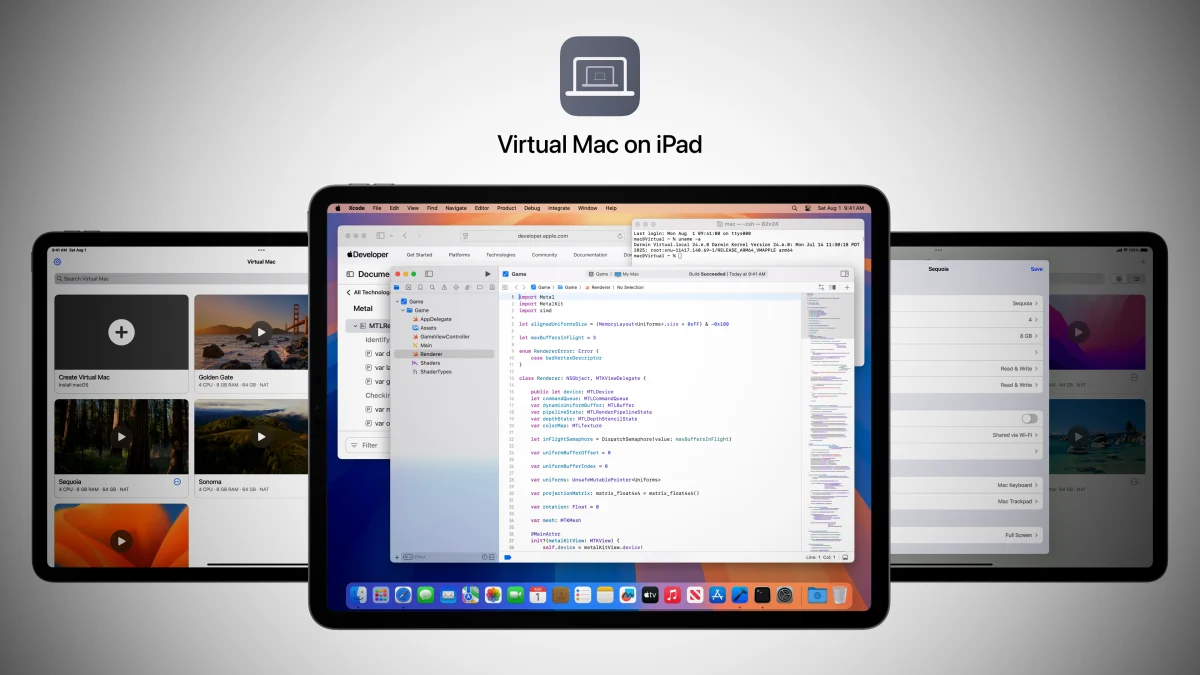
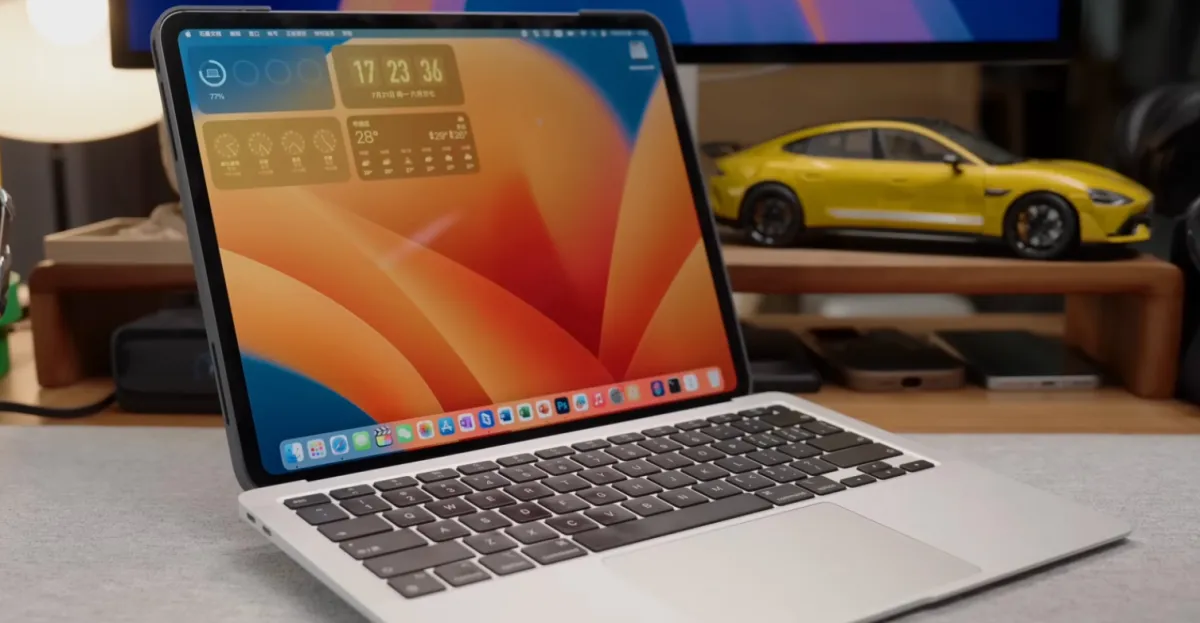
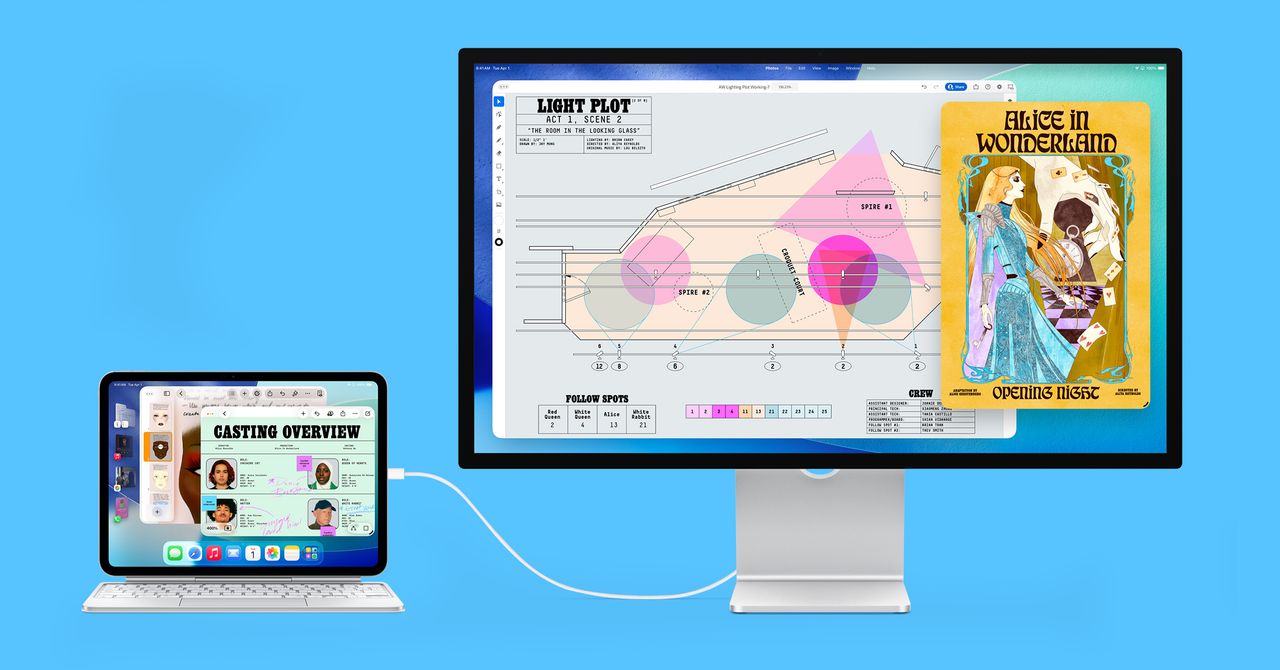
Virtual Mac on iPad gets macOS running on compatible iPadsIt requires a jailbroken tablet and specific versions of iPadOSIts many limitations mean I don’t think it’s worth the hassleFor years, people have been wondering if Apple is ever going to “merge” iPadOS and macOS into some unholy mutant operating system. While Apple has repeatedly and resoundingly denied that’s ever going to happen, one intrepid developer has taken it upon themselves to do the hard work instead. And while the result lets you run full-fat macOS on your iPad Pro or iPad Air, I wouldn’t recommend it to anyone but the hardiest of souls.Dubbed Virtual Mac on iPad, this GitHub project ports macOS onto Apple’s best iPads. That means it’s nothing like Apple’s Sidecar feature, which lets you use an iPad as a second display for a Mac. In the case of Sidecar, the Mac is doing all the processing. With Virtual Mac on iPad, however, it’s your iPad that’s actually running the operating system.Unfortunately, getting that to actually happen is more than a little convoluted. You can’t even get started unless you’ve jailbroken your iPad, which means hacking it so it can run apps and systems not authorized by Apple. As well as that, the jailbroken iPad must be running iPadOS 16 to iPadOS 16.3.1 — nothing more, nothing less — in order to harness an exploit that was patched in subsequent editions. The requirements so far will probably be enough to put a lot of people off.If you’ve persevered, you’ll need to add a specified repository to your device and install Virtual Mac on iPad from there. But you’ll need to be aware that even with macOS successfully set up, you won’t be able to log into your Apple Account — since you’re using a jailbroken device with an unofficial port of macOS, you’ll run into problems if you try to sign in, putting features like Find My and iCloud syncing out of reach.Is it worth it?