(Image credit: Future)
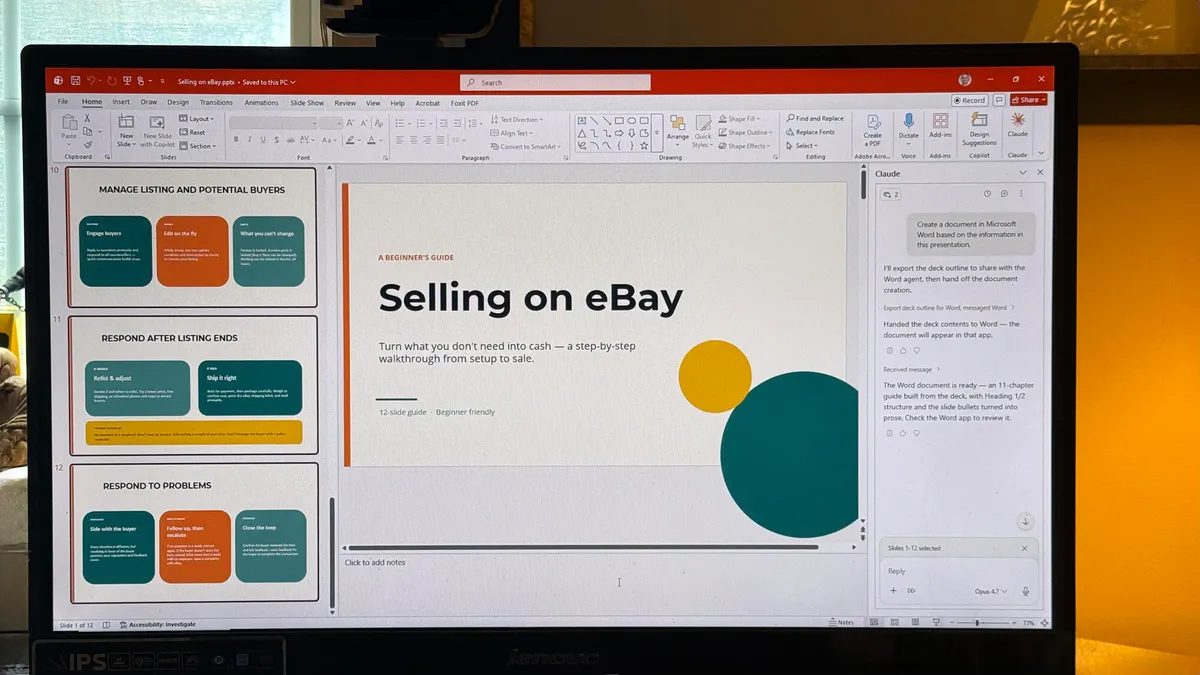
Claude can do much more than answer questions or help you edit documents. Hidden inside the chatbot are four Skills that let it create and edit the files many of us use every day.Anthropic has built separate skills for Word documents, Excel spreadsheets, PDFs and PowerPoint presentations. You don’t need to download anything from GitHub or learn how to use Claude Code. They are built directly into Claude and available to Free, Pro, Max, Team and Enterprise users.What makes these skills useful is that Claude doesn’t simply generate content for you to copy into another program. It can create the finished file, complete with formatting, formulas, charts and page layouts. You can then download it, open it in the appropriate program and continue editing.Here are the four skills I keep coming back to, along with the prompts you can use to try them yourself.Where to find Claude’s built-in skills
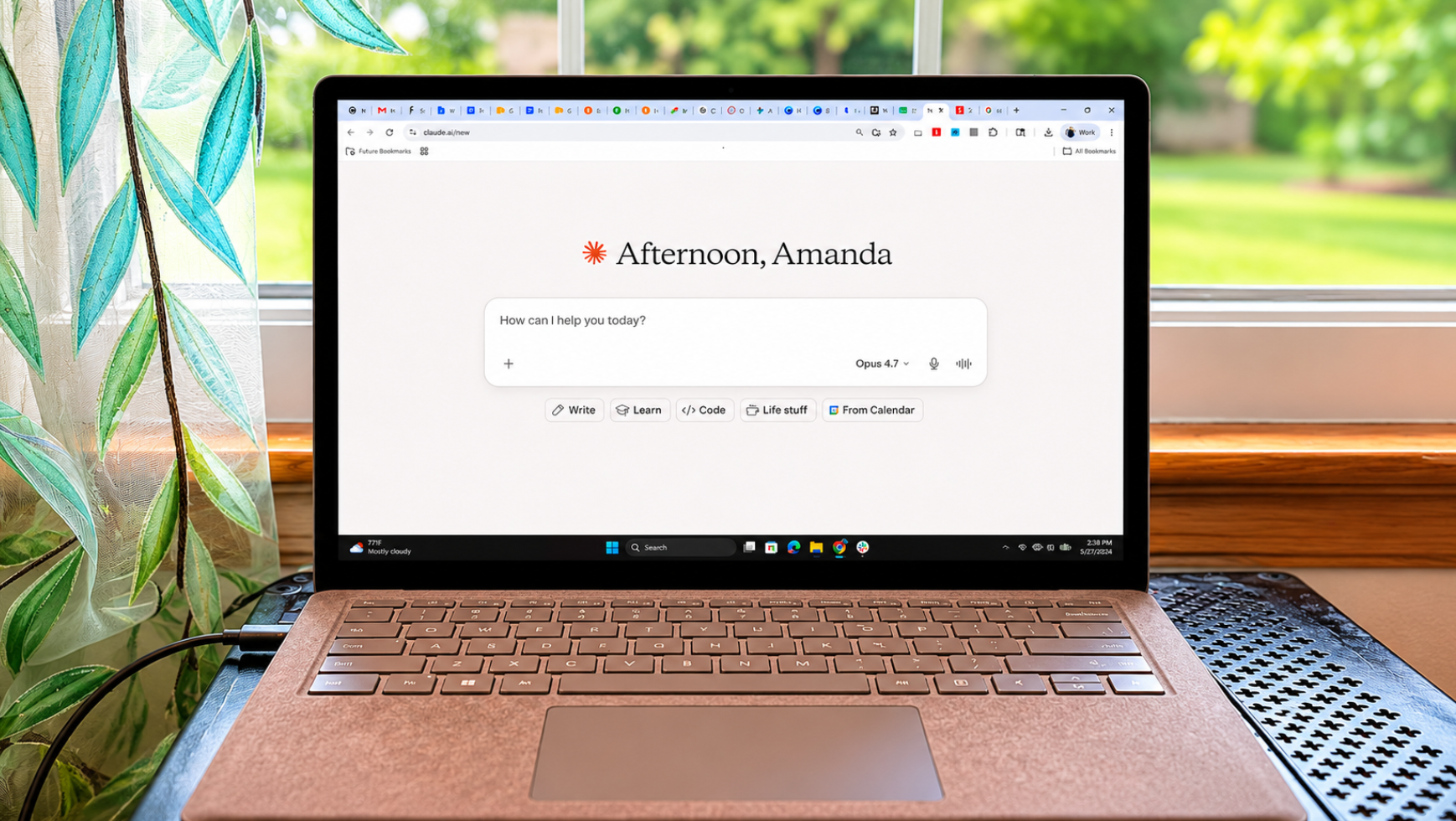
(Image credit: Future)You don’t need to download these skills from GitHub or install anything separately. Start by opening Claude and click your name or initials in the lower-left corner. Select Settings, open Capabilities and make sure Code execution and file creation is turned on.Next, return to Claude’s main screen, open Customize and select Skills. You should see Anthropic’s built-in skills for Word documents, Excel spreadsheets, PDFs and PowerPoint presentations. Turn on the ones you want to use.Once enabled, the skills work automatically. You don’t need to select the Word skill before creating a document or the Excel skill before making a spreadsheet. Tell Claude what you want and specify the finished file type, such as an editable DOCX, XLSX or PPTX file.Get instant access to breaking news, the hottest reviews, great deals and helpful tips.If you don’t see the Skills section, check that code execution and file creation are enabled. Team and Enterprise accounts may also require an administrator to enable skills for the organization.1. Create polished Word documents