There's nothing quite like the feeling of a clean, fast machine. No matter if you're running Windows or macOS, if you just unboxed a new laptop, built a fresh desktop, or wiped the slate clean with a brand-new drive, it's time to get back to your productivity groove.
Not sure what to install first? Let us help with our handy list of recommended desktop software.
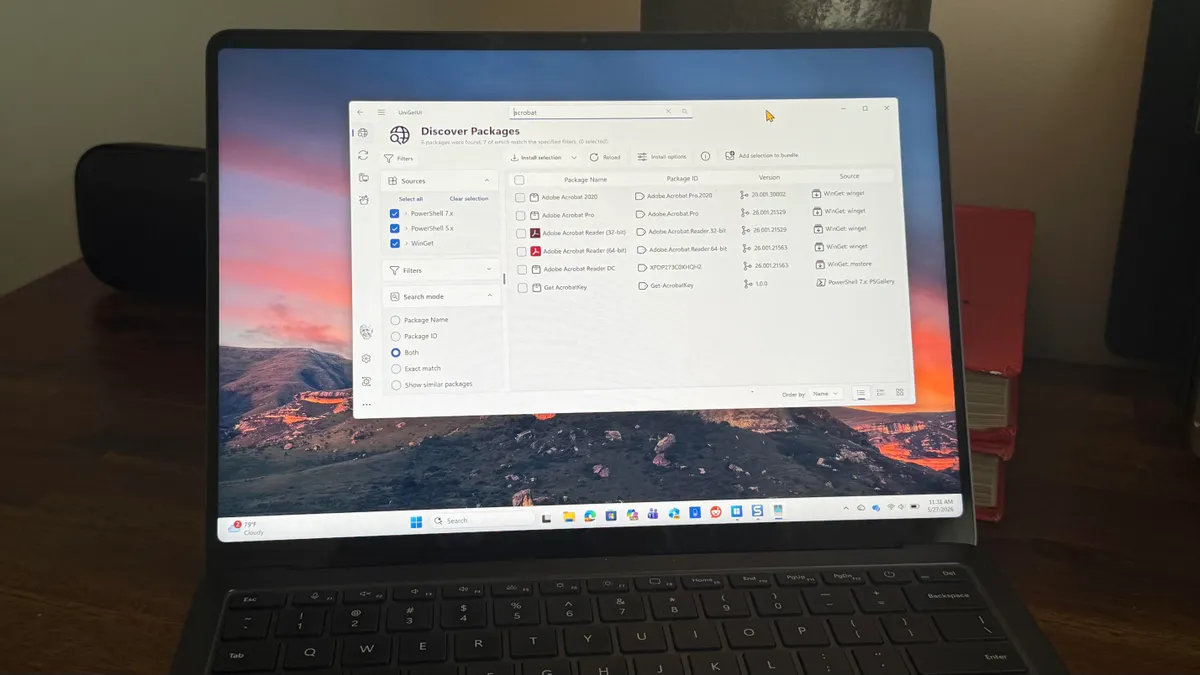
We've put together a curated list of essential desktop apps to help you hit the ground running (full list TL;DR here). While many tools now live in the cloud, having dedicated desktop apps can still make a huge difference – especially when you need offline access, better performance, or just want to avoid the privacy trade-offs of browser-based tools.
Let's build your perfect setup.
Chrome remains the go-to browser for most users, thanks to its deep integration with Google services and cross-device syncing with mobile devices. It's fast, familiar, and supports a massive library of extensions. That said, it's not the best choice for privacy, and some power users find it a bit barebones without tweaking.