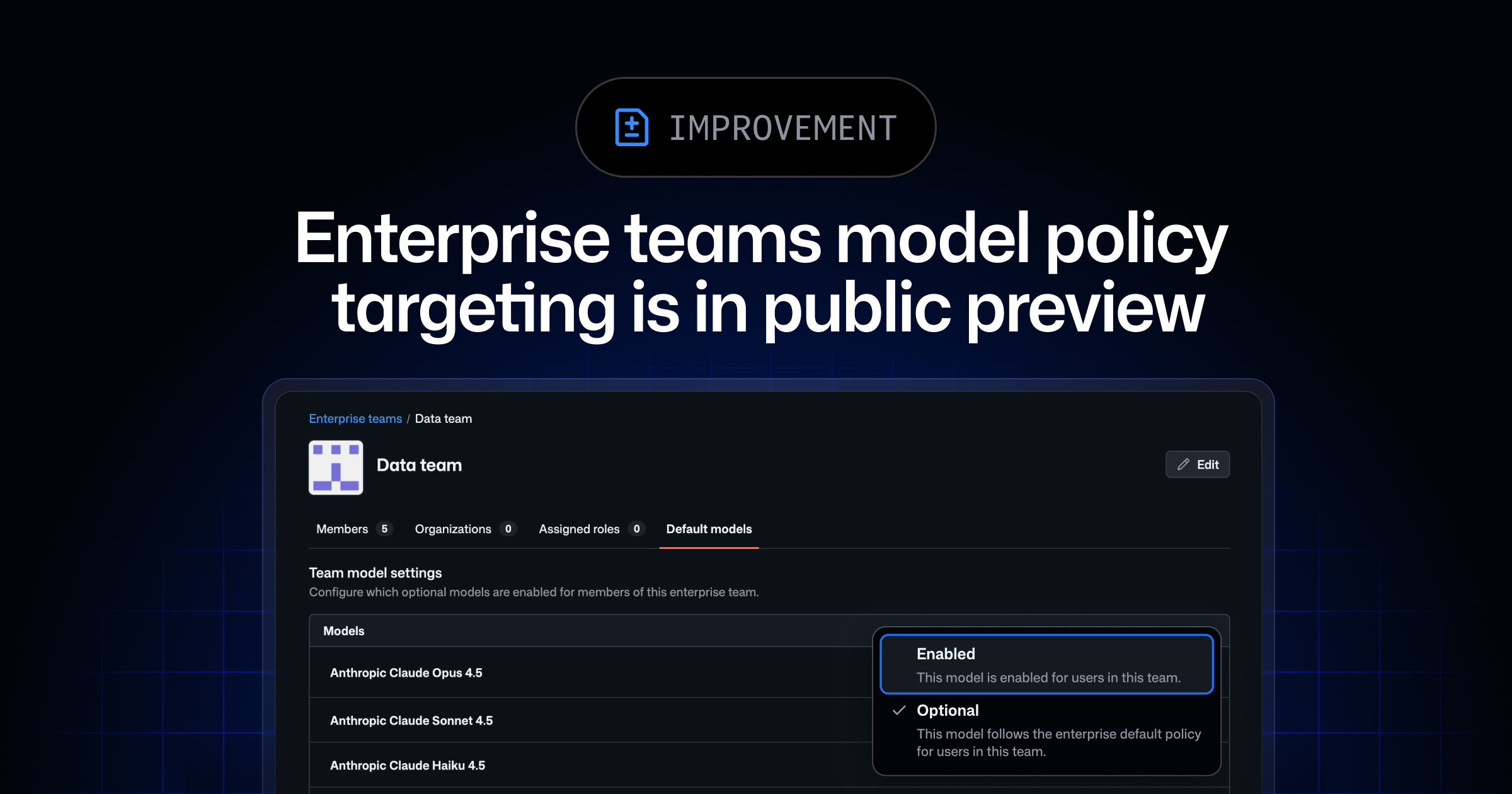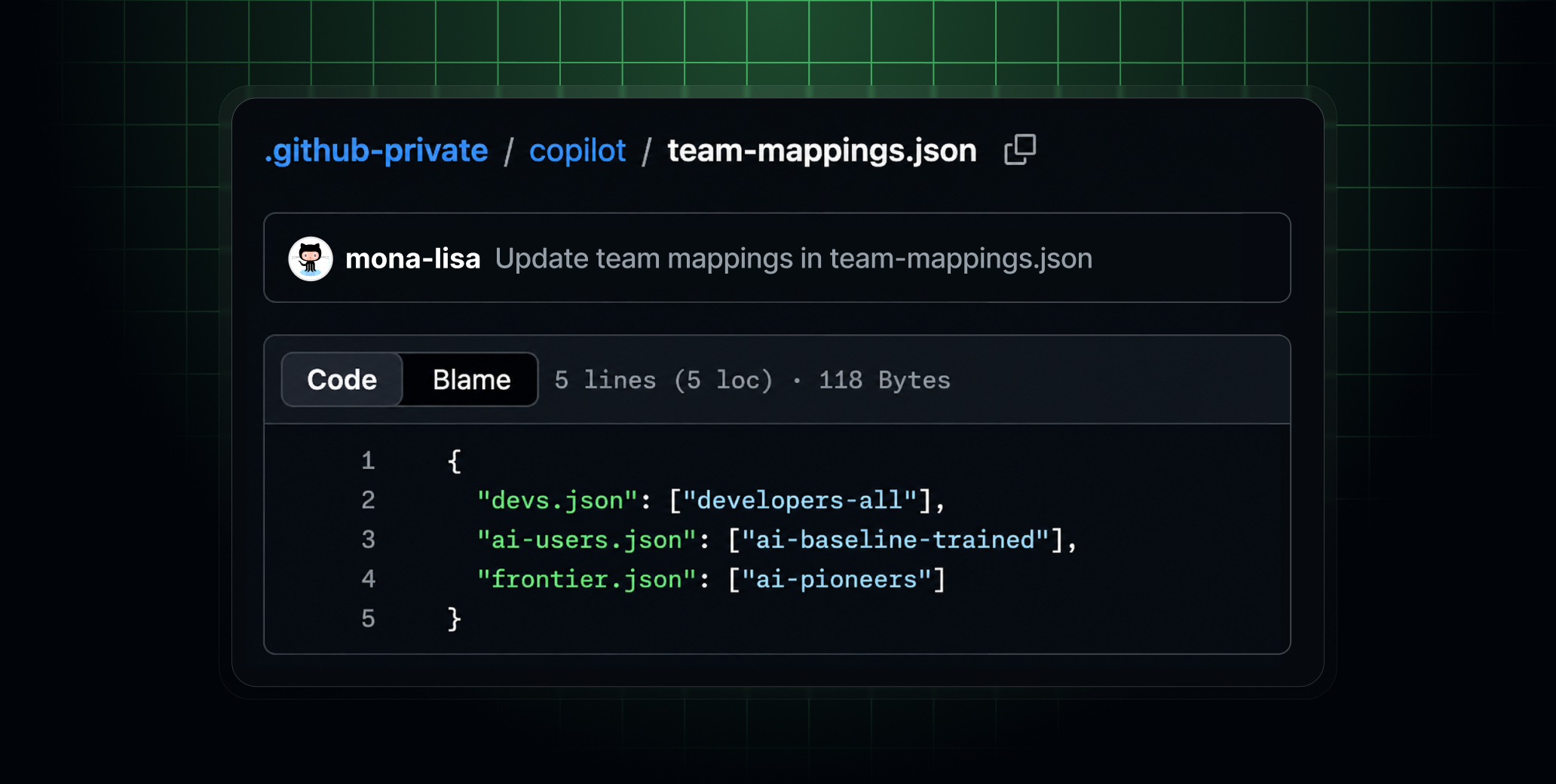
Enterprise administrators can now customize managed settings by targeting enterprise teams with itemized configuration files. Large enterprises can scale governance without bottlenecking every configuration change through central administrators or one-size-fits-all policies. Teams gain the flexibility to adapt Copilot to their workflows while staying within the boundaries you’ve defined.
The AI ecosystem evolves frequently and maintaining effective guardrails is a shared responsibility. Set your AI standards source .github-private repository to internal visibility and let your users open pull requests to suggest changes that keep their specialized governance configuration up to date.
What you can do
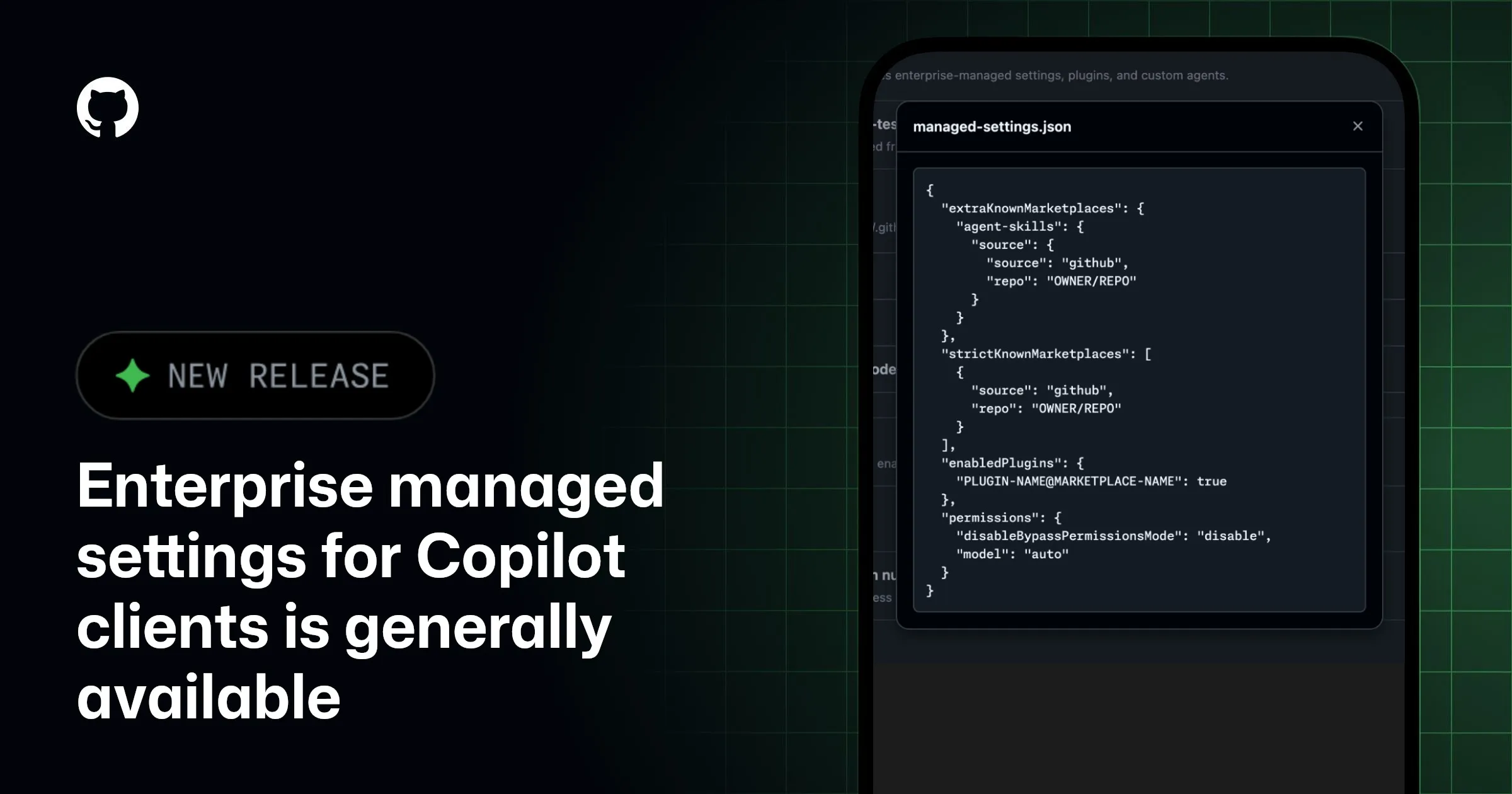
After you’ve configured your managed-settings.json file, you can make individual keys eligible for team-specific values.
Mark keys as overridable: In your copilot/managed-settings.json file, use the { "overridable": } syntax to specialize the key’s configuration on a per-team basis. An overridable key uses the team’s value when set or falls back to your enterprise default when the team leaves it unset. Keys you don’t mark overridable remain an enterprise-level decision that teams can’t modify. In practice, you can set "disableBypassPermissionsMode": "unmanaged" and "model": "unmanaged" in a team settings file, providing a specialization that takes precedence over managed-settings.json for members of that team.