Vue PDF Viewer didn't start as an annotation tool. It started as a viewer. Render a PDF, give it a toolbar, let people zoom and search and print. That's what people asked for first, and for its first year that was the whole product.
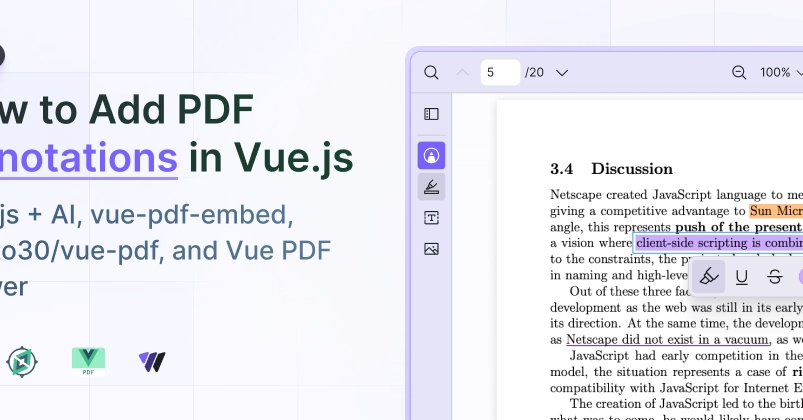
Then, our users wanted to mark up the documents they were reading. So we added the first annotation tools in September 2025: highlight, free text, and image. The requests didn't stop there, because a highlighter alone can't say everything people need to say on a document. A highlight means "pay attention here," an underline marks a reference, a strikethrough means "cut this." Force all three through one yellow highlight and you lose the distinction, so underline and strikethrough followed in February 2026. I worked on that plugin. That's the disclosure, and it's also why I can tell you where each option's seams are, ours included.
Here's the part worth knowing before you write any code. Vue PDF Viewer renders with PDF.js, like most of the Vue ecosystem, so PDF.js's own annotation editor was the obvious place to start on the creation side. It creates free text, ink, and stamps, and it has a highlight tool. It has no underline tool and no strikethrough tool. That gap has held for years. And the highlight it does give you is free-form rather than snapping cleanly to a text selection. So the text-selection toolkit ended up being something we built ourselves.