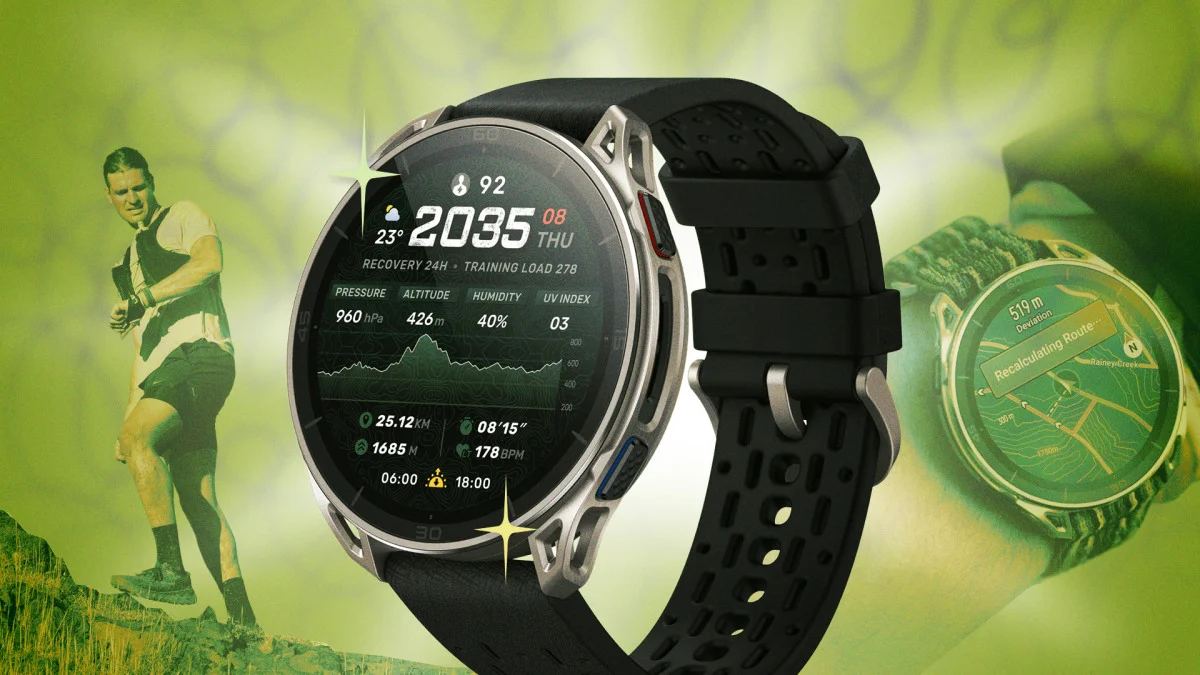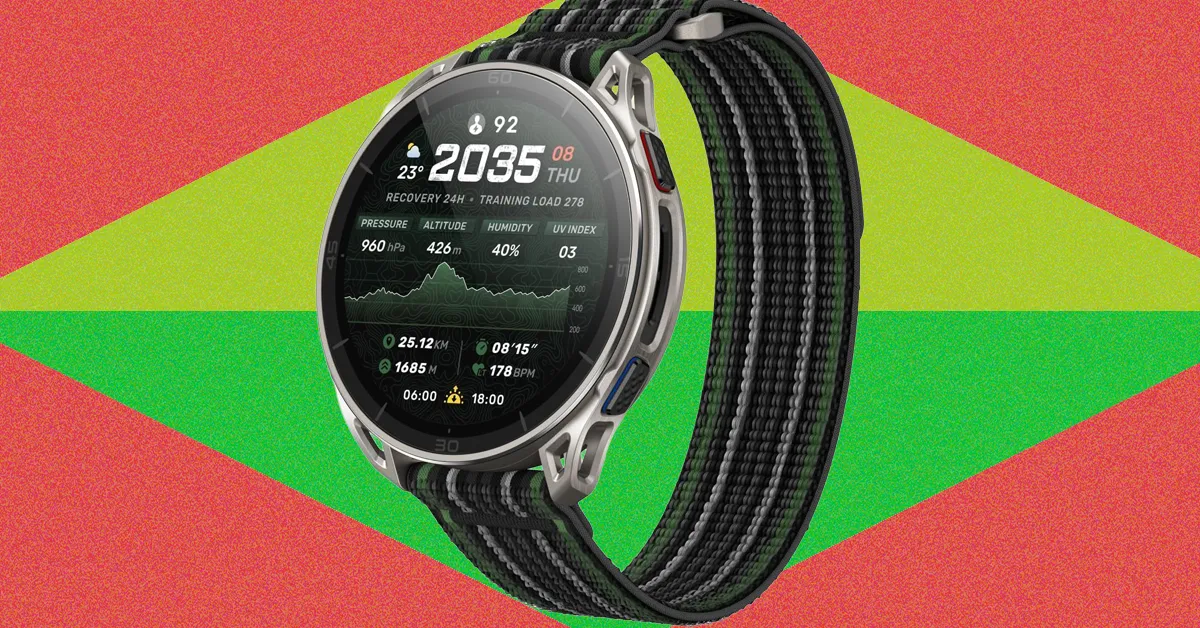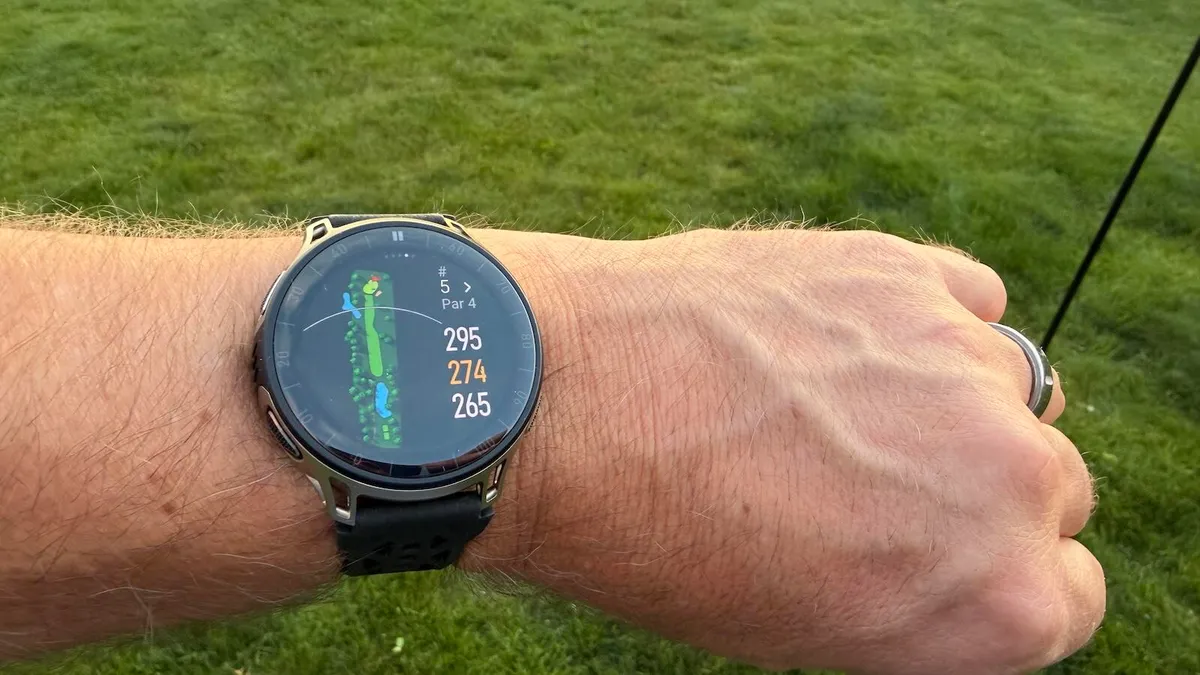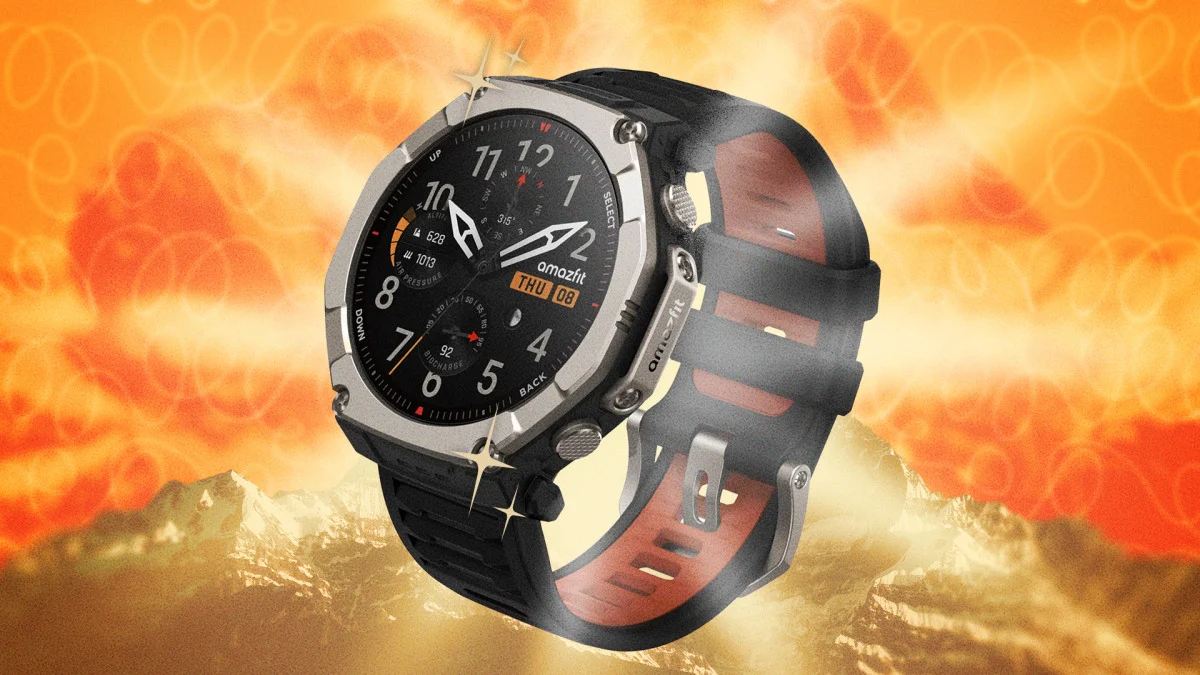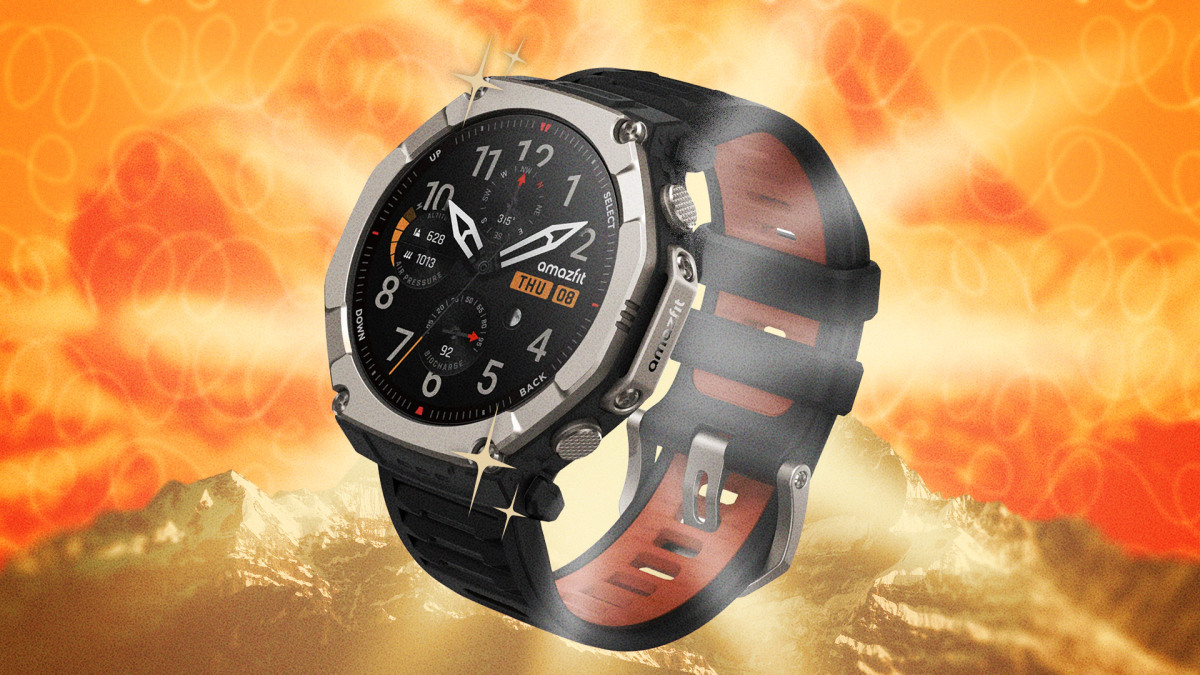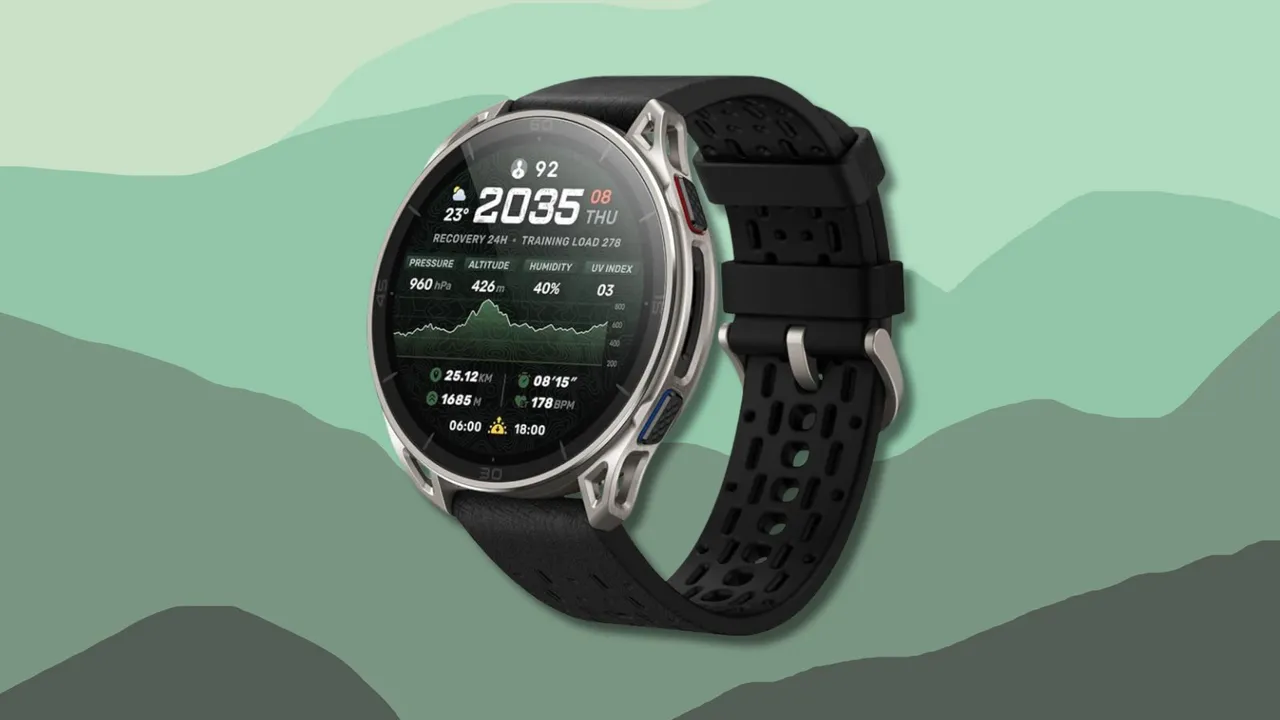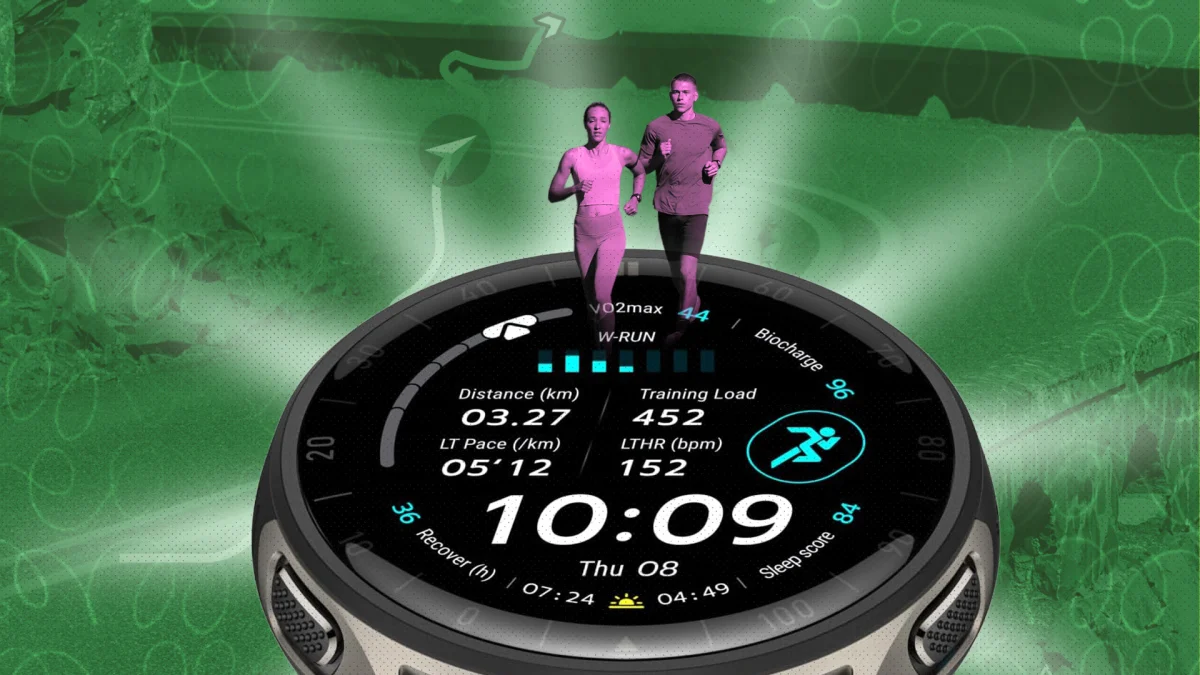
When I raced Hyrox earlier this summer, I opted for my Amazfit Cheetah 2 Pro—and I was quite pleased with the results. While Amazfit's Cheetah line isn't exactly my favorite, the Cheetah 2 Pro is a solid choice for any runner who wants a watch that looks and feels top-of-the-line (albeit with some mid-tier tradeoffs). And while the Cheetah 2 Pro has a no-nonsense marathon-watch exterior, there's a surprising amount of software most owners never touch. Here are five features that go beyond the manual.
Unlock a secret developer mode in your Amazfit watchBuried inside the Zepp app is a hidden menu most people will never find by accident. Go to Profile, then Settings, then About, and tap the Zepp logo seven times in a row. This unlocks developer mode, which lets you dig into device information and debugging options that aren't normally visible in the consumer-facing app. True, it won't turn your watch into a hacking tool, but it's a fun rabbit hole if you like poking around under the hood, and it can occasionally be useful for troubleshooting sync issues or checking firmware details that the standard interface hides from you. Developer mode also lets you install custom watch faces, rather than relying on the existing native watch face library and upload a custom face on your computer, scan a generated QR code, and install it directly onto your watch.