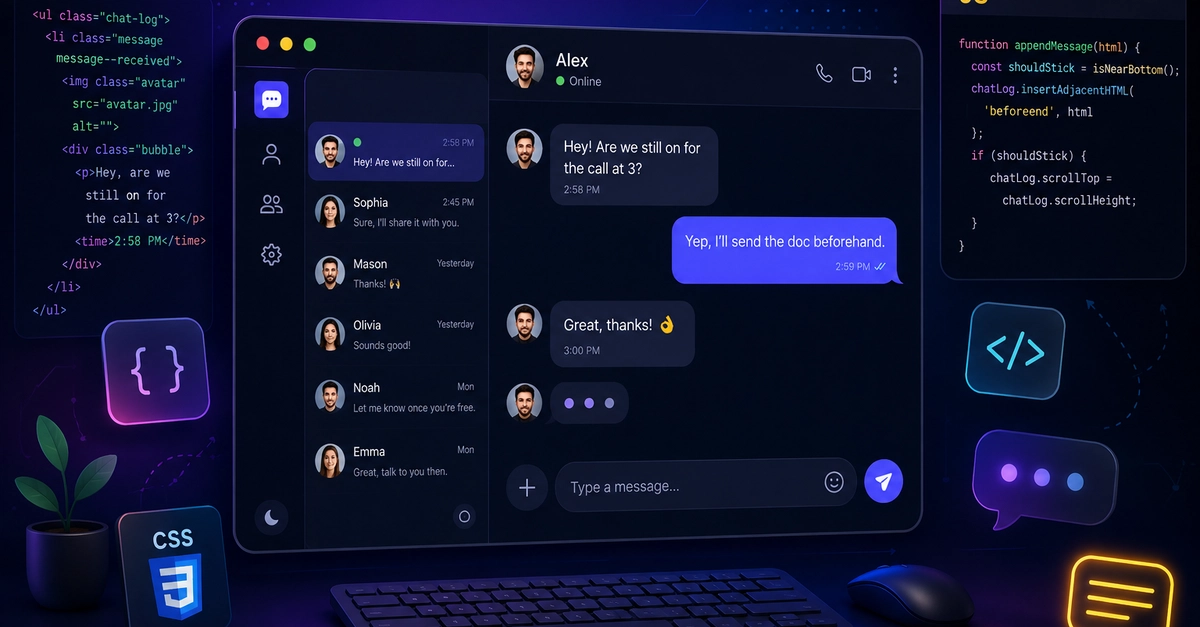
Chat interfaces are everywhere now — support widgets, team tools, AI assistants, in-app messaging. They all share the same underlying patterns, and none of them actually require a framework or a component library to get right. A well-built chat UI is mostly a handful of CSS decisions and a couple of small, deliberate JavaScript behaviors.
This walks through building one from scratch: the markup, the bubble styling, a typing indicator, smart auto-scrolling, message grouping, dark mode, and the accessibility details that are easy to miss.
What actually makes a chat UI feel right
Before touching code, it helps to name the specific things that separate a chat UI that feels considered from one that feels like a plain list of <div>s:
Sent vs. received is instantly visually distinct — usually via alignment and color, not color alone.