CORS Errors Explained: Every Fix, Every Framework (2026 Guide)
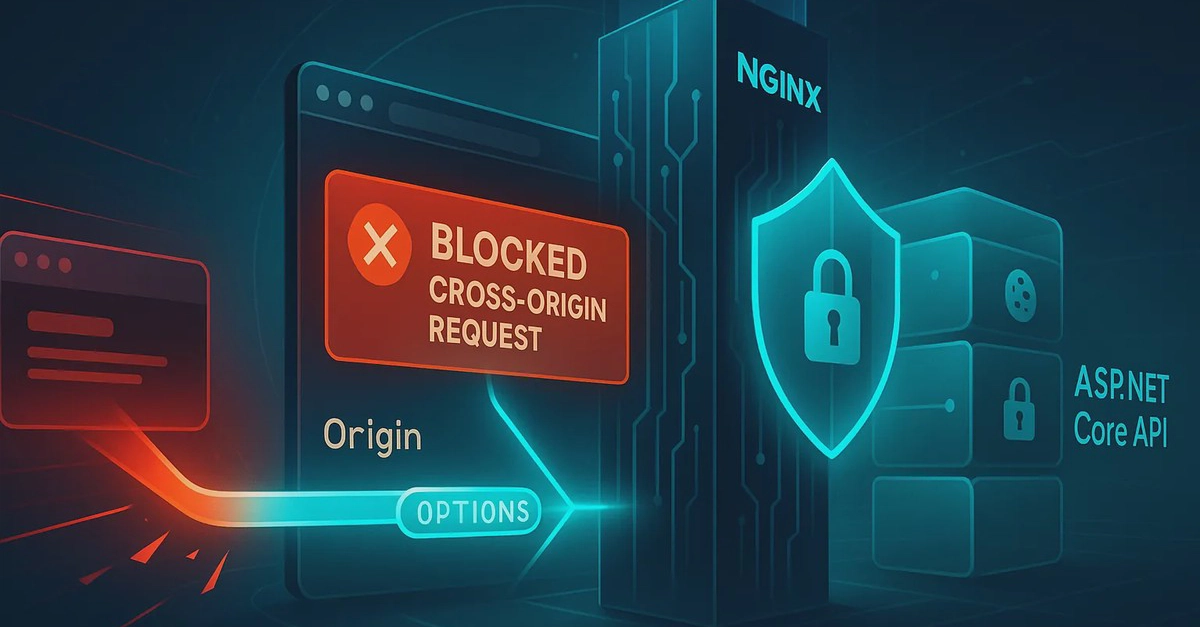
TL;DR — A CORS error means the browser blocked a cross-origin request because the server did not explicitly allow it. The fix is always server-side: return the correct Access-Control-Allow-Origin header from your backend. This guide covers every CORS error type, a step-by-step diagnosis flow, and copy-paste fixes for Express, FastAPI, Next.js, nginx, Cloudflare Workers, and Vercel. You can inspect and validate your CORS headers live with the CORS Header Checker — no curl, no Postman, no install.
What CORS Actually Is (and Why the Browser Enforces It)
The Same-Origin Policy (SOP) is a browser security rule: JavaScript running on https://myapp.com can only read responses from requests made to the same origin — same scheme, same host, same port. Everything else is cross-origin.
CORS — Cross-Origin Resource Sharing — is the mechanism that lets servers selectively relax the Same-Origin Policy. A server adds HTTP headers to its responses that tell the browser: "it is okay to share this response with code from origin X." Without those headers, the browser reads the response, then silently discards it and throws a CORS error into your console.