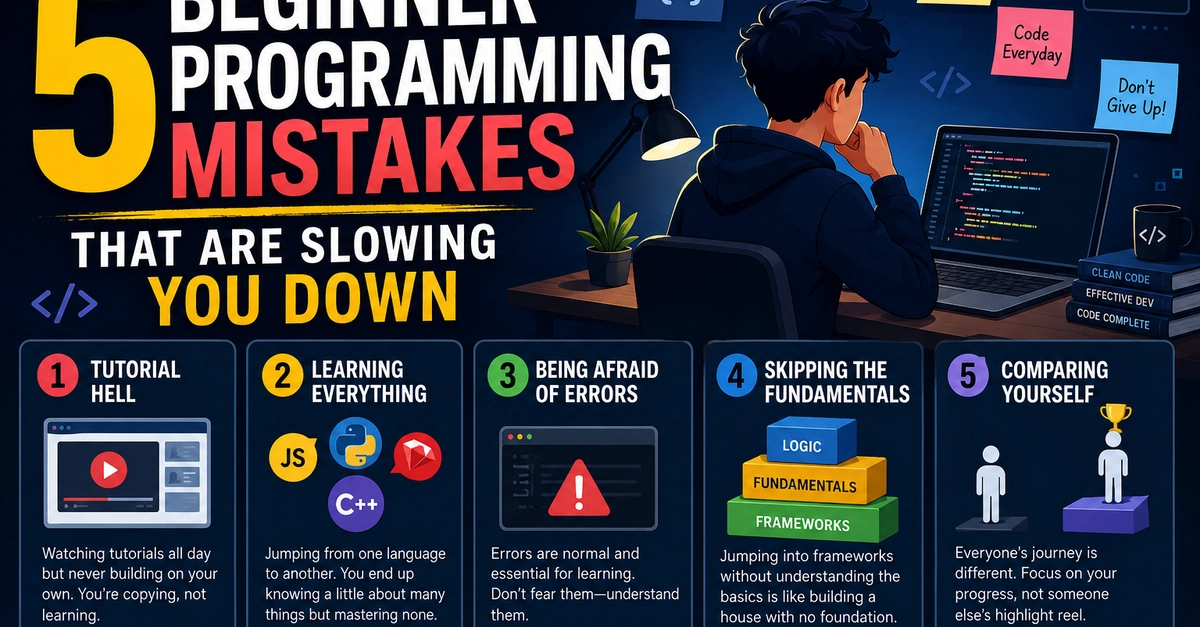
Learning CSS can feel like magic, but it can also be incredibly frustrating. One minute your website looks perfect, and the next minute, a single line of code breaks the entire layout.If you are struggling to get your web pages to look exactly how you want, don't worry. Here are 5 of the most common CSS mistakes beginners make and exactly how you can fix them.
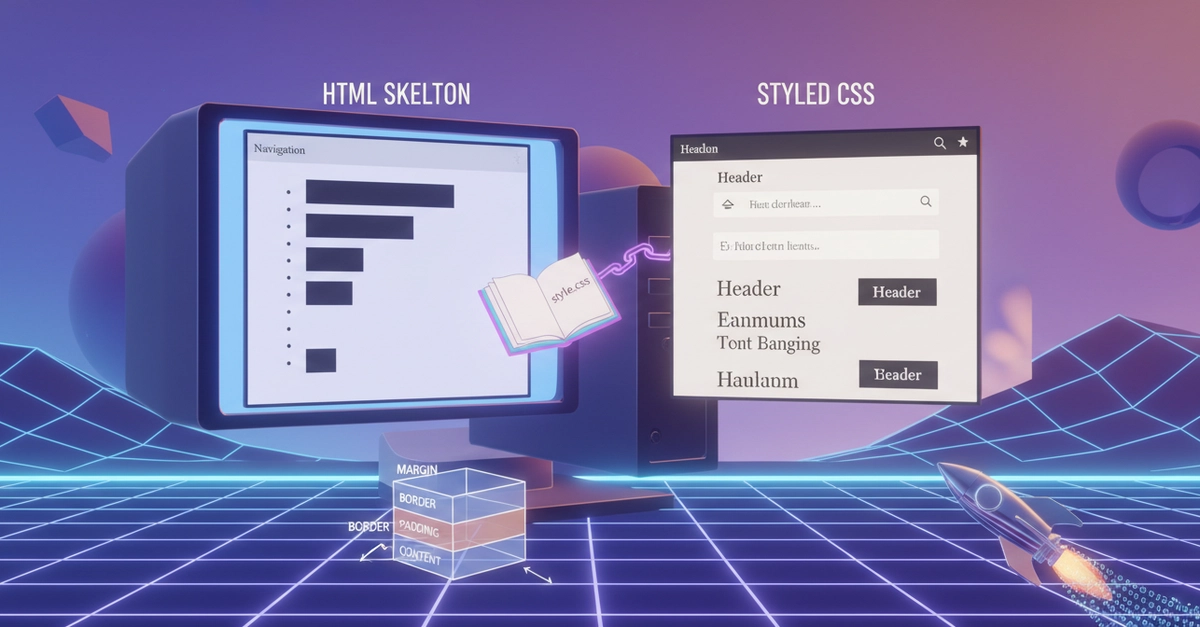
1. Forgetting the CSS Box Model (Adding Padding Breaks Width)The Mistake: You set a box's width to 100%, but as soon as you add padding: 20px; or a border, horizontal scrollbars appear and your layout breaks.Why it happens: By default, CSS adds padding and borders on top of the width you specified. So, 100% width + 20px padding left + 20px padding right = wider than the screen!The Fix: Always use box-sizing: border-box; at the top of your CSS file. This forces the browser to include padding and borders inside the specified width.2. Confusing Block vs. Inline Elements
/* Fix: This will now respect your width and margin settings */
a {
display: inline-block;