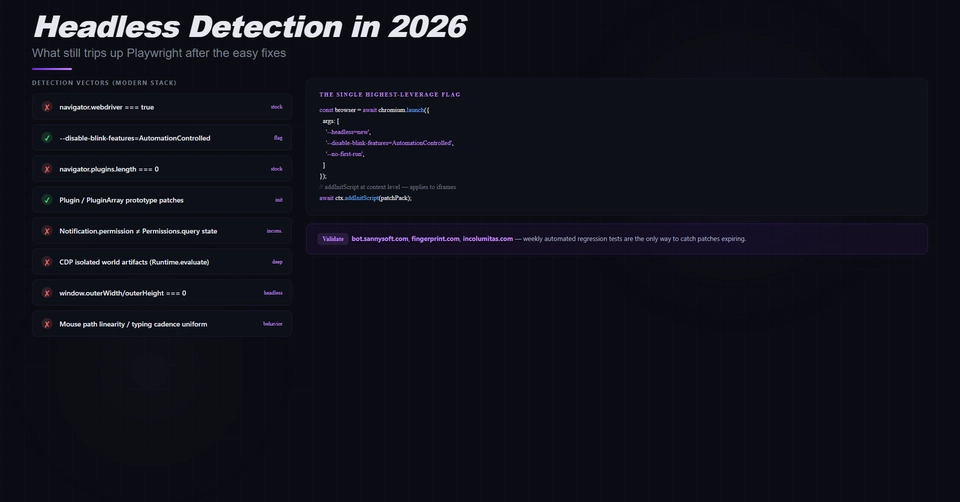
Browser automation tools are convenient until each project quietly downloads another browser. On macOS, Puppeteer and Playwright can each keep several gigabytes of Chromium builds in their caches, even when Google Chrome is already installed and up to date.
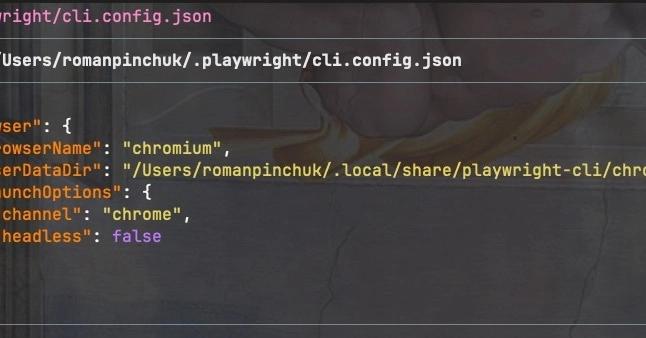
For local automation that only needs Chrome, I use the system browser instead. That reclaimed more than 4 GB on my machine and still lets Puppeteer, Playwright Test, Playwright CLI, and Playwright MCP do their jobs.
This is a local-development optimization, not a replacement for Playwright's pinned browsers. Keep reading for the trade-offs.
Check what is using the space
Puppeteer and Playwright keep their downloaded browsers in separate macOS caches. Check their sizes before deleting anything: