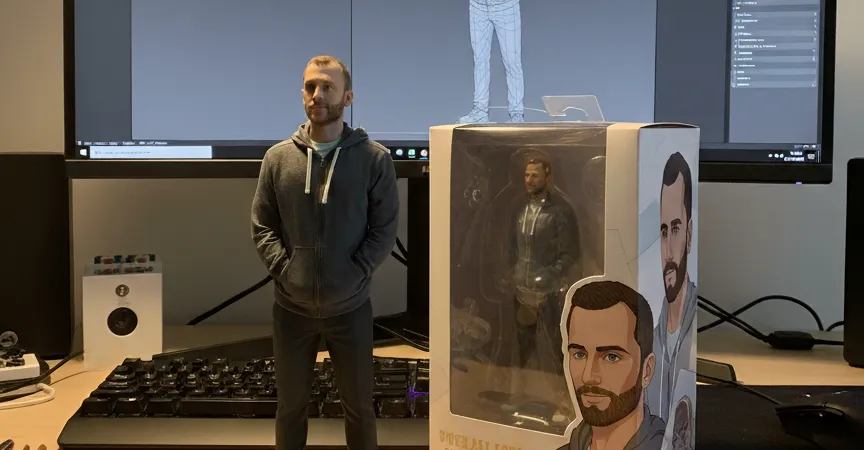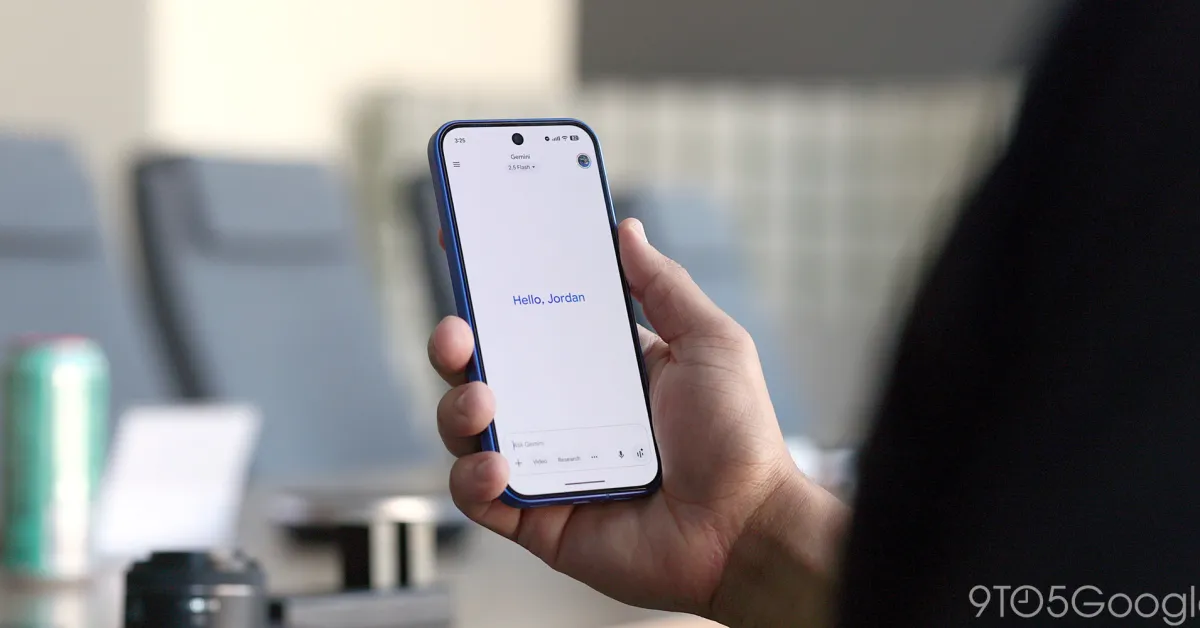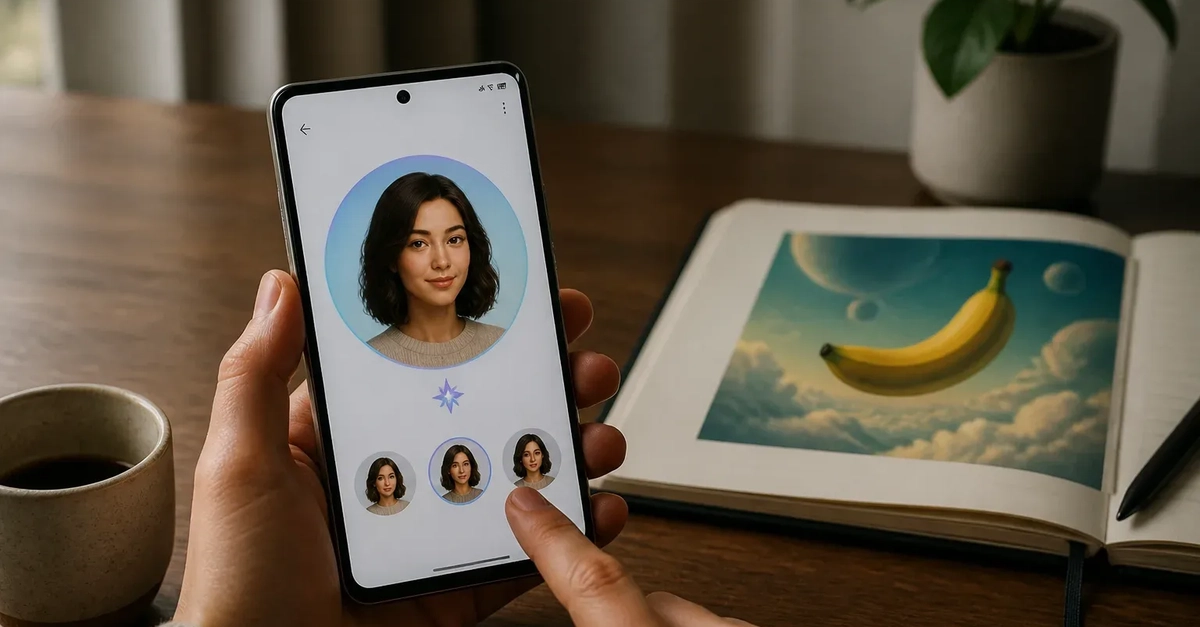
Google Gemini Apps now supports personal avatars that can be inserted into prompts for generated media. Once created, an avatar appears as an @username reference in Gemini and can be used for images made with Nano Banana or videos made with Gemini Omni. The change gives creators a reusable identity reference inside Gemini rather than requiring them to restate or re-upload visual context for every output.
The feature is part of a wider personalization push around Nano Banana. In a separate announcement about Personal Intelligence and Nano Banana personalization in the Gemini app, Google described using connected context and Google Photos to make image generation more personal. The two capabilities are related, but they serve different roles: avatars create a reusable representation of a person, while Personal Intelligence and photo linking can provide broader context for image creation.
How Gemini Apps avatars work
Google's Gemini Apps help documentation says users can create an avatar by recording their face and voice, or by uploading image references depending on the creation flow. After setup, the avatar can be called into a prompt using its @username. Google specifically identifies two supported generation paths: Gemini Omni for video and Nano Banana for images.