(Image credit: Tom's Hardware)
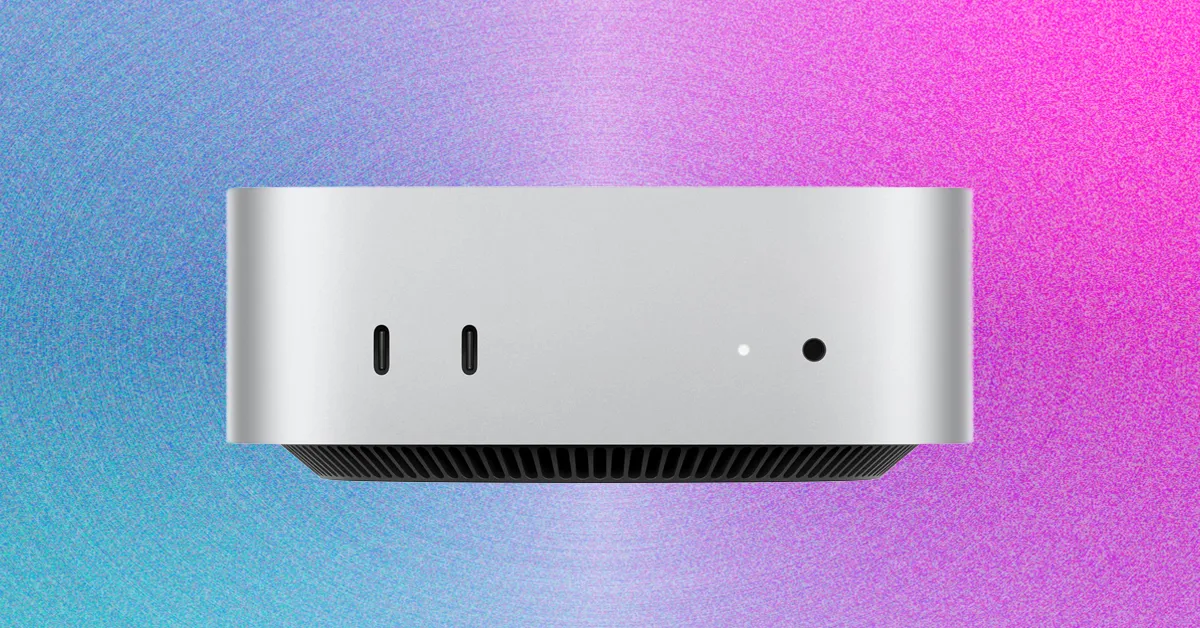
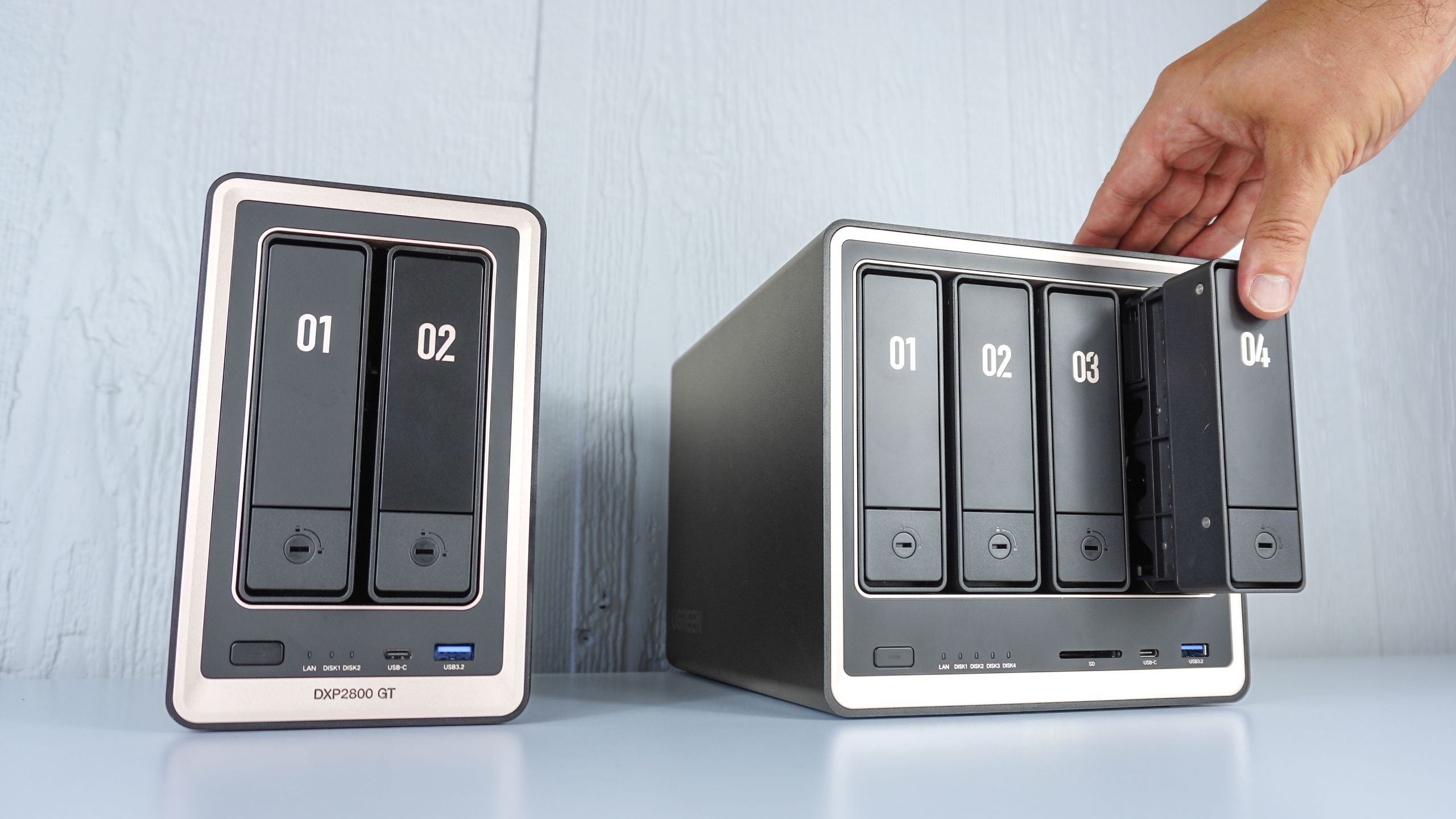
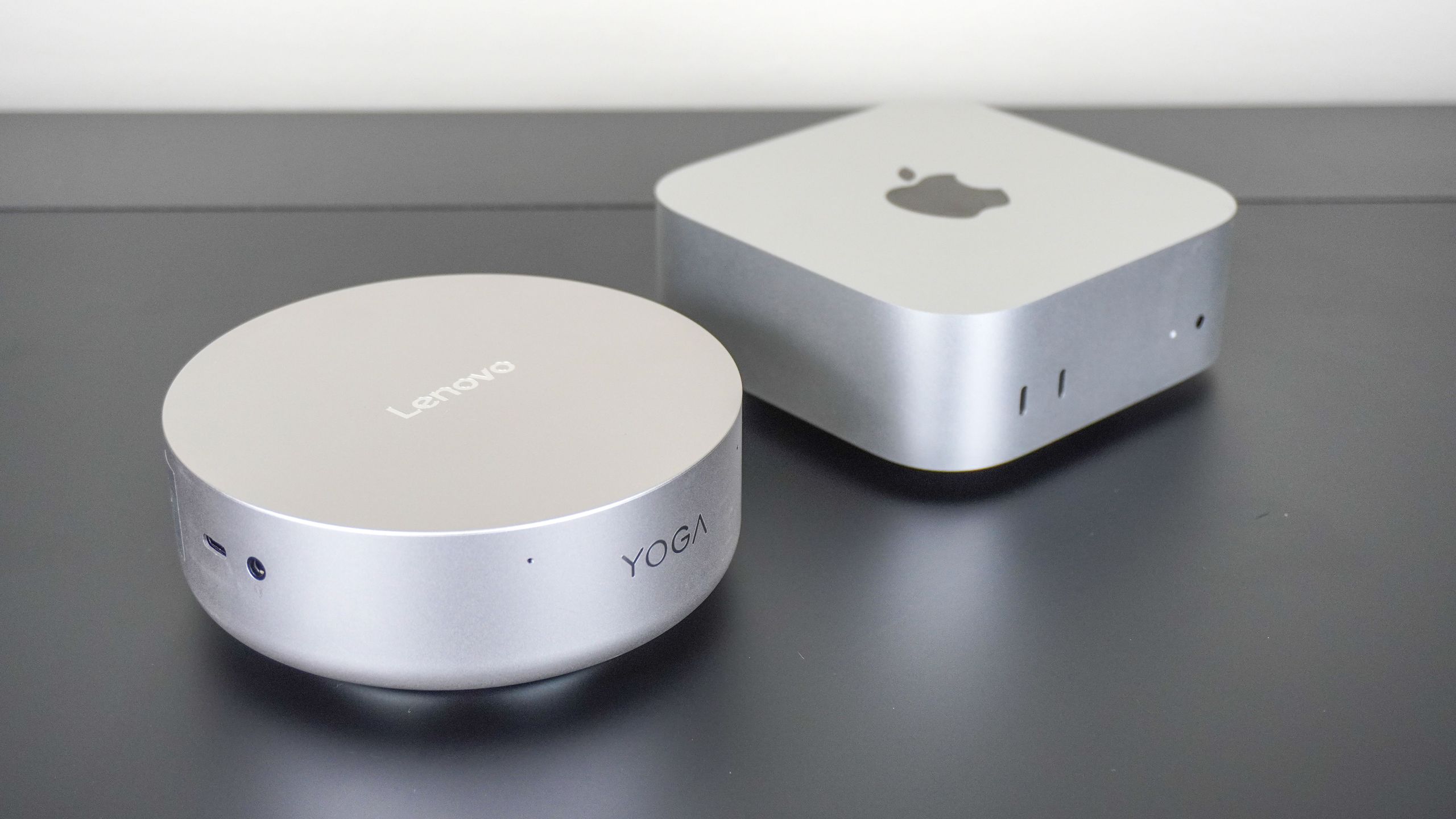
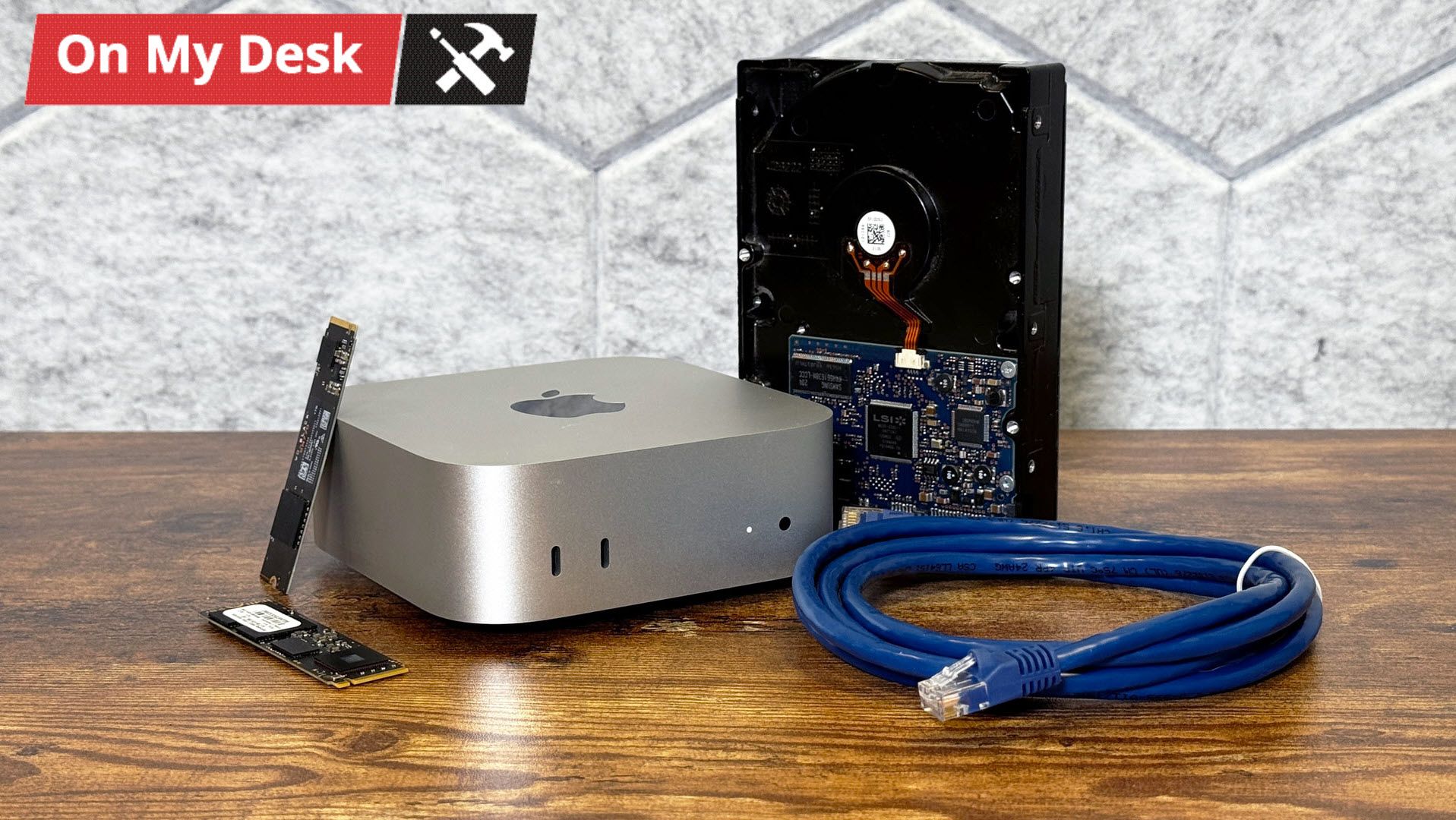
When I had a kid, I found myself taking a lot more photos. When a baby lies on its back considering a ceiling fan for half an hour, you can suddenly find yourself with dozens of cute shots. And it doesn't stop when they grow up.At a certain point, this bounty of photos weighed on me. I would look at my photo library on my phone or computer and worry about what would happen if something went wrong. It was time for a backup methodology more advanced than plugging in an external drive a few times a month.At first, I thought about a NAS, which seemed like the obvious solution. But as I researched (and saw how expensive HDDs are these days), I opted for a mini PC. I was lucky enough to score a Mac Mini with M4, 16GB of RAM, and 256GB of storage on Apple's refurbished store a few weeks before the company raised its prices. The best time to buy it would have been at $399 on sale at MicroCenter. The second best time was when I did it.An M4 Mac Mini is overkill for my project. M1 would've done the job. Any number of older Intel- or AMD-based mini PCs would've been sufficient, and most homelabbers rely on Linux or even Windows for a reason. The M4 will future-proof this machine. It is, though, admittedly funny to me that one of the most powerful computers in my home is running headless in a closet.But the Mac has other benefits. For one, my home has a lot of Apple products in it. While I'm equally comfortable with Windows and macOS, my wife is exclusively in Apple's ecosystem. So when I realized I would want this system to back up her photos and documents too, making that easy was important. I'm able to access it from either my MacBook Pro or my custom-built PC over VNC or SSH on the command line. There are a few other benefits of using macOS if you have other Apple devices in your home.My overkill hardwareThe M4 Mac Mini is far more than this project needs. But on the plus side, it should see support for a long time. And frankly, getting one during the shortage was just kind of a thrill.The 256GB of storage is being used exclusively for the operating system and any applications. All of my actual data is on a series of external drives, most of which I already had lying around. That includes a 4TB PCIe NVMe SSD and 2TB PCIe NVMe SSD in enclosures (the former with Thunderbolt 3). But I also wanted a spinning hard drive for longer-term storage. For that, I opted for a Seagate FireCuda Vault X, which isn't the cheapest option, but can connect over USB-C bus power without the need for external power.Get Tom's Hardware's best news and in-depth reviews, straight to your inbox.All of this is hidden on the top shelf of a closet. This isn't the ideal space, but it's the only one that will work. I live in an apartment, and that closet is where the sole Ethernet connection comes in. I already had my router and modem there. I've hooked up the Mac Mini to the router, connecting it to my home network.