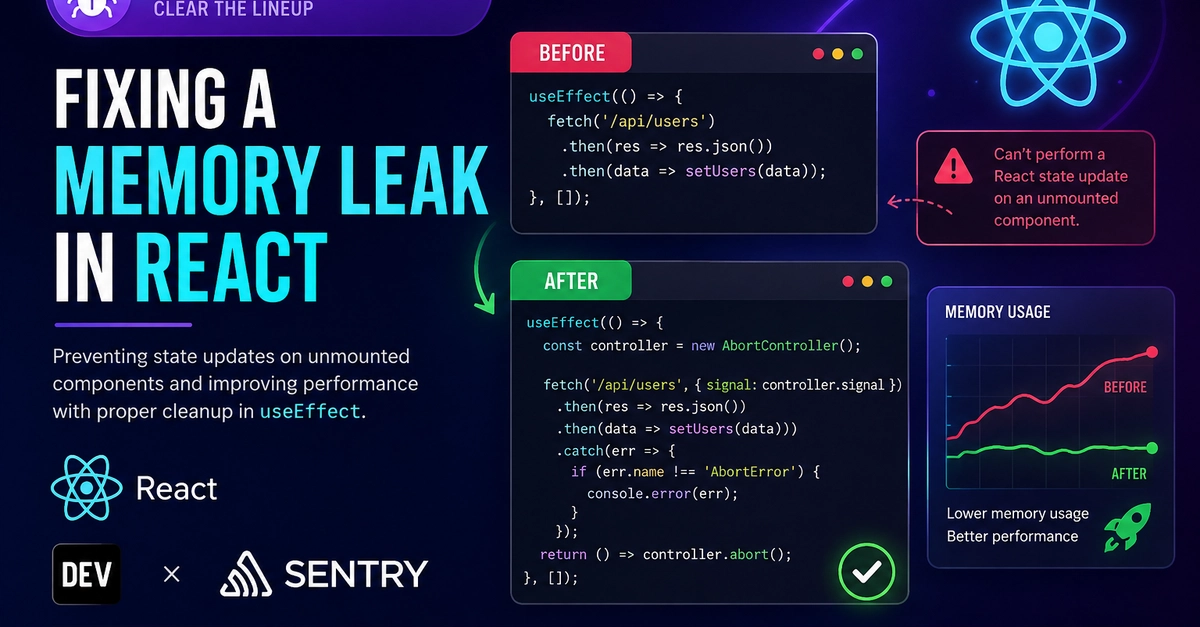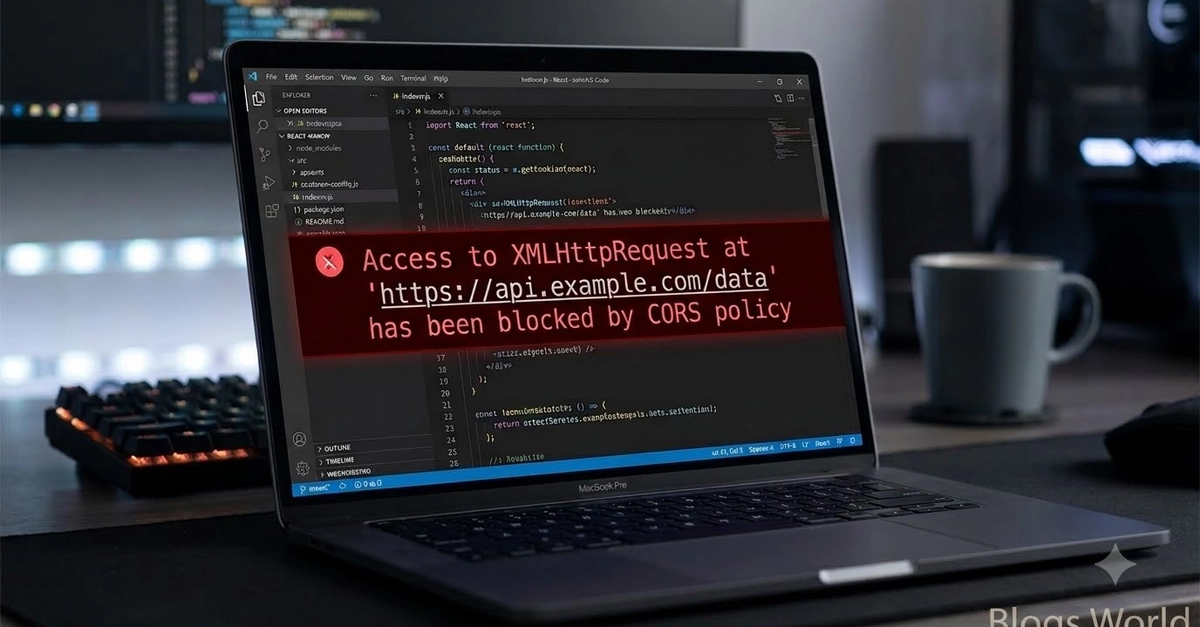
When designing effective error handling for React apps, the troubleshooting information you collect and display is critical. React errors can stem from a variety of causes, including user misconfiguration, backend and network issues, and mismatches in browser environments. Instrumenting your code to log critical context, including feature names, user data, and session activity, enables you to quickly identify where these errors originate.
In this post, we’ll explore how you can configure better React error reports for faster troubleshooting, covering:
Tracking errors in ReactEnriching errors with external contextSanitizing error messages to prevent data leaksMonitoring errors through Datadog Error Tracking
Error tracking in React: Error boundaries and more
Figuring out the scope of your error collection is often difficult: too granular and you risk errors slipping through the cracks or generating meaningless noise; too broad and your errors aren’t specific enough to be useful. To log React errors effectively, you’ll want to track them at the render, business, and global level.