(Image credit: Tom's Guide)
A core reason you’d want one of the best gaming laptops is to play your favorite PC games on the go. However, your experience with AAA games won’t be great on battery power. Not only will you generally get less than two hours of gameplay, but you'll suffer severe drops in frames per second (FPS). This is why most users keep their gaming laptops plugged in during use.But what if you’re itching to play a game and there’s no wall outlet in sight? Are you stuck playing for just a couple of hours at 30 frames per second or lower? Not necessarily, so long as you make various adjustments to the laptop and game. Though the results won't always match what you'd get when plugged in, you’ll have a smoother gaming experience.If you want to squeeze as much performance as possible from a gaming laptop running on battery, I’ll show you how!On battery vs plugged in
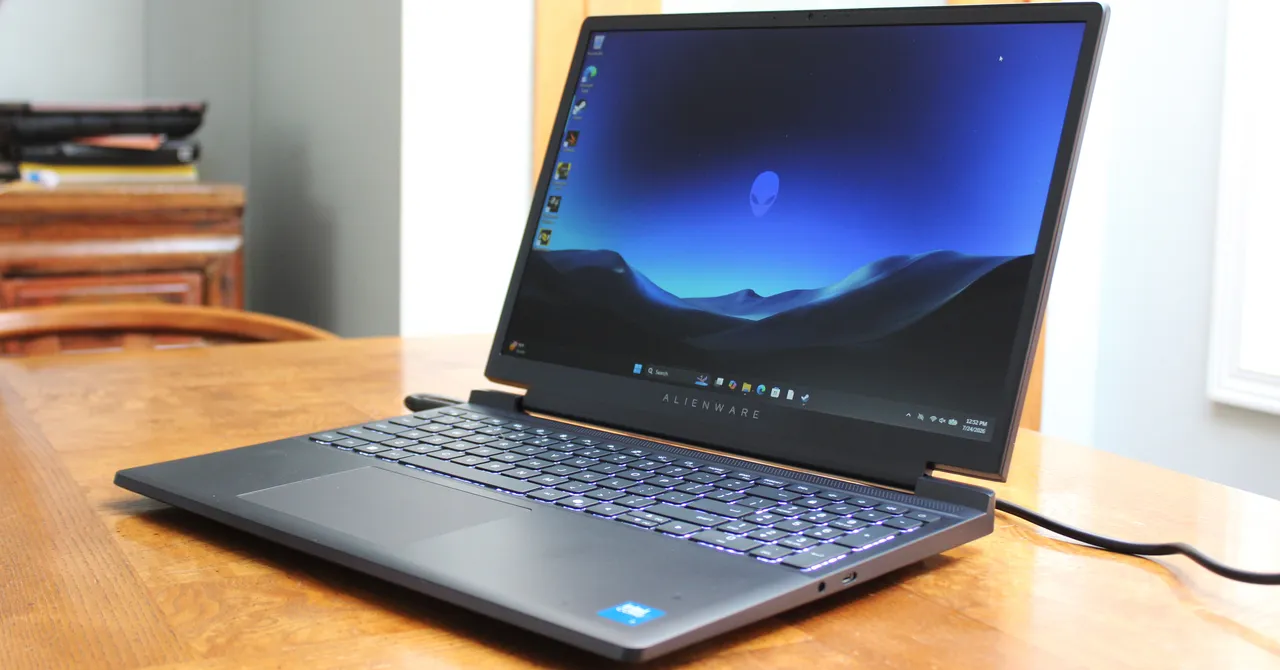
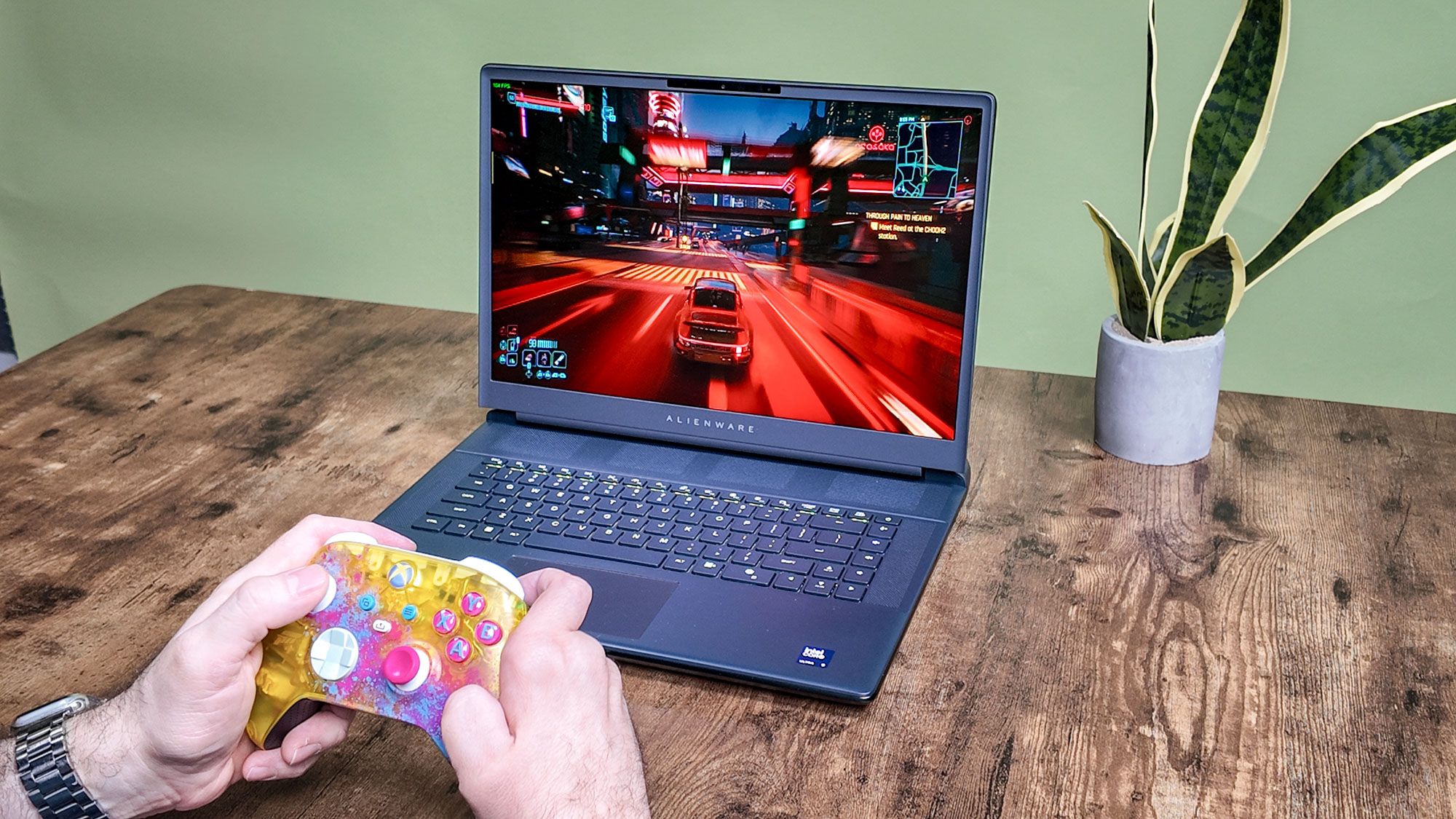
(Image credit: Tom's Guide)Generally, a battery provides around 40 to 90 watts of power, whereas a wall charger can provide 100 to 200+ watts. That extra power allows laptop components like the GPU and CPU to run more efficiently, delivering smoother gaming performance. However, on battery power, operating systems automatically switch to low-power or balanced profiles, which lowers frame rates and screen refresh rates.There are also safety reasons. Drawing too much power too quickly from a battery can generate excessive heat and damage the cells. Laptops also slow the CPU and GPU on battery power to prevent overheating. When you connect a laptop to a wall outlet, your computer knows it has an endless energy supply and removes all the speed caps.I ran Cyberpunk 2077 on the Alienware 16 (2026) on both battery power and while plugged in to show you the difference. At default graphical settings and native 2560x1600 resolution, the game ran at around 110-120 fps while I was on foot and around 90-100 fps when I drove through the city center. Unplugged, Cyberpunk 2077’s frame rate dropped to the 70s on foot and to around 55 on the highway.