How to Set Up a Professional Python Development Environment
tags: python, tools, productivity, beginners
How to Set Up a Professional Python Development Environment
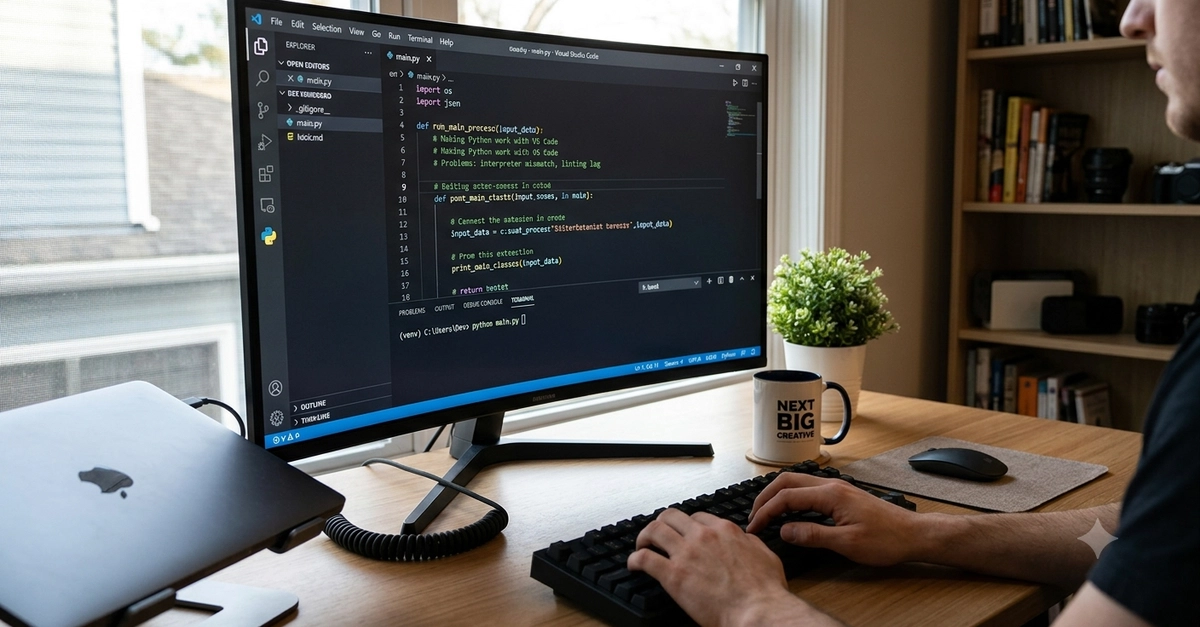
You’ve written your first print("Hello, World!"), but now you’re staring at a messy terminal, conflicting package versions, and code that breaks every time you switch projects. That’s the difference between a hobbyist and a professional: a reproducible, isolated, and tooling-backed environment. Setting this up today saves you hours of debugging tomorrow and makes your code ready for collaboration, testing, and deployment.
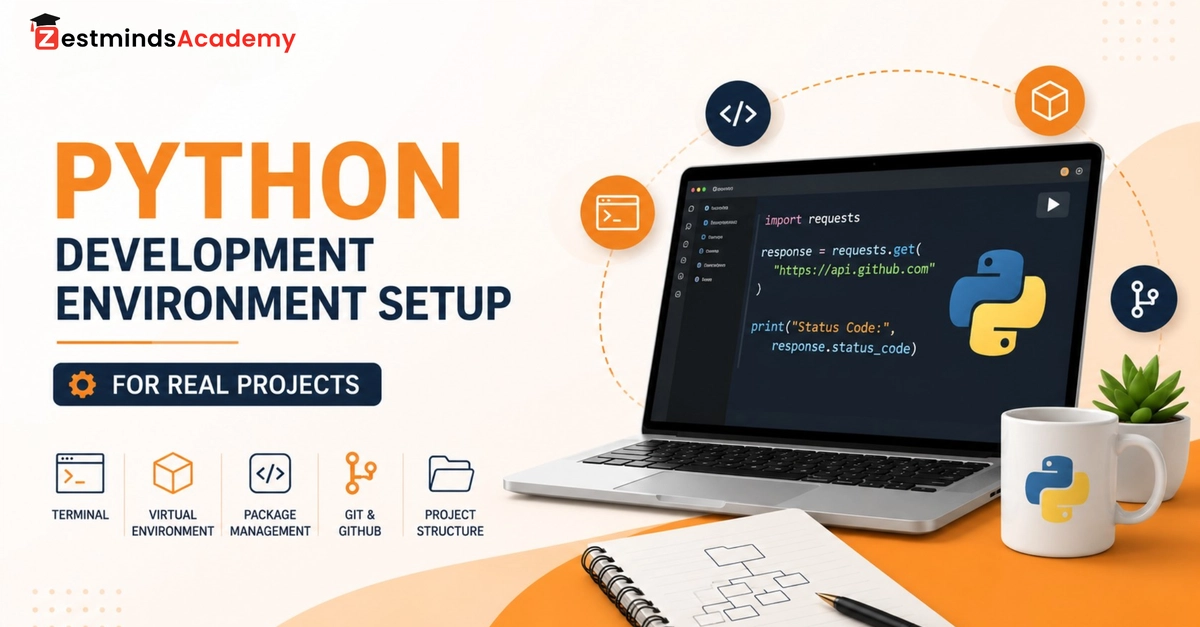
Let’s build a professional Python development environment that works on Windows, macOS, or Linux—using tools you’ll actually use in real jobs.