If you've ever shipped an app to Google Play, you know the feature graphic dance: open Figma, make a 1024×500 canvas, flatten it, export, upload, get rejected because Play says "no transparency," re-export, upload again, then repeat the whole thing for the icon, the phone screenshots, and the tablet screenshots.
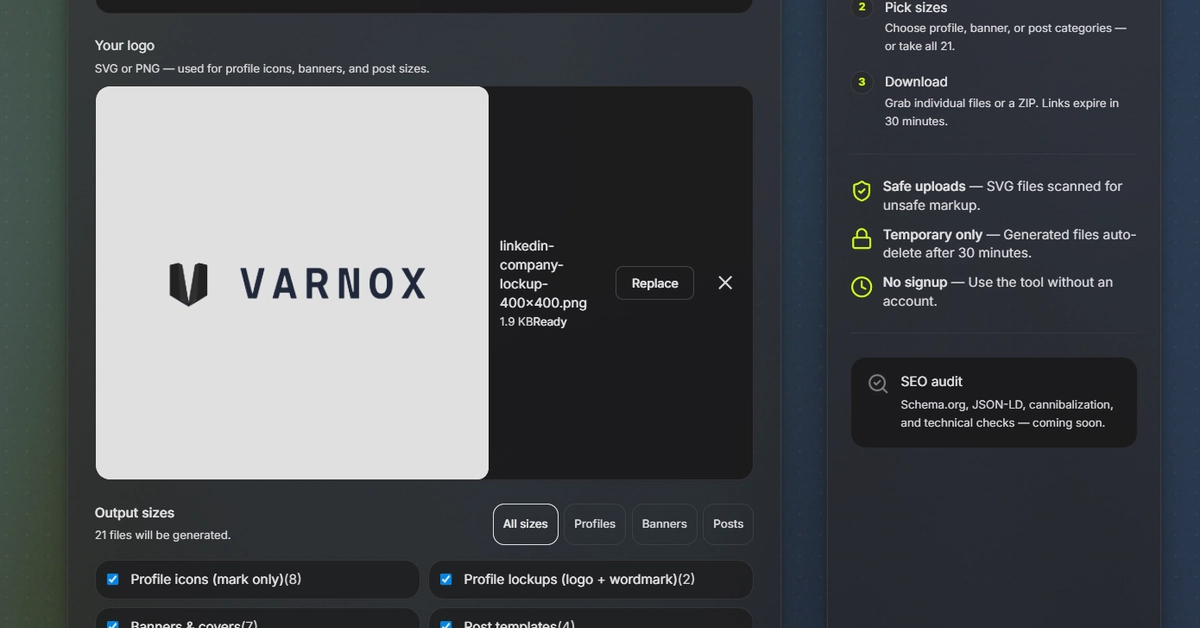
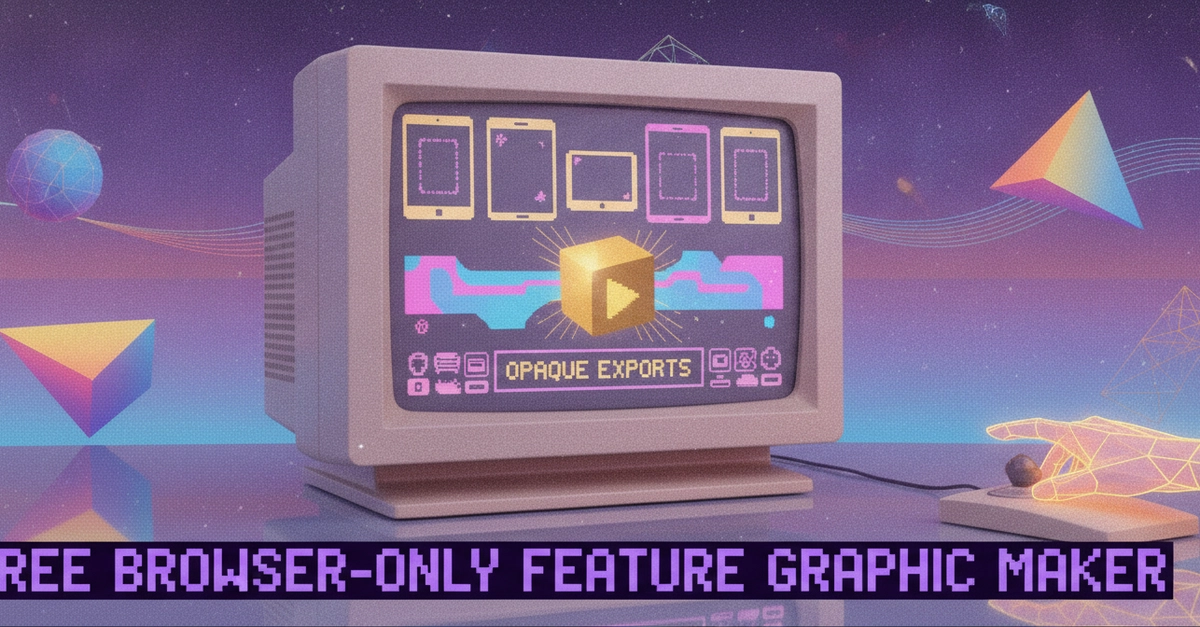
I went looking for a way to skip most of that and landed on Resizo's Feature Graphic Maker — a free, no-signup, browser-only tool built specifically around Play Store and App Store asset requirements. I want to walk through what it actually does, because a few of the design decisions are genuinely clever from an engineering standpoint.
The problem it's solving
A Google Play feature graphic has a very specific, very unforgiving spec: 1024×500 px, 24-bit PNG or JPEG, no alpha channel, under 15 MB. That "no alpha channel" part is the silent killer. Export a PNG from Figma, Illustrator, Photoshop, or Canva and it keeps an alpha channel even when every pixel is fully opaque. The file looks fine locally. Play rejects it on upload. You won't even get a clear error pointing at transparency — you just get a rejection and have to go figure out why.
Resizo's approach to this is structural rather than a warning banner: the editor composites a background layer — solid, gradient, or photo — underneath everything else before it draws anything, and the export renders that whole stack onto an opaque canvas. There's no "none" option for the background, on purpose. There's literally no path through the editor that produces a transparent PNG, so a straight export is guaranteed to be something Play will accept on that front.