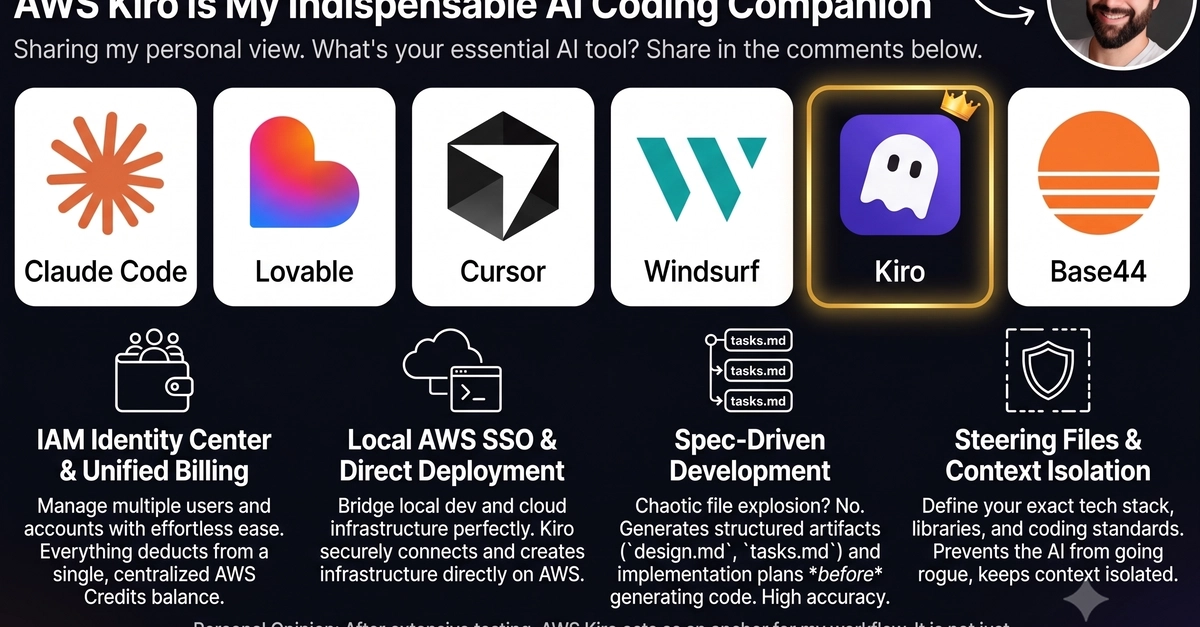
I started using Kiro at work and am incredibly impressed by how it transforms our AI coding workflow. Instead of writing code first and refactoring later (the typical loop with Copilot and ChatGPT), Kiro uses a spec-driven approach.
The Kiro methodology — moving from requirements to technical design to tasks — perfectly solves a challenge I had been trying to fix with GitHub Copilot. I wanted a way to define structured instructions first and then generate the code, but Kiro automates that whole initial planning phase for me.
Below are my first impressions of Kiro after a few weeks of hands-on use. If you are currently using GitHub's AI tool, you can also check out my other article for some great ways to supercharge your workflow with Github Copilot.
What is Kiro?
Kiro is an Integrated Development Environment (IDE) built by AWS on the open-source version of VS Code (Code OSS) - so it combines all the VS Code advantages and extensions with a built-in AI tool optimized for spec-driven development. Unlike traditional AI assistants that generate code from chat prompts, Kiro focuses on specifications first. You define the blueprint, turn it into a clear list of tasks, and then decide whether to run them one by one or all at once.